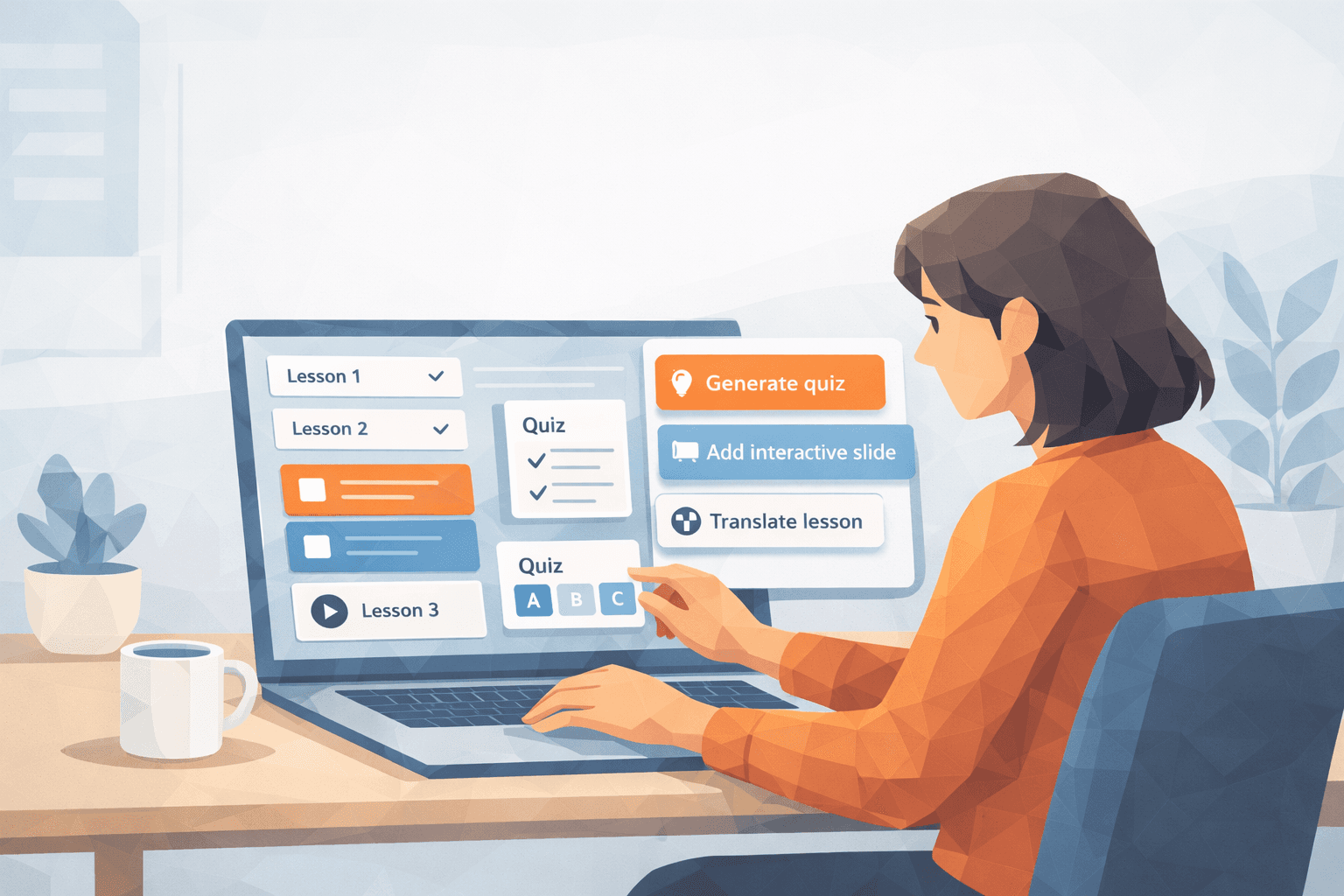
Picture this: You're handed a blank slide deck, a stack of documents, and a mandate to build training content yesterday. If you've been in the L&D world long enough, you know the pain of tight deadlines, information overload, and limited resources. Now imagine having an AI-powered co-pilot who drafts outlines, suggests visuals, builds quizzes, and even adapts your content for different roles or learning styles—in a fraction of the time. Welcome to the world of AI authoring tools.
What Are AI Authoring Tools?
AI authoring tools are software platforms that integrate artificial intelligence into the course creation process. Unlike traditional tools that rely solely on manual input, AI authoring tools assist with content generation, structure, design, assessment creation, and localization. Think of them as a smart assistant for learning professionals: they don’t take your job—they make your job faster, smarter, and more scalable. We actually explored this in more detail in our blog post on how AI and learning designers can coexist—a good read if you're curious how AI can empower, not replace, human creativity.
Common features include:
- Smart content suggestions based on learning objectives
- AI-powered writing assistance
- Assessment generation based on Bloom’s taxonomy
- Localization and translation support
- Predictive analytics and learner insights
How AI Accelerates eLearning Content Development
Let’s break down the specific ways AI speeds up your workflow:
1. Automated Content Generation
With generative AI, instructional designers can input a course topic or learning outcome and receive draft modules, suggested outlines, or even complete lesson content. Tools like Synthesia, and SC Training (formerly EdApp) offer AI-driven prompts to reduce the time it takes to go from concept to course.
For example, instead of manually drafting each lesson for a customer service onboarding module, AI tools can generate an initial draft in minutes, allowing your team to refine rather than build from scratch. A compelling example comes from Forbes’ “How AI And Immersive Training Can Redefine Skill Building”, which illustrates how AI-integrated VR/AR tools can significantly streamline training development while boosting learner confidence and adaptability.
2. Smart Layouts and Design Suggestions
AI can suggest slide formats, media placements, and interactive elements based on your content type. This removes decision fatigue and improves consistency across modules. Tools like Elucidat use layout intelligence to help teams rapidly produce professional-looking courses without the need for graphic designers.
3. AI-Powered Assessments
Creating quizzes no longer needs to be a tedious task. AI can generate assessments aligned to course objectives, complete with multiple-choice distractors and immediate feedback explanations. This supports not just faster creation but better instructional alignment.
4. Localization and Language Support
Multilingual teams? No problem. AI tools like Lokalise and Mindsmith support automatic translation and cultural adaptation, dramatically reducing the turnaround time for global training initiatives.
5. Real-Time Content Adaptation
Some platforms now use AI to tailor content dynamically based on learner behavior, offering reinforcement in areas where users struggle. This is especially valuable for compliance training, where understanding matters more than box-checking.
Why Learning Designers Love It
AI authoring tools are becoming increasingly essential for learning professionals, as they enhance productivity, creativity, and scalability without replacing instructional expertise. When content needs to be delivered quickly and at scale, these tools offer the kind of support once reserved for large L&D teams. Here's why more and more instructional designers are adopting AI into their workflows:
- Time-Saving: AI can generate first drafts, recommend formats, and automate quizzes, allowing learning teams to produce high-quality content in a fraction of the usual time. This means faster rollouts for onboarding, compliance training, or skills development.
- Enhanced Collaboration: Subject matter experts often have limited time. AI tools let SMEs share rough bullet points or insights, which are then transformed into structured, engaging lessons by AI—freeing up both the SME and the designer.
- Quality Control: Built-in frameworks support best practices in instructional design, suggesting improvements and flagging inconsistencies. This helps maintain a consistent learner experience across multiple modules or even entire curricula.
- Scalability: Whether you're working with a handful of learners or an entire workforce, AI tools can adapt your content to different formats, devices, or even languages without adding production overhead.
What to Look for in an AI Authoring Tool
Not all AI tools are created equal. While some prioritize speed and simplicity, others demand more technical setup or limit creative flexibility. When choosing the right tool, learning architects should focus on features that support sound instructional design and align with organizational goals:
- User-friendly interface that supports fast onboarding for both designers and subject matter experts. Intuitive navigation and minimal learning curve can make or break adoption.
- Human-in-the-loop control over AI-generated content, ensuring learning professionals maintain creative and instructional authority over the material.
- Customization and flexibility to match your brand voice, content structure, and visual identity. Look for tools that allow editing at both macro and micro levels.
- Compliance readiness, including SCORM, xAPI, and LTI support, to enable seamless integration with existing LMS platforms and tracking systems.
- Clear AI usage policies to protect learner data, content ownership, and intellectual property rights. Transparency matters, especially when working in regulated industries.
- Support and community resources such as documentation, templates, or user forums that help teams stay productive and informed as the platform evolves.
How Mindsmith Supports AI-Accelerated Development
Mindsmith is built with today’s learning designers in mind, those juggling multiple projects, tight timelines, and the demand for engaging, scalable training. Its AI-powered features are designed to streamline course creation without sacrificing instructional quality or creative control.
Key capabilities include:
- AI-powered smart prompts to convert bullet points or outlines into structured microlearning content with ease
- **Adaptive quiz builder** that tailors assessments based on learning goals and difficulty levels
- Multilingual authoring and localization tools that support culturally appropriate translations for global teams
- Instant course previews and customizable shareable links to collect stakeholder feedback before finalizing deployment
Whether you're building leadership training, DEI modules, compliance courses, or onboarding programs, Mindsmith accelerates every stage of the process—from ideation to iteration to impact.
What to Watch For and What’s Next
While AI authoring tools are transforming how we create content, they’re not without quirks. Even the best platforms need thoughtful oversight to avoid common pitfalls:
- AI hallucinations – Occasionally, AI may generate content that sounds accurate but isn’t. It’s smart, not infallible—always review for factual accuracy.
- Bias in outputs – Language models can reflect biases in their training data. It’s essential to review content for inclusivity, fairness, and cultural sensitivity.
- Loss of human nuance – AI speeds up production, but it doesn’t replace storytelling, empathy, or instructional intuition. These human elements are especially vital in leadership or DEI training.
That said, the future of AI in learning design is bright. Features like AI-generated narration (sometimes called voice cloning), adaptive storytelling, and generative video are quickly moving from experimental to practical. When used ethically, voice synthesis can help scale audio content without sacrificing consistency or clarity. But even with these innovations, AI should remain a collaborative partner, not the sole author
Conclusion
AI authoring tools aren’t here to take over. They’re here to elevate what learning professionals do best: design meaningful, scalable experiences. With the right tool in hand, you can meet growing demands without burning out your team.
Curious what that looks like in action? Try Mindsmith for free and discover how fast, flexible, and intuitive content creation can be.