Turn a recording into a lesson people finish
Most video tools stop at hosting the file and counting who pressed play. Mindsmith watches your footage, writes the transcript, and rebuilds it as a lesson with questions and branching built in. It is the training video software behind more than 200,000 hours of learning every month.
Join 16,000+ eLearning Designers






We started with the footage, not the player
Most video tools treat a recording as a file to keep somewhere. You upload it, a learner presses play, and what comes back is a number saying the video was watched. We built Mindsmith the other way around. Our agent watches the footage first, transcribes it, and rebuilds it as a lesson with questions, branching, and a summary the learner can act on.
So a recorded all-hands can come out the other side as onboarding, and a screen capture of your product becomes a walkthrough people click through instead of sit through. When there is no footage to start from, write the script instead. Mindsmith generates the video from it, with an AI presenter and narration, so nobody has to book a studio.
That is the part learners feel. People spend more than 200,000 hours learning inside Mindsmith every month.
The agent watches the whole thing
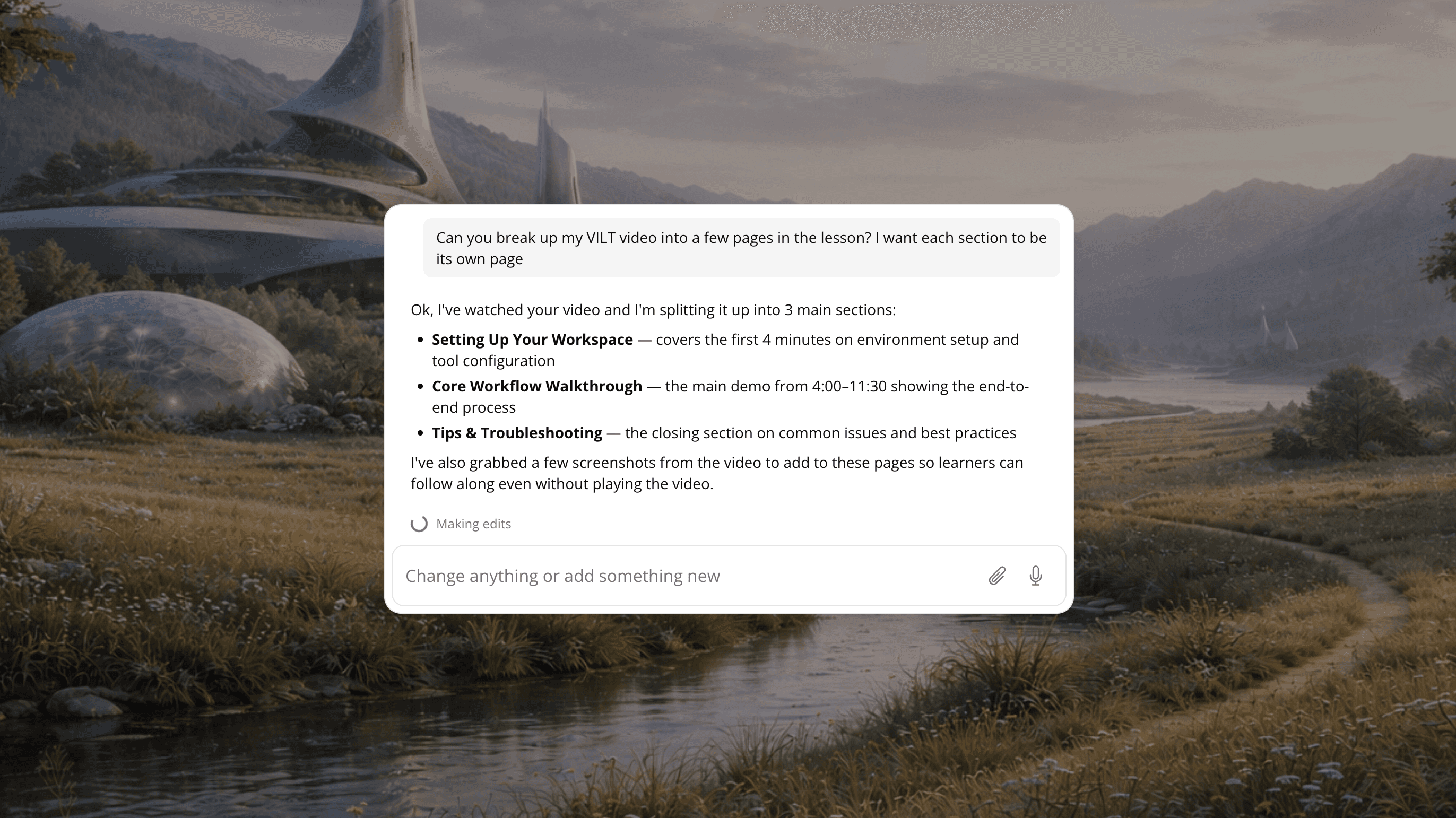
Upload a recording and Mindsmith's agent watches it all the way through, transcribes it, and indexes what it finds. Ask for a clip and it gives you the timestamp. Ask for a screenshot and it pulls the frame. It will quote a line, flag the moments worth keeping, and split an hour of footage into scenes. Then you tell it what to build.
Full courses
One recording becomes a whole course. A long video gets split into chapters, and each chapter becomes its own section with the summaries, visuals, and knowledge checks already placed.
Learn moreBranching scenario
Turn a recorded role play or a customer call into a branching experience the learner steers.
Learn moreSoftware simulation
Upload a screen recording and the agent rebuilds it as a walkthrough people click through.
Key moments
The agent marks the segments that matter and builds a highlights reel with questions attached.
Bring video in however you have it
Upload a file, paste a YouTube or Vimeo link, record your screen in the browser, or pull royalty-free footage from Pexels. However it arrives, it lands in the same player, with captions, speed controls, and completion tracking already switched on.
- Upload video files directly
- Paste a YouTube, Vimeo, or embed URL
- Screen recording in the browser, with pause and resume
- Royalty-free stock video through Pexels
- A player with captions and speed controls
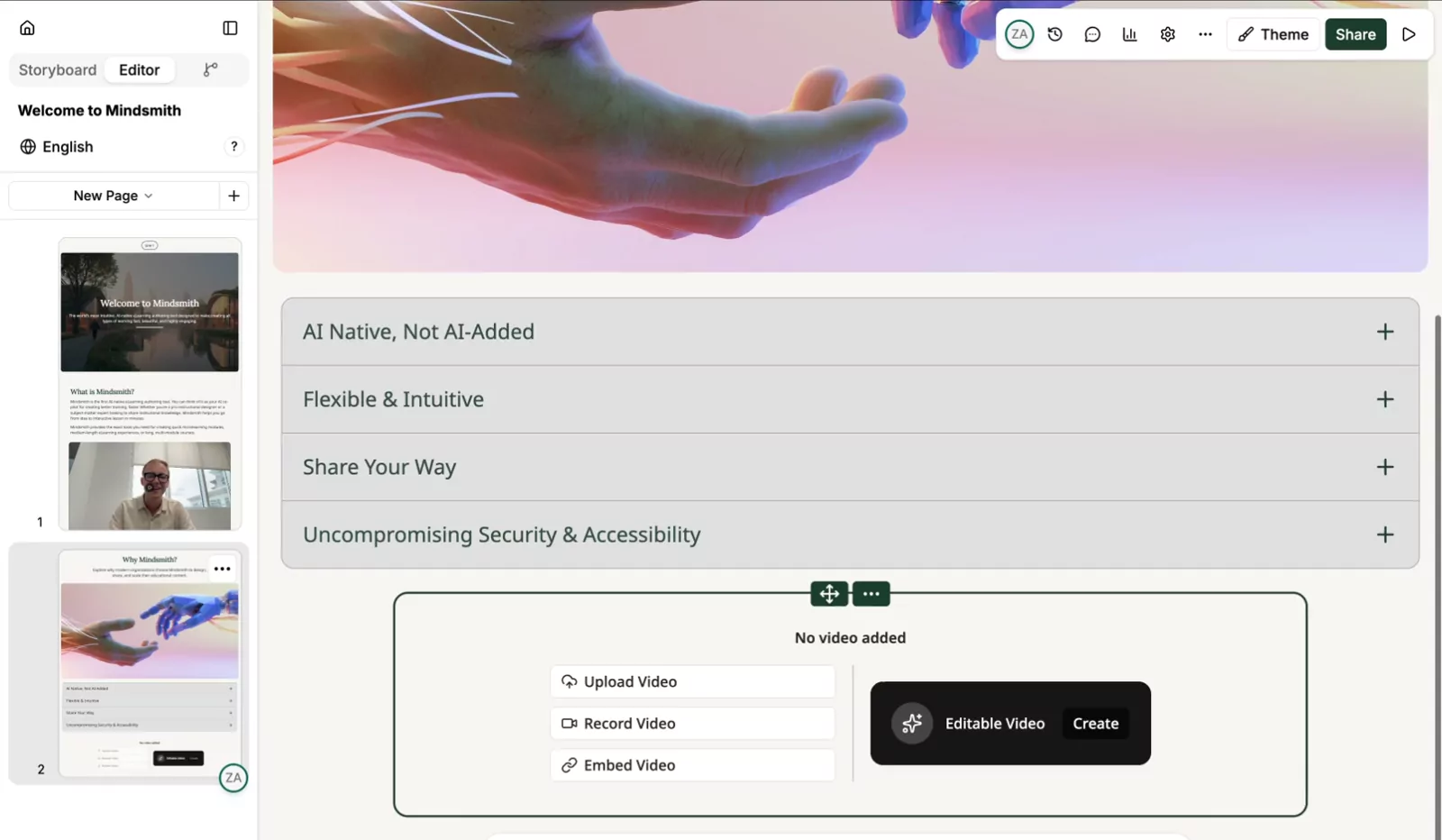

Generate the video from a script
Write what the presenter should say, then pick who says it. There are 30+ AI avatars, photo-based and animated, and each one can carry its own voice. Narration comes from 100+ ElevenLabs voices, works on any lesson page rather than only the video, and gets regenerated in the new language whenever you translate the lesson.
- 30+ AI avatar characters, each with its own assigned voice
- 100+ ElevenLabs narration voices across many languages
- Narration regenerates when the lesson is translated
- Screen recording built into the editor
Captions that show up on their own
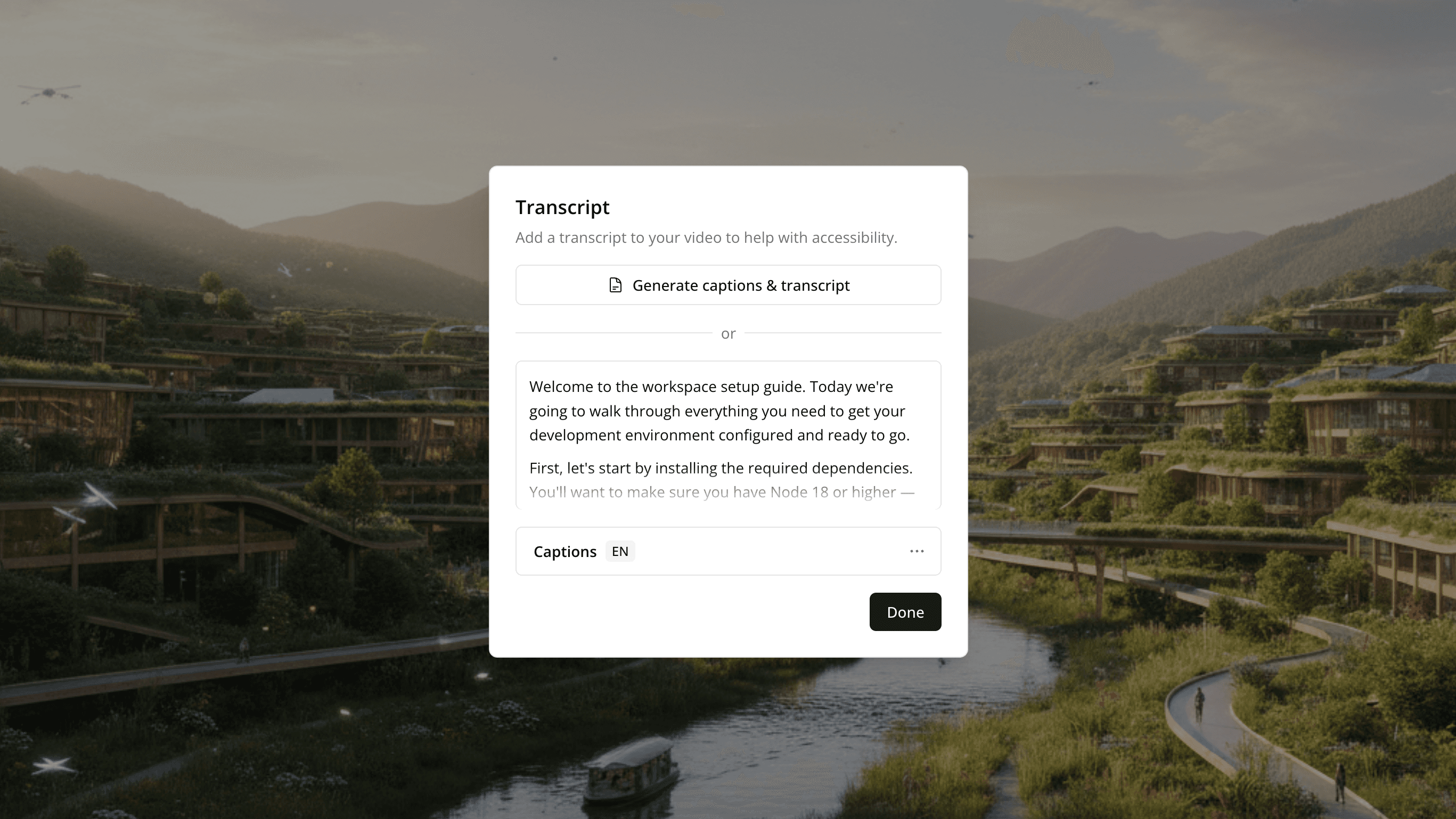
Every video gets a transcript as soon as it lands. The transcript becomes WebVTT captions a learner can toggle, and both travel with the lesson when you translate it. Search runs across the whole library, so you can find a video by what someone said in it.
- Transcription from any video source
- WebVTT captions with smart sentence breaking
- Captions translate with the lesson
- Full-text search across every transcript
Traditional video production vs. Mindsmith
Recording the footage is the easy part. Turning it into something a learner engages with is the harder job, and that is where most training video tools stop.
| Task | Traditional video production | Mindsmith |
|---|---|---|
| Getting footage in | Export from a camera, then upload and convert files by hand | Upload a file, paste a YouTube or Vimeo link, record your screen, or pull stock clips from Pexels |
| Making it interactive | Video plays start to finish with no way in | AI rebuilds the video into a lesson with questions, branching, and key moments |
| On-camera talent | Book a presenter, a camera, and an edit | Generate a talking-head video from a script with 30+ AI avatars |
| Narration | Record voiceover in a booth or hire a voice actor | Add AI narration in 100+ ElevenLabs voices across many languages |
| Captions and transcripts | Send footage out for manual transcription | Auto-generated transcripts and WebVTT captions on every video |
| Other languages | Re-record or re-caption for each market | Captions and narration translate with the lesson in one click |
| Tracking | A play count, if that | Completion and engagement tracked per learner |
Comparisons describe common patterns in traditional video workflows, not any specific product.
Questions about video in Mindsmith
Trusted by leading
eLearning teams
“The biggest draw for me is the flexibility and scalability Mindsmith offers. It's something I've never seen before in a learning platform. This tool has significantly improved my workflow.”
Satarla
Miranda