Organize your Media Library with folders
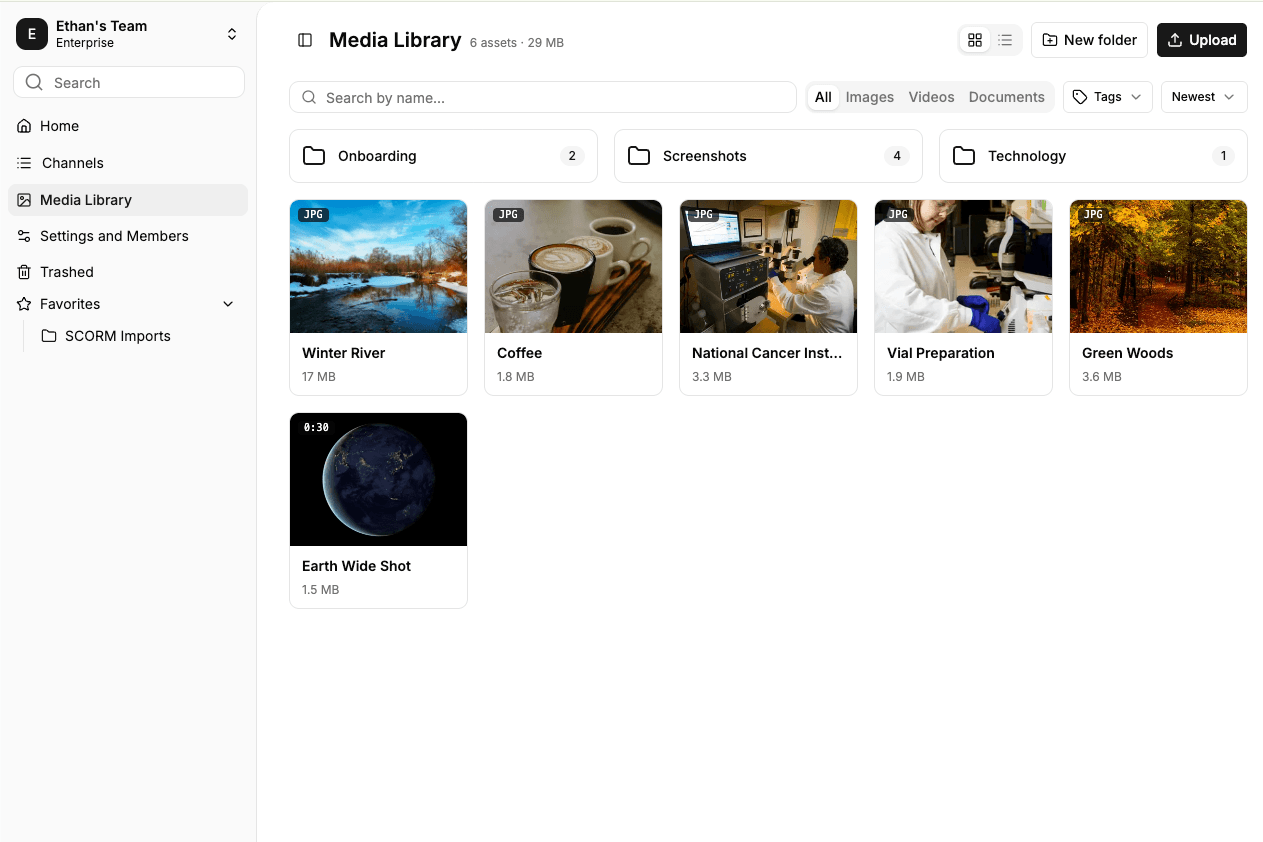
Create folders up to three levels deep in the Media Library, move assets between them, and browse the same folders wherever you pick media in the editor.
Read moreProduct Updates
The latest features, improvements, and updates to Mindsmith.
Create folders up to three levels deep in the Media Library, move assets between them, and browse the same folders wherever you pick media in the editor.
Read more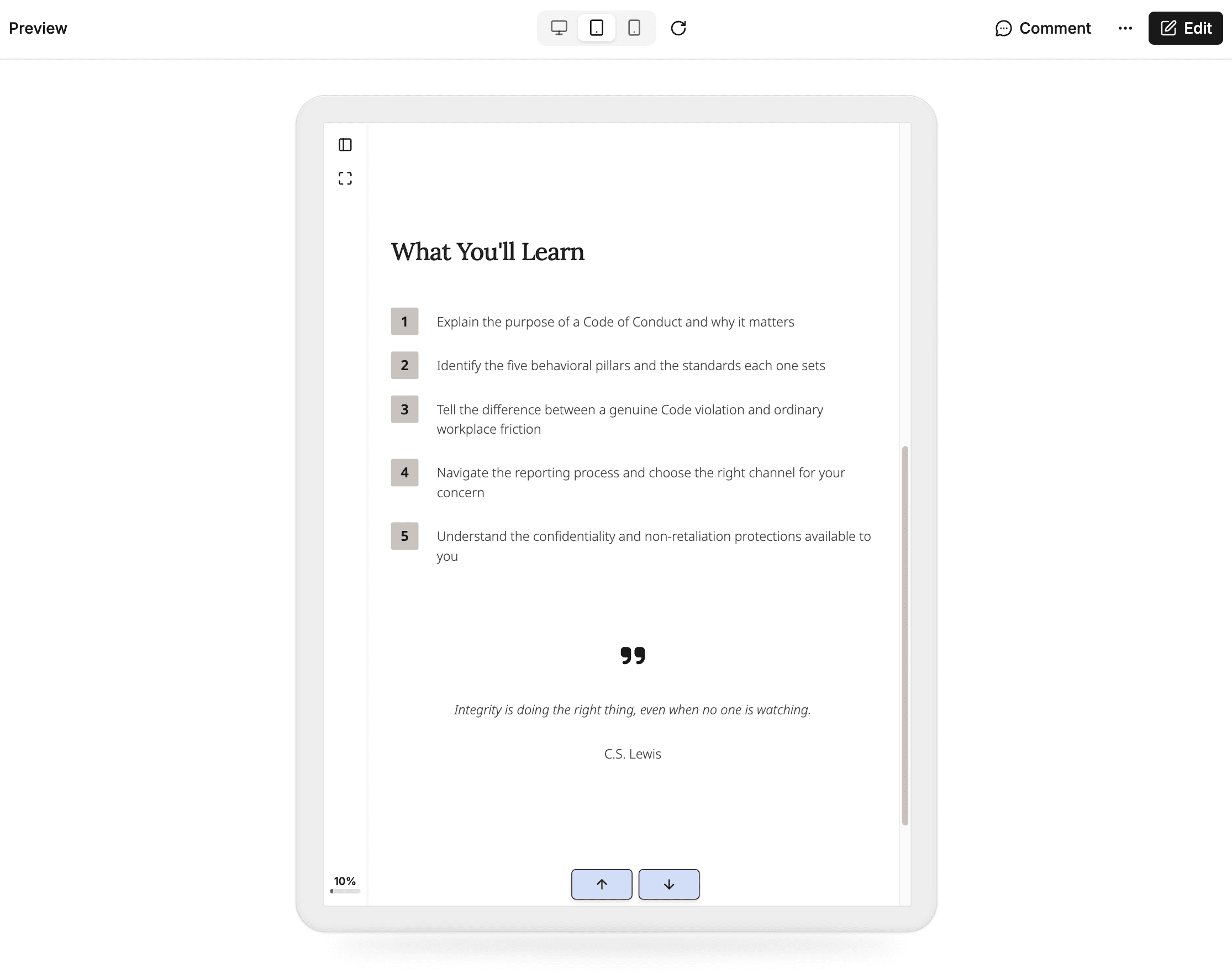
Lesson and course preview now have a device toggle for Desktop, Tablet, and Phone, with rotation, so you can check a layout at each screen size.
Read more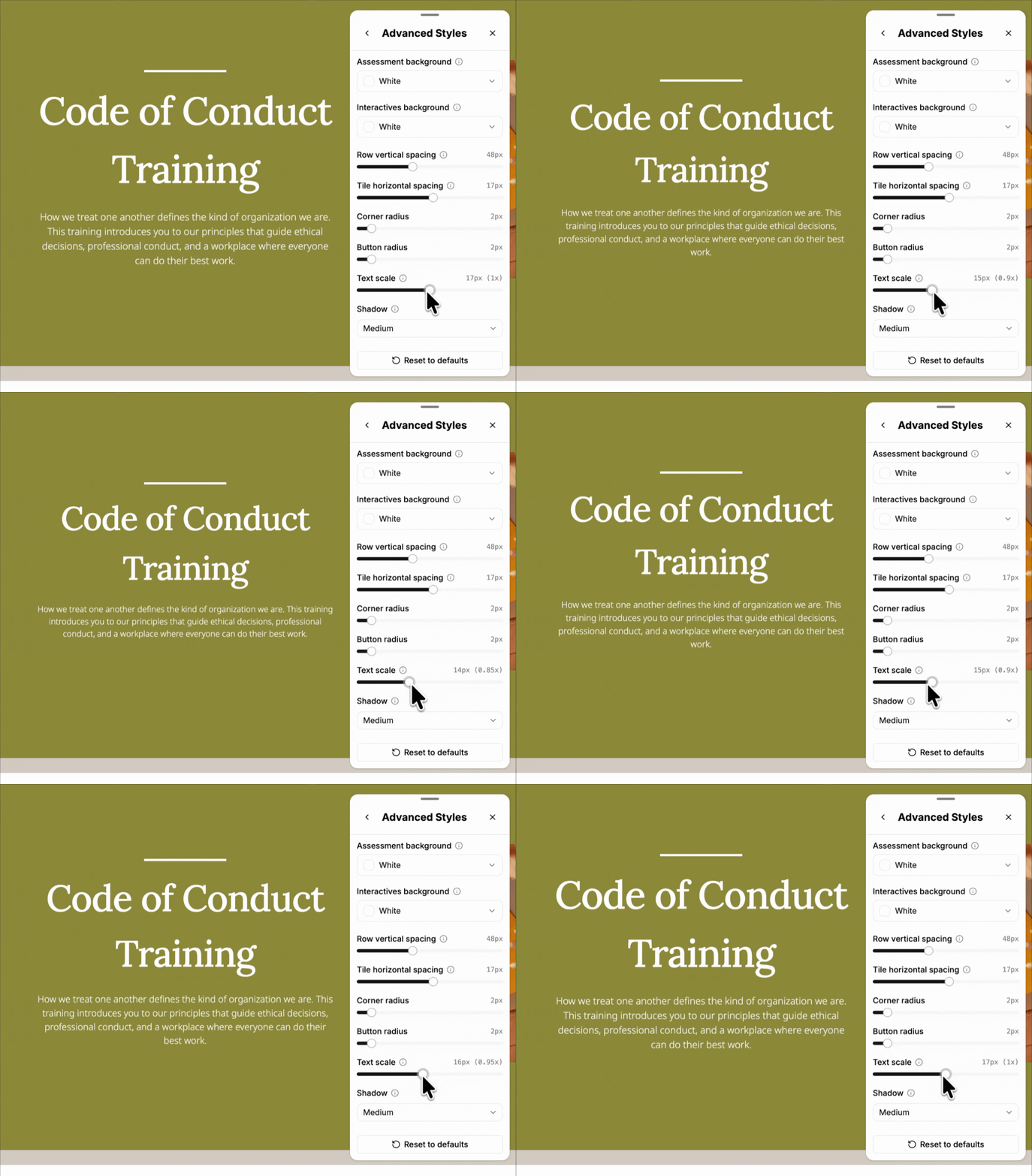
A Text scale setting in the theme's advanced style options makes all lesson text larger or smaller, keeping headings and body text in proportion.
Read more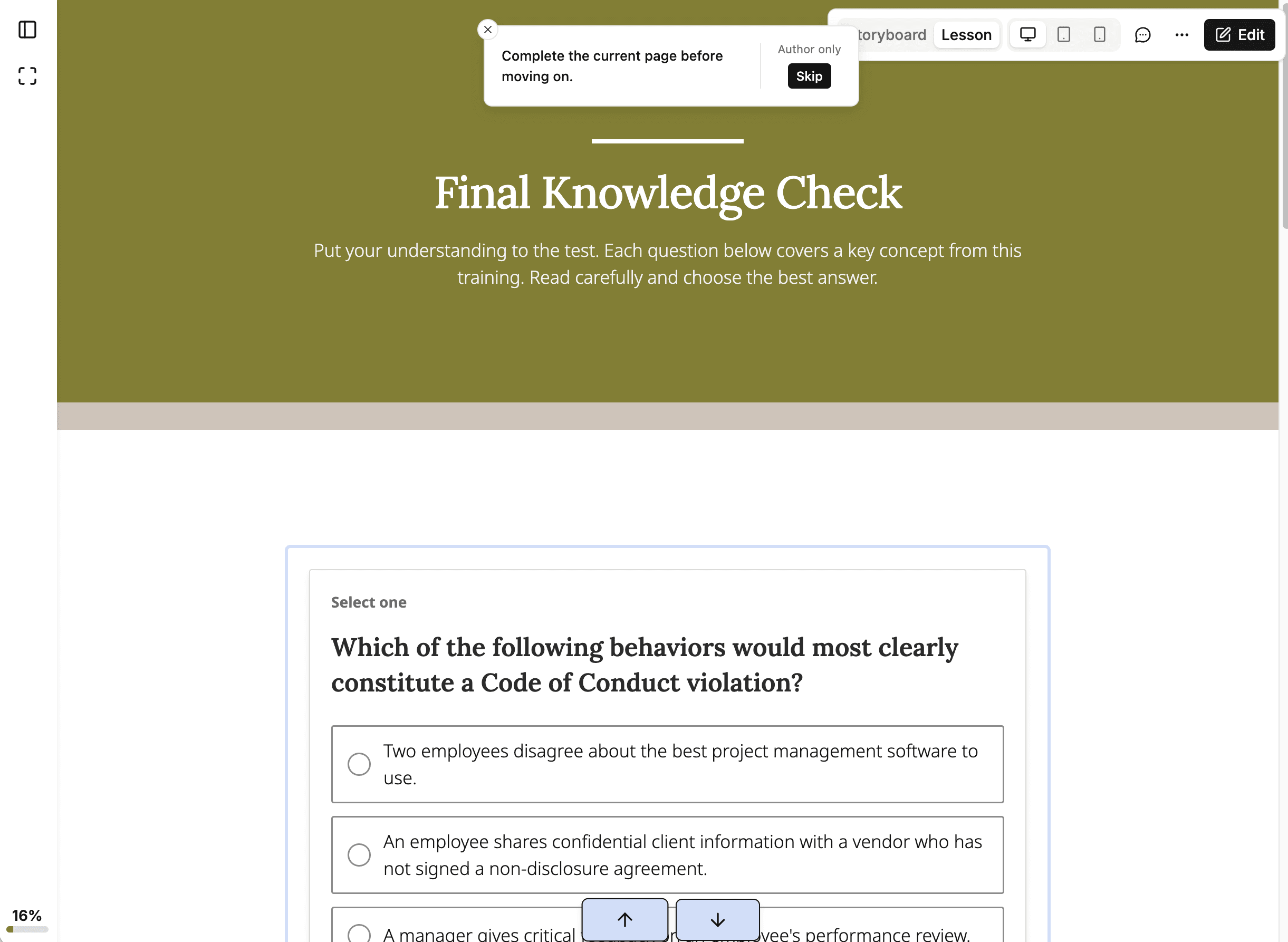
Lesson and course preview now follow the same completion rules learners get, with author-only controls to skip ahead or jump to the completion screen.
Read more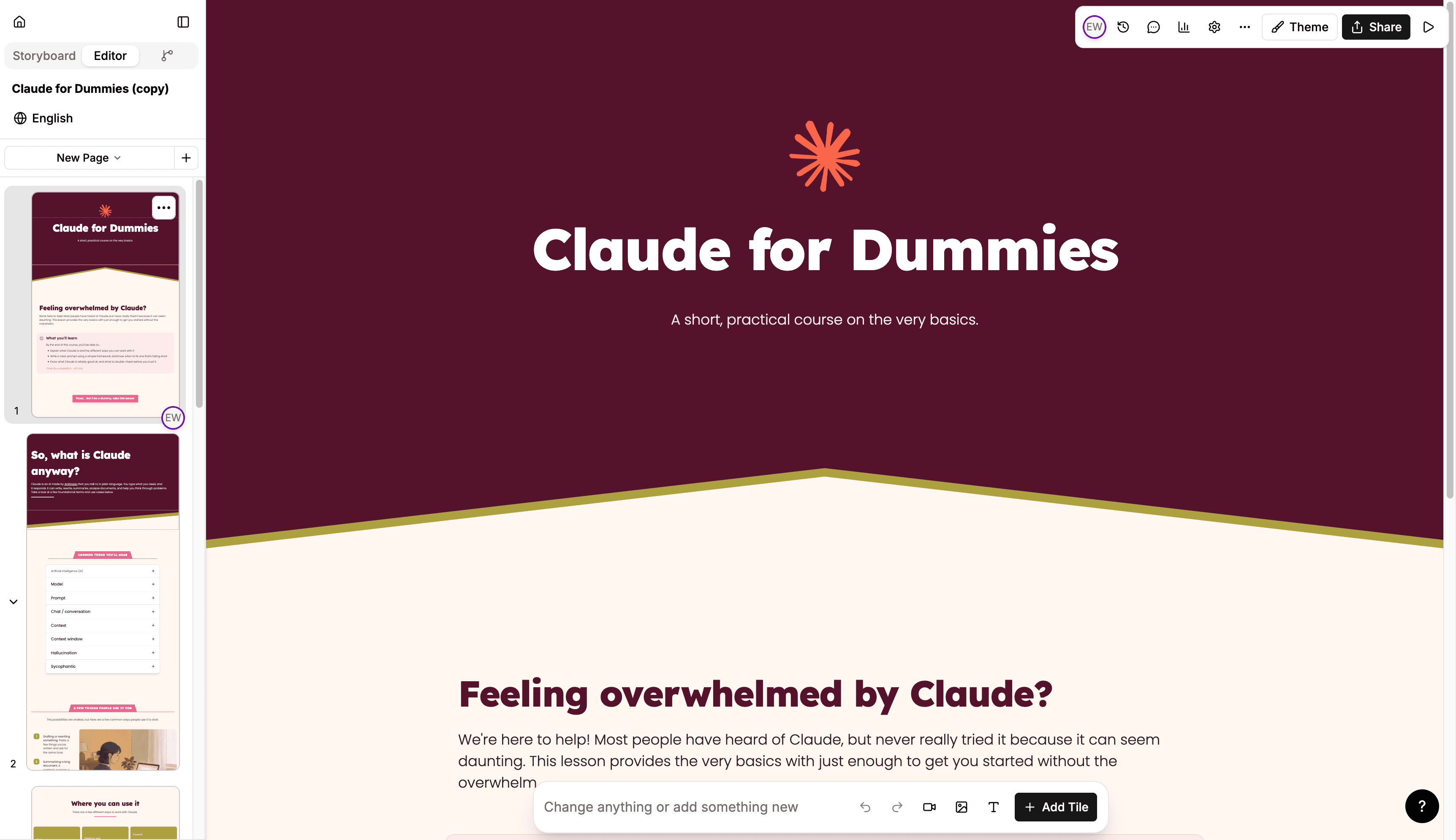
Upgraded themes redraw every tile and unlock theme-wide styling: corner radius, spacing, shadows, row backgrounds, and per-tile layout variants.
Read more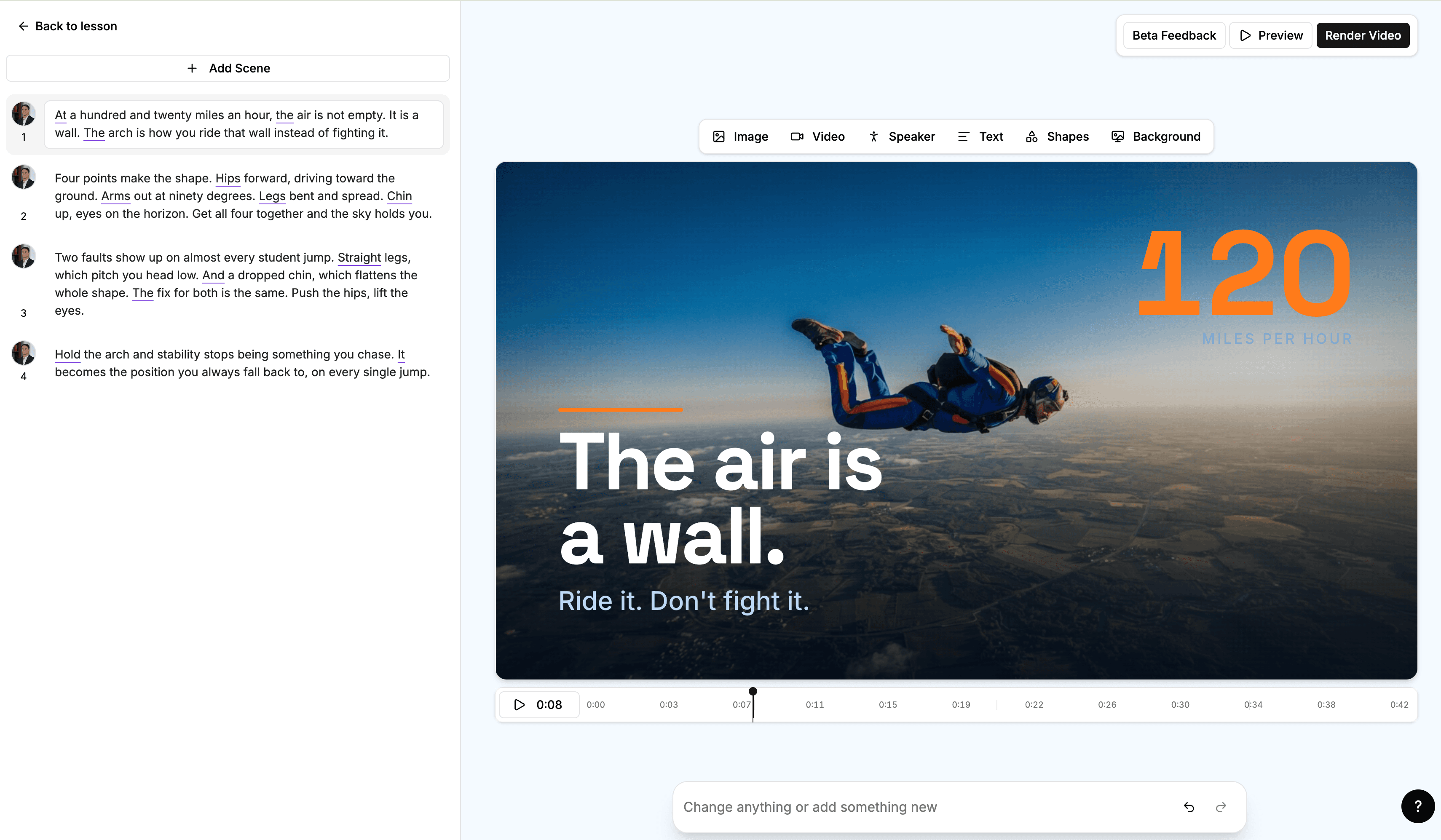
The Mindsmith Video V2 timeline editor has been redesigned with clearer word highlights, a numbered scene list, and AI-guided edits.
Read more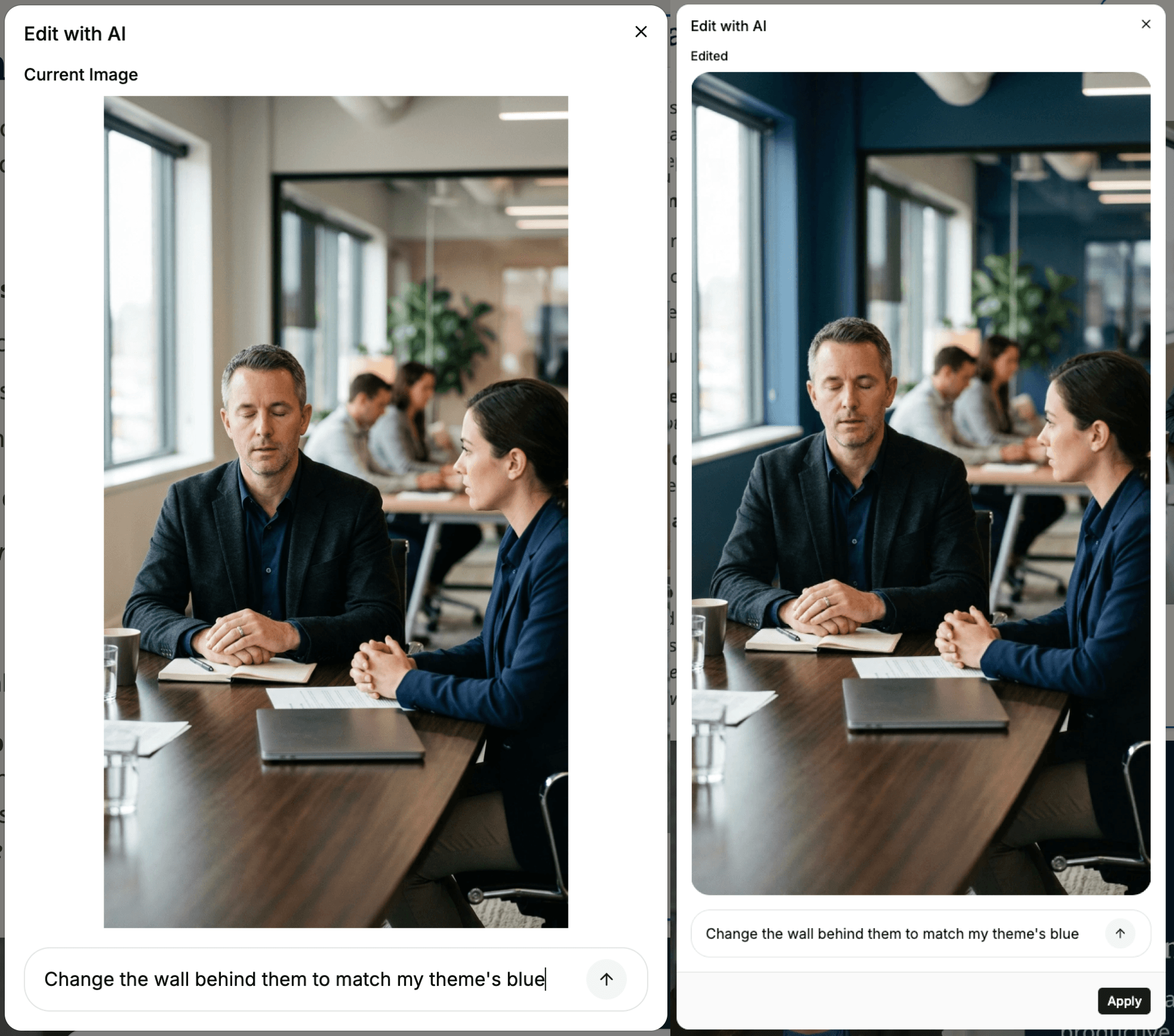
The Edit Image with AI action is no longer in beta. It appears in the image menu for any author working with an image in the editor.
Read more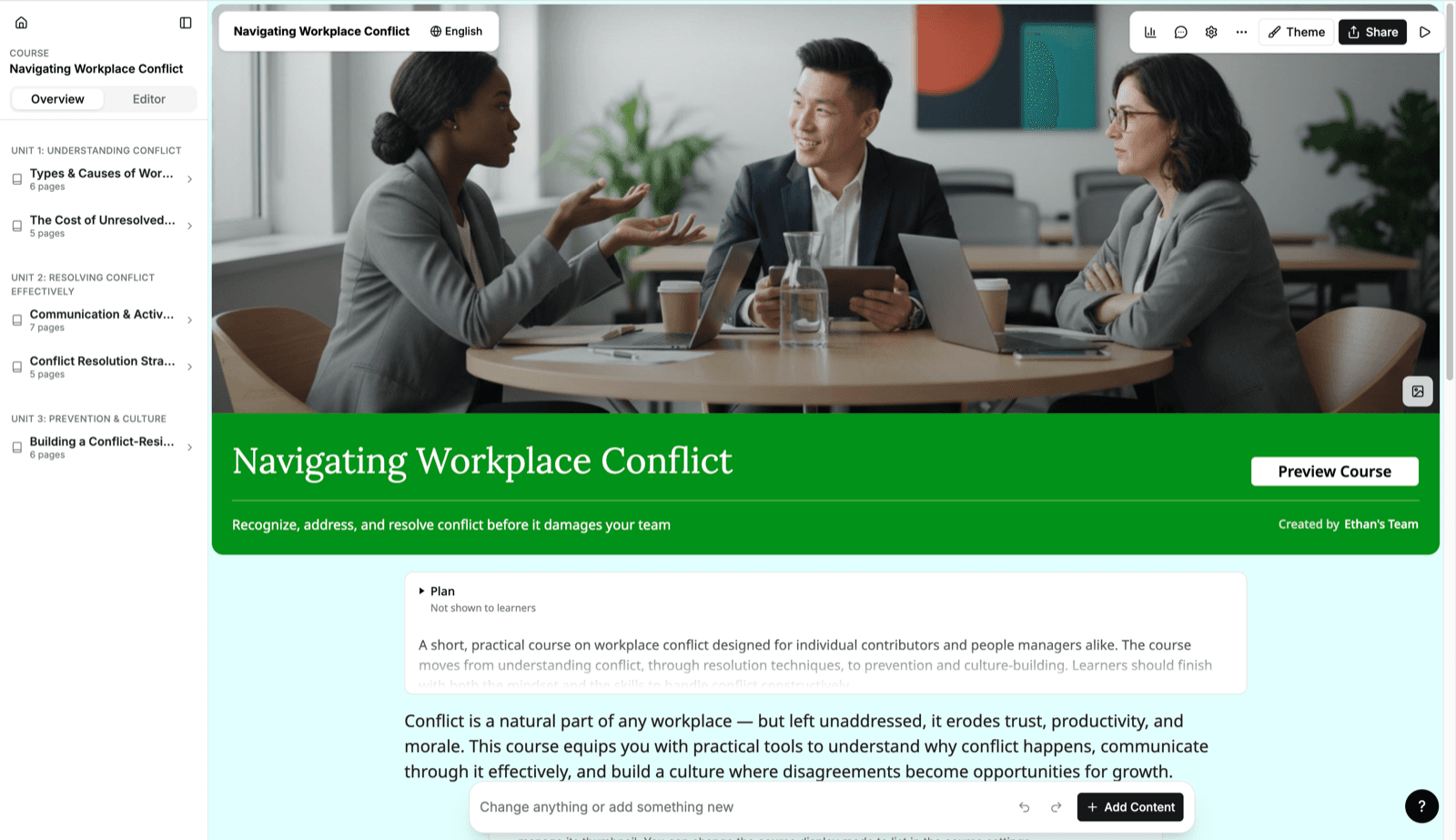
A single filmstrip spanning every page across the whole course stays visible while you edit, so you can move between pages and lessons in one session.
Read more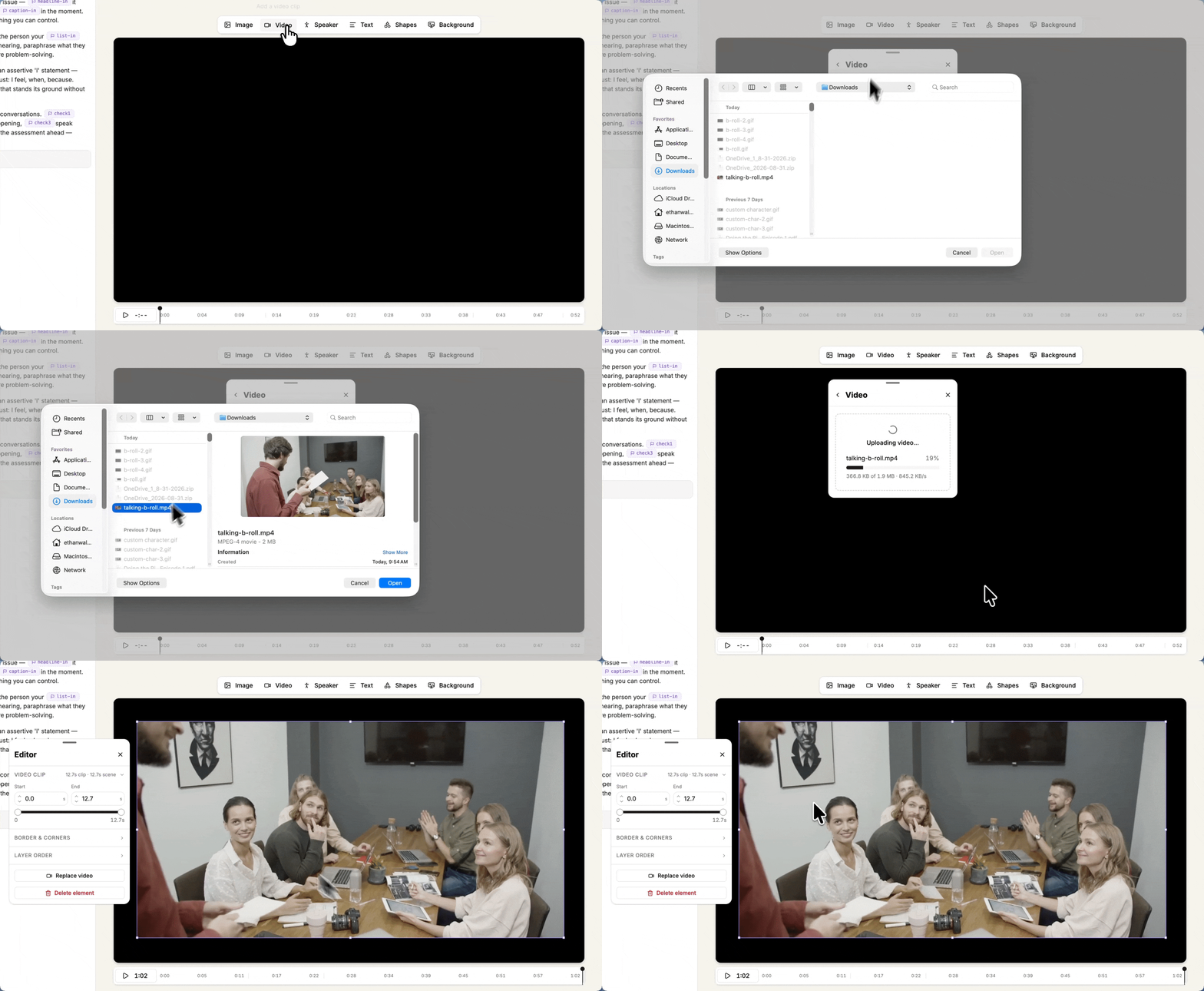
Authors can now add uploaded video, screen recordings, or stock clips as b-roll to AI video scenes, with in-editor trim and volume controls.
Read more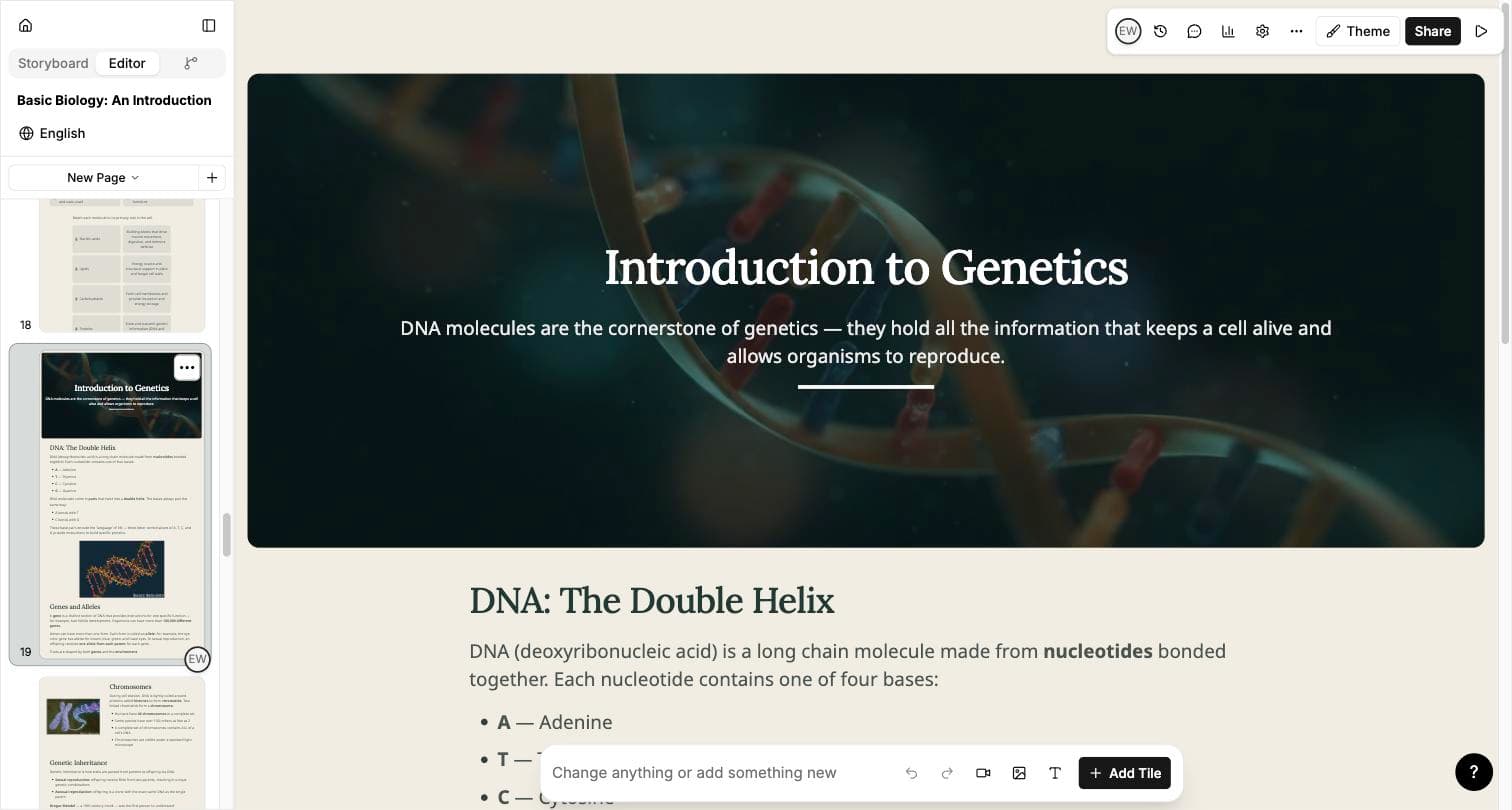
Image generation now reads the surrounding page text, adapts to how the image will be used, and draws on your organization's theme colors.
Read moreThe agent asks about image style, how to use attached documents, and — for video — presenter type and visual style, before it starts building.
Read more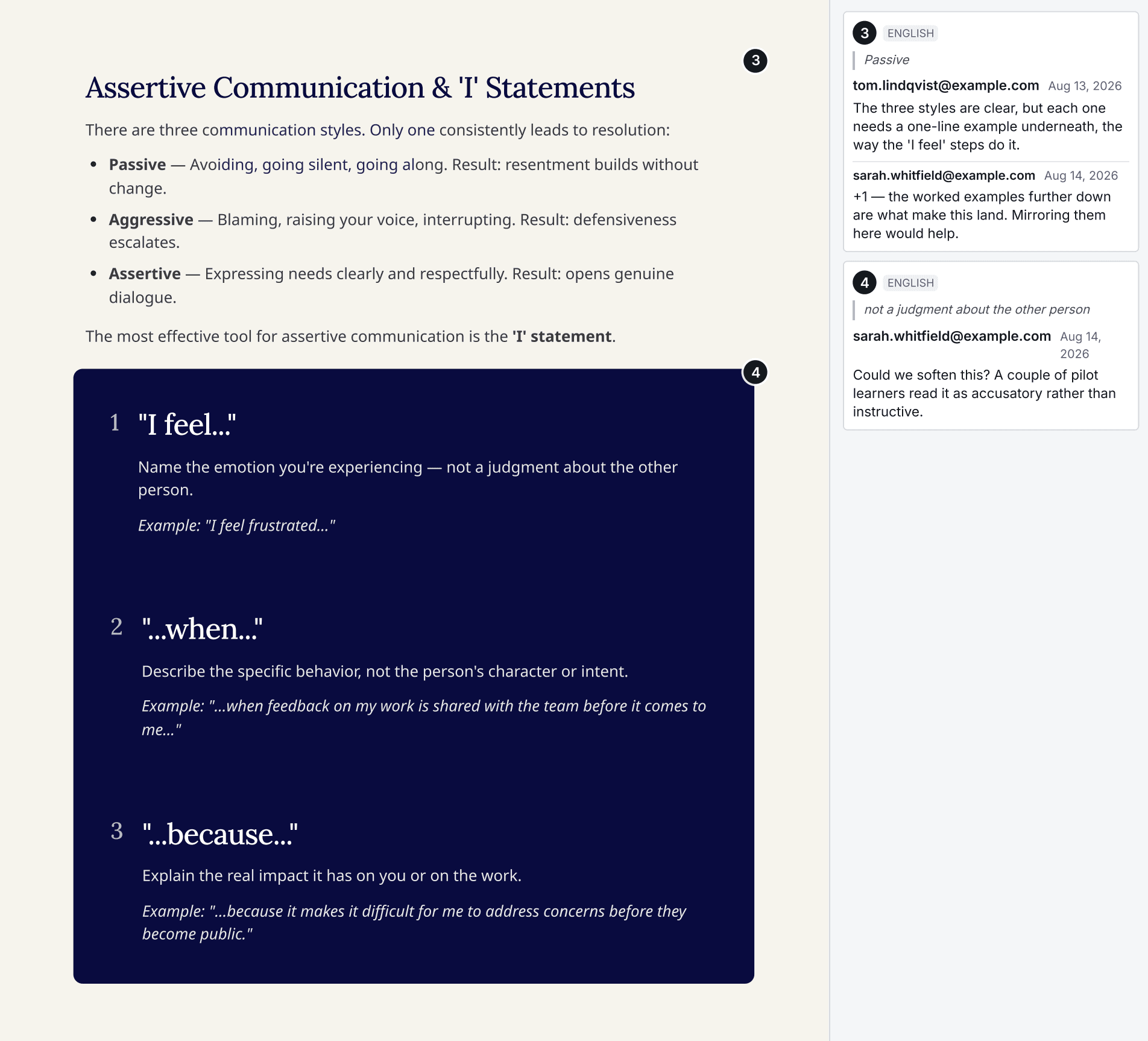
PDF exports of lessons and courses can now include reviewer comments, with options to show only unresolved comments or a single language.
Read more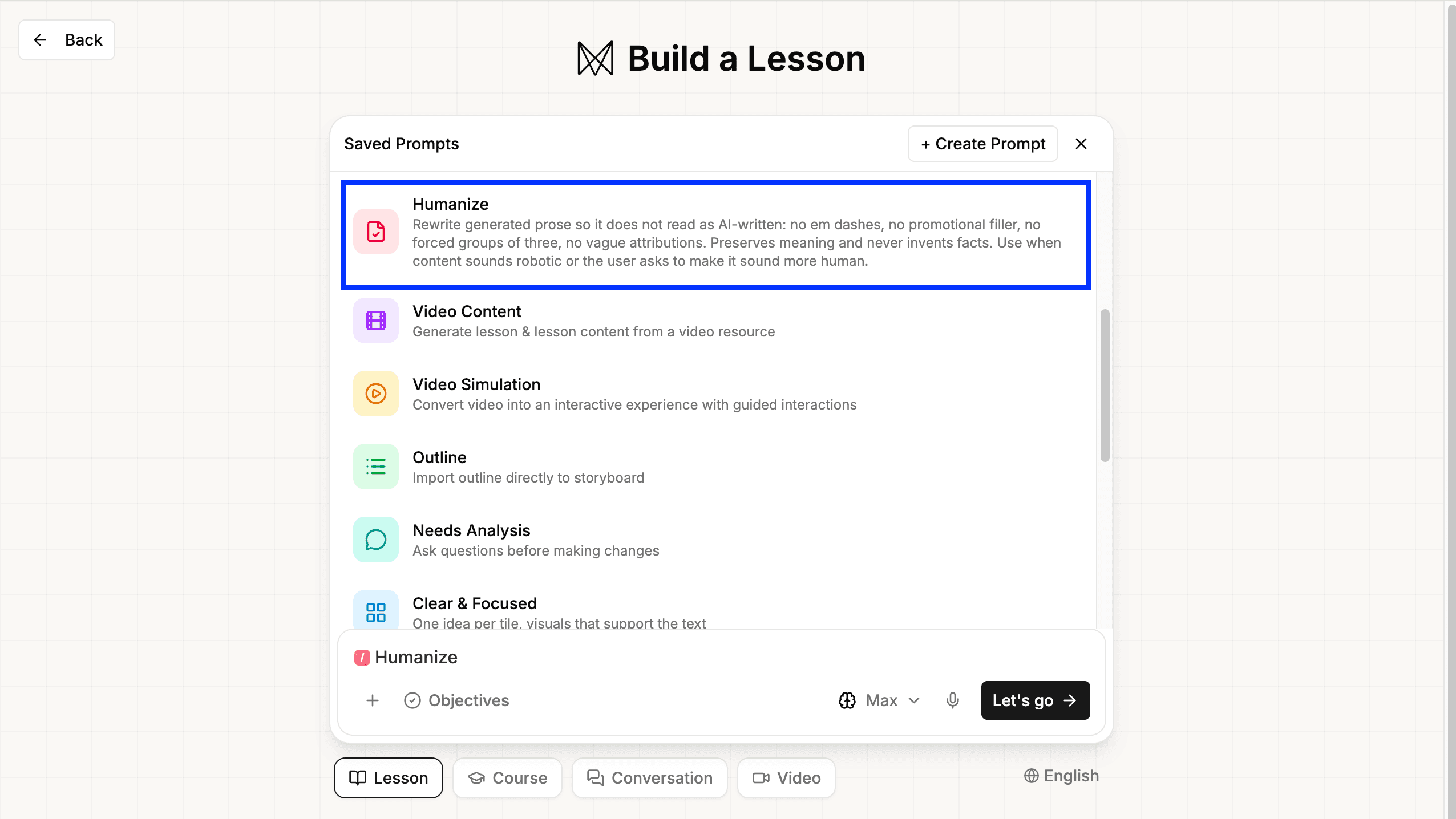
New lesson prose avoids the usual AI writing tells by default, and a selectable humanizer pass rewrites an existing lesson's copy in one action.
Read more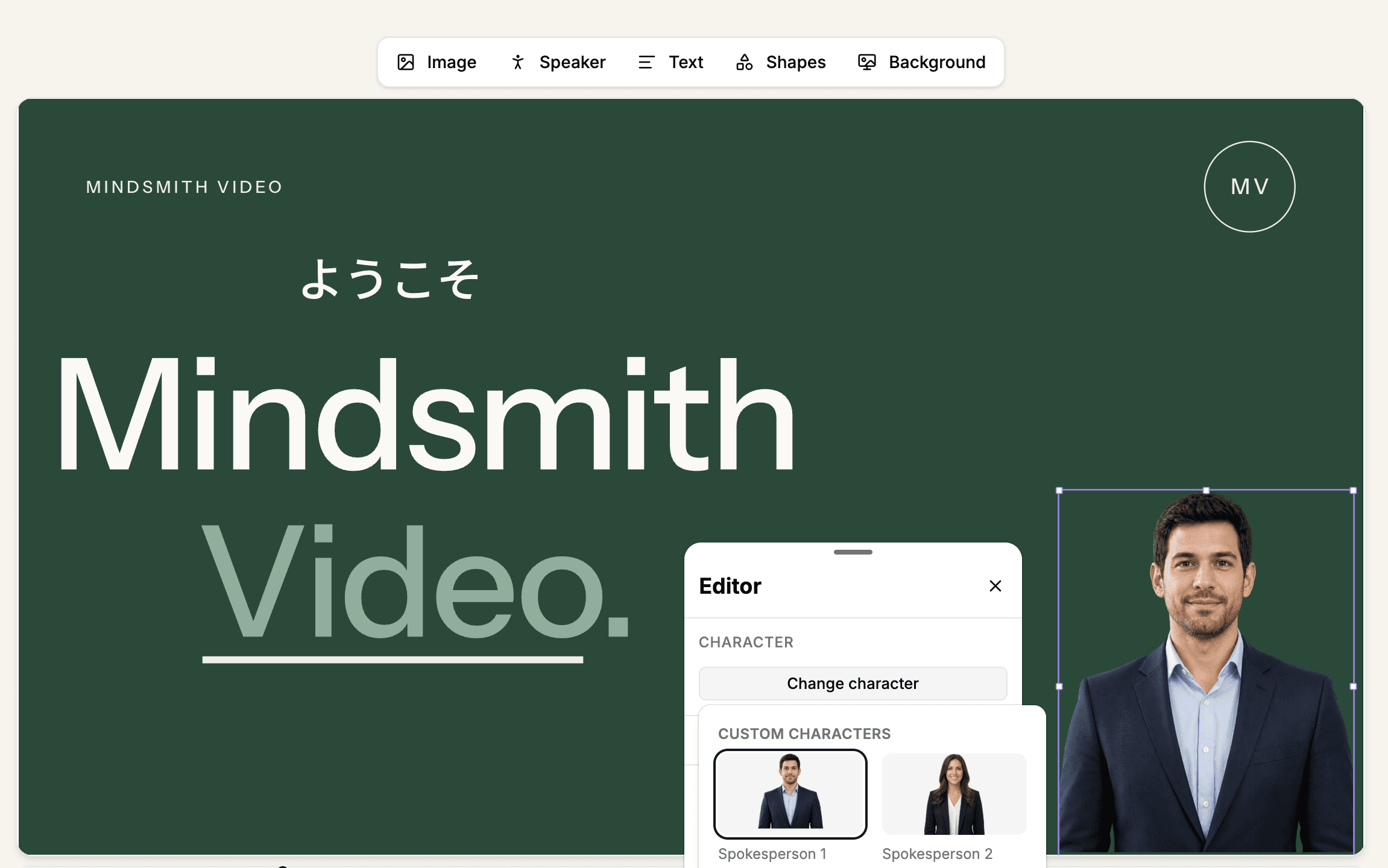
Every Video V2 render now comes back with captions and a transcript, org-uploaded characters can present, and non-Latin scripts render correctly.
Read more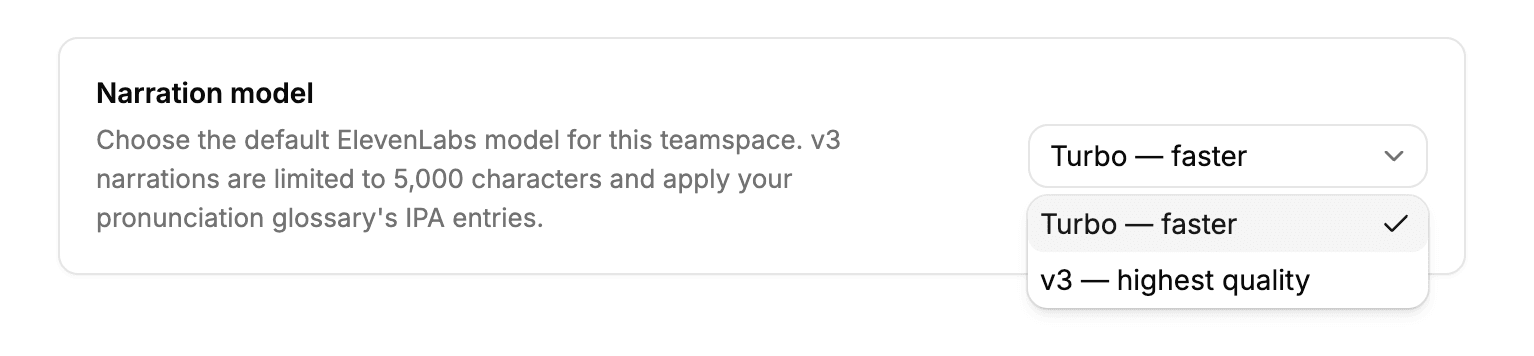
Paid teams can now choose ElevenLabs' higher-quality v3 narration voice from an account setting, in place of the default model.
Read more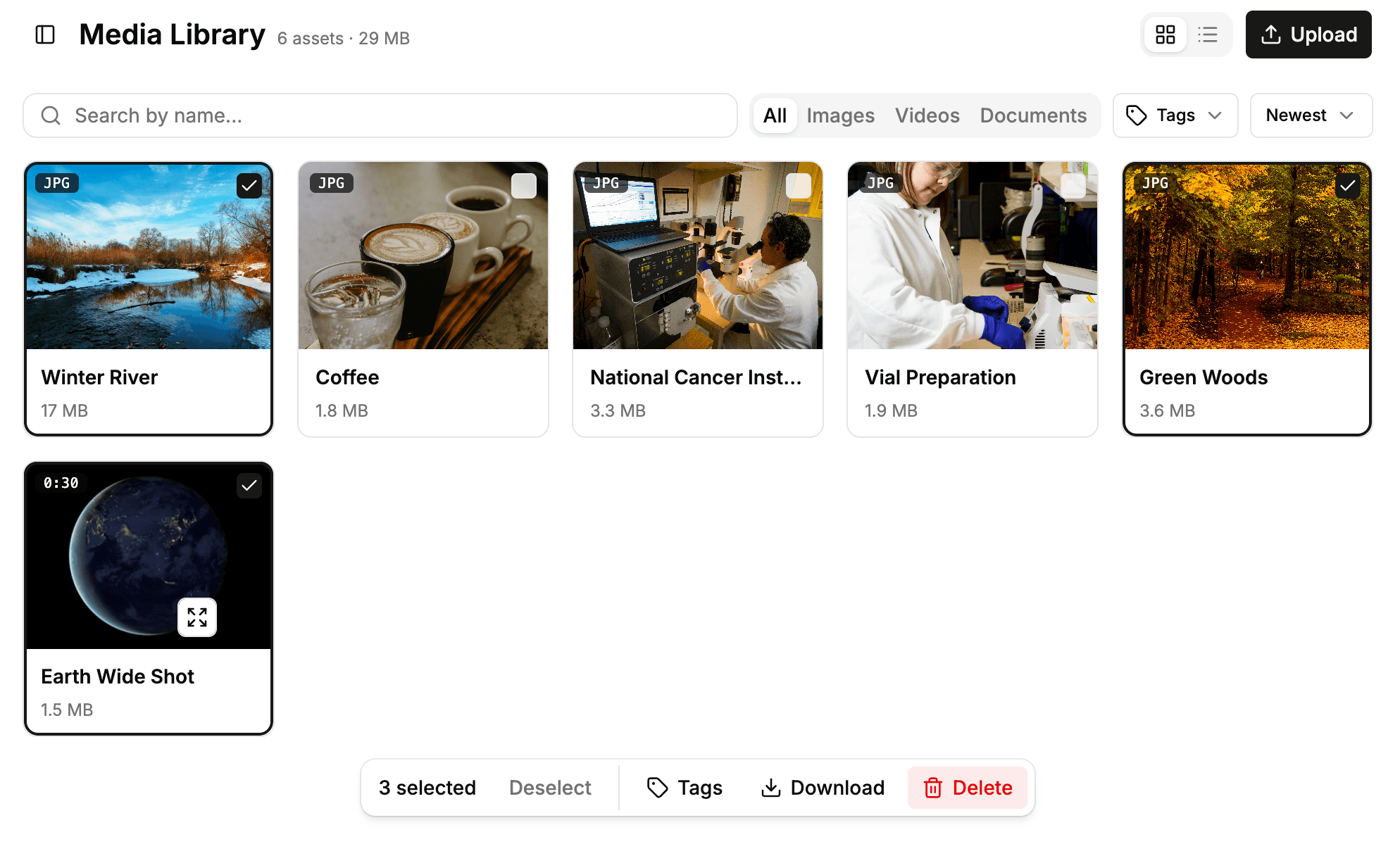
The media library supports selecting multiple files at once to tag, download, or delete, with a new list view and larger previews.
Read moreLearners who reach a teamspace's AI conversation limit can now finish the lesson and course instead of being stuck on an incomplete tile.
Read moreThe course-level AI assistant can now add narration, edit the course theme, and run diagnostics across all lessons without opening each one individually.
Read more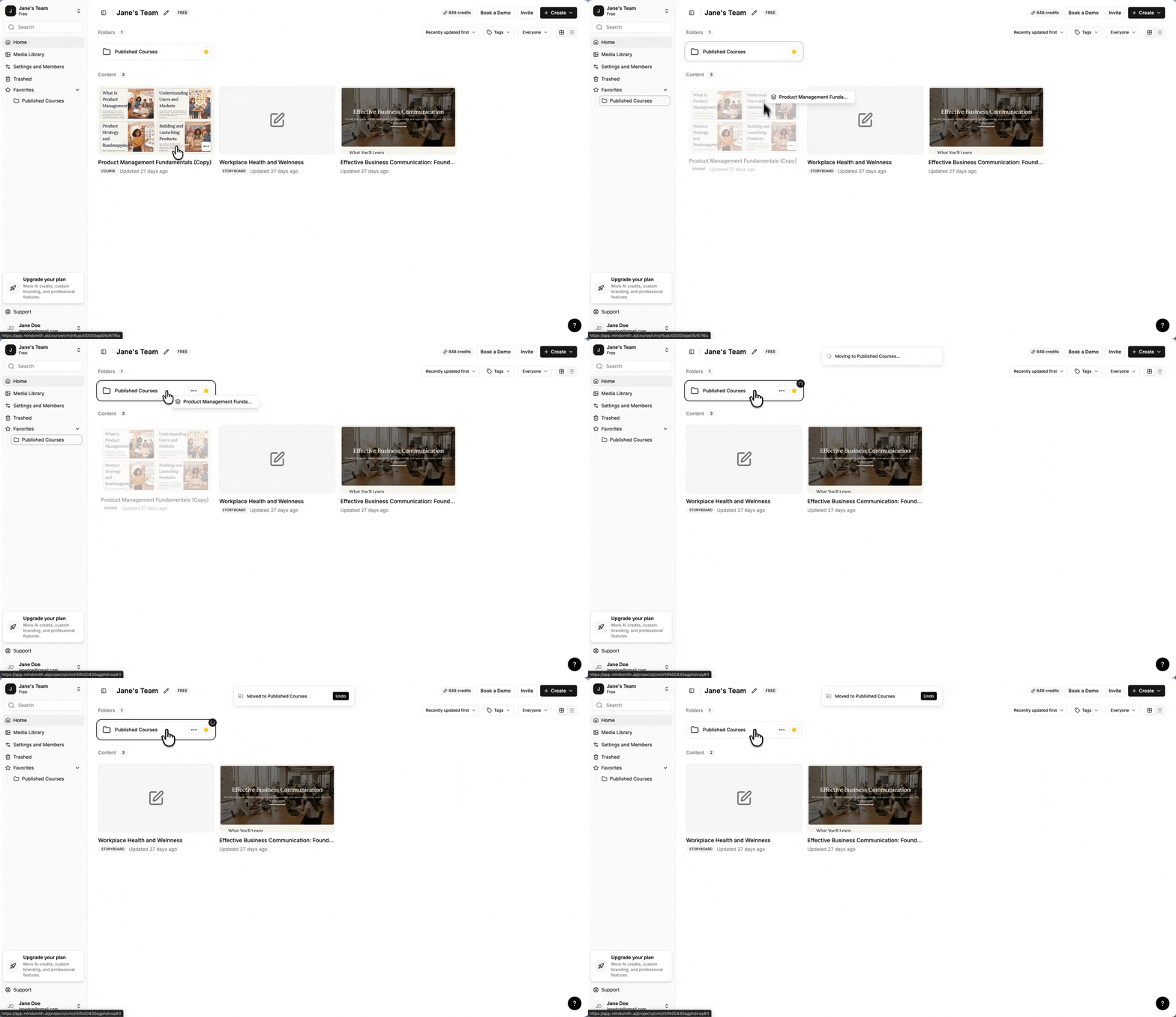
Dashboard content can now be dragged directly into folders and courses, and the move dialog lets you create new folders without leaving the dialog.
Read moreVideos that ran past the old ten-minute render ceiling — long lessons and anything with an avatar — now complete instead of failing at the end.
Read more