
Create eLearning videos without leaving your lesson
Mindsmith's built-in video editor lets you compose, trim, narrate, and brand training videos, then drop them straight into a course. No Premiere, no export dance.
Join 16,000+ eLearning Designers








Video-based eLearning without a video team
Most eLearning teams bounce between three tools: a screen recorder, a video editor, and an LMS. Mindsmith collapses that stack. Record, edit, narrate, and ship, all from the same tool you use to build courses.
3x
faster than traditional video tools
100+
AI voices across 70+ languages
0
video editing experience required
A video editor built for training, not Hollywood
Drag clips onto scenes. Reorder, trim, split. Add text overlays, titles, callouts, and transitions. Everything you need for a polished training video, without the learning curve of professional video software.
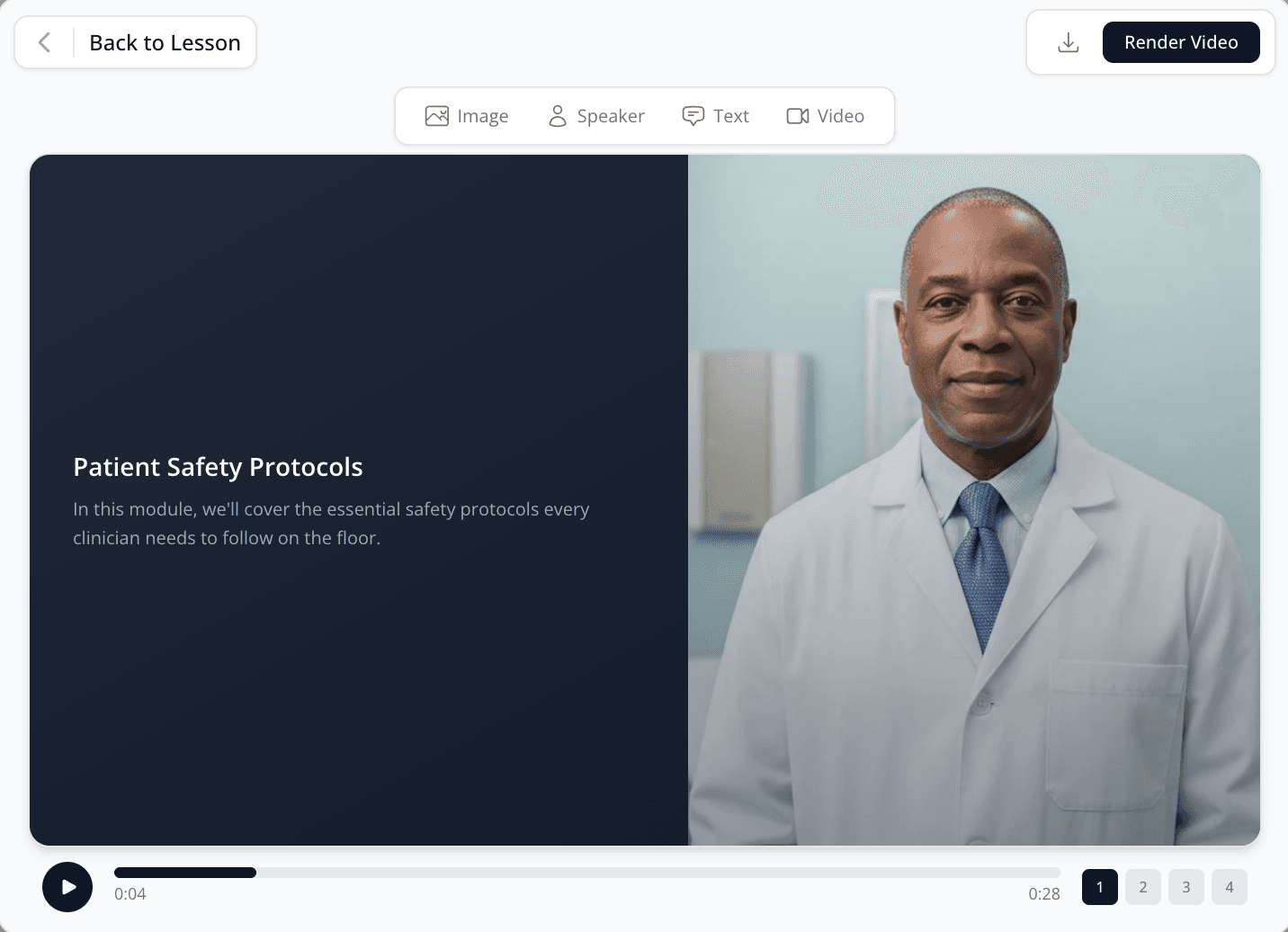
- Scene-based composition without timeline gymnastics
- Trim, split, and reorder with drag and drop
- Text overlays, titles, lower thirds, and callouts
- Transitions between scenes
- Preview in-browser, no rendering wait
Generate AI training video from a script
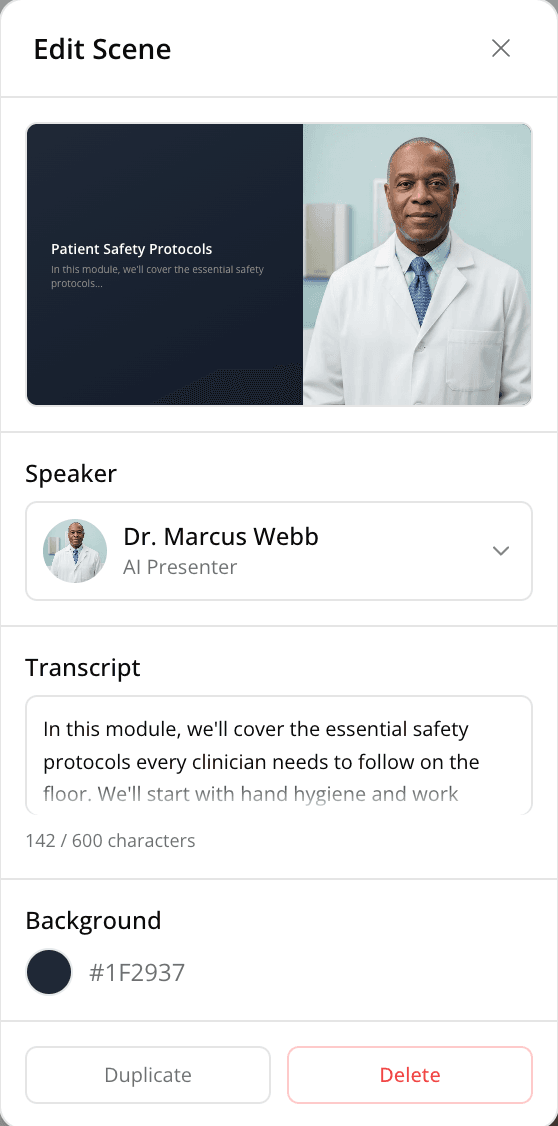
Paste a script. Pick a presenter. Get a talking-head scene in seconds. Mindsmith gives you 30+ AI avatars and 100+ ElevenLabs voices. When the script changes, regenerate. No reshoots, no studio, no talent fees. Narration auto-translates when your lesson translates.
- 30+ photorealistic and animated AI avatars
- 100+ ElevenLabs voices across 70+ languages
- Script-to-video in under a minute
- Narration translates automatically with the lesson

Record, trim, caption, all in one place
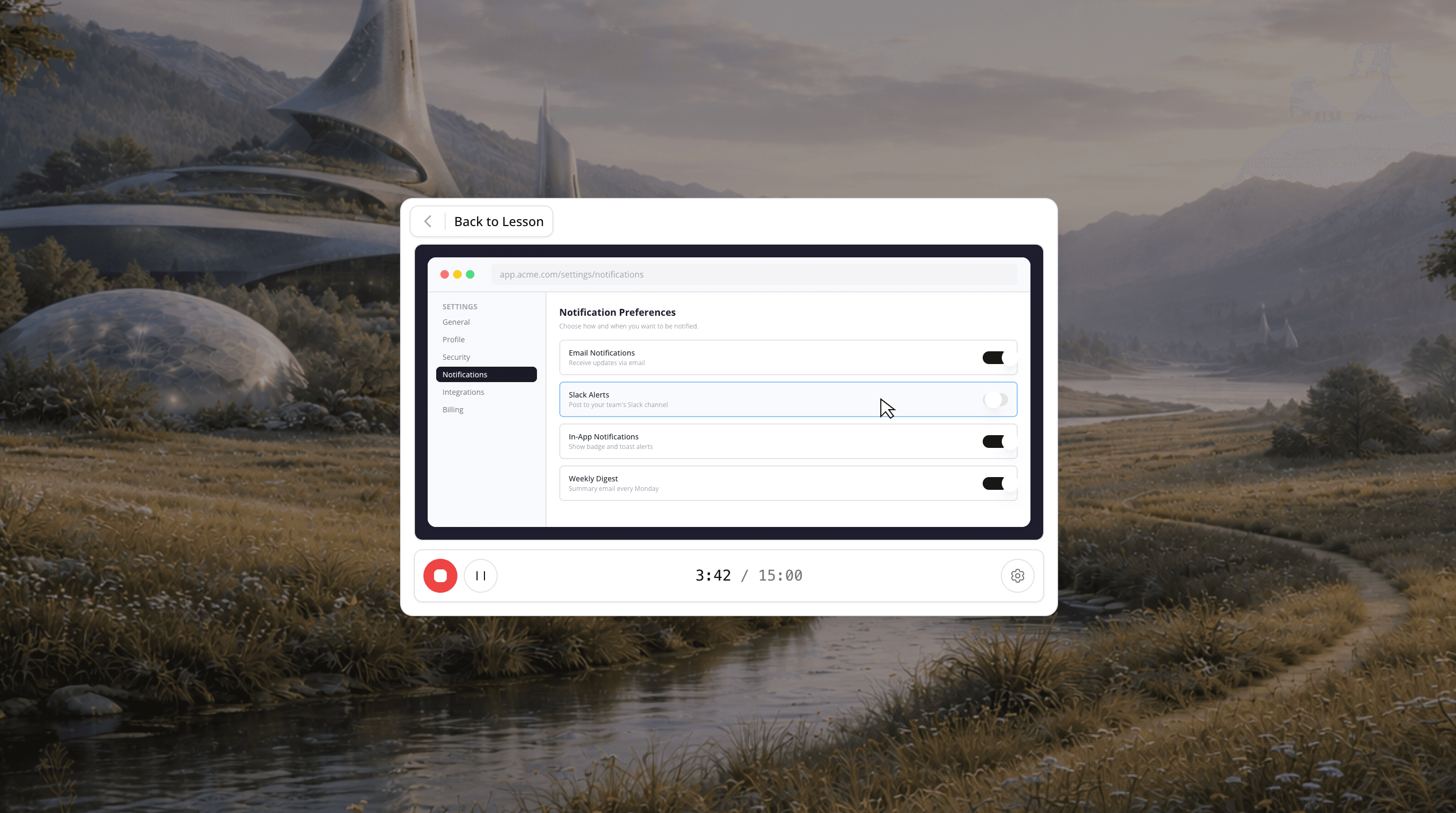
Capture your browser tab, full screen, webcam, or all three. Pause and resume without starting over. Auto-transcribe and auto-caption every recording. Cut silences, add zooms, highlight clicks. No downloads, no plugins.
- Browser tab, screen, webcam, or combined capture
- Pause and resume without starting over
- Auto-transcript and auto-captions on every recording
- Trim silences and highlight clicks
Create eLearning videos in minutes
The whole flow lives inside one tool. From blank page to published lesson in a single session.
01
Record or upload
Capture a screen recording, upload a clip, or generate a scene from a script.
02
Edit by scene
Trim, reorder, and add overlays. Preview in real time.
03
Add narration
Type a script and pick a voice. Auto-captions included.
04
Drop into a lesson
Embed the video tile anywhere in your course. Done.
Every video reports like the rest of your lesson
Video tiles track completion, watch time, and skip behavior per learner. Same dashboard as the rest of your content. Same SCORM export. No separate analytics stack for video.
Narration and captions translate with the lesson
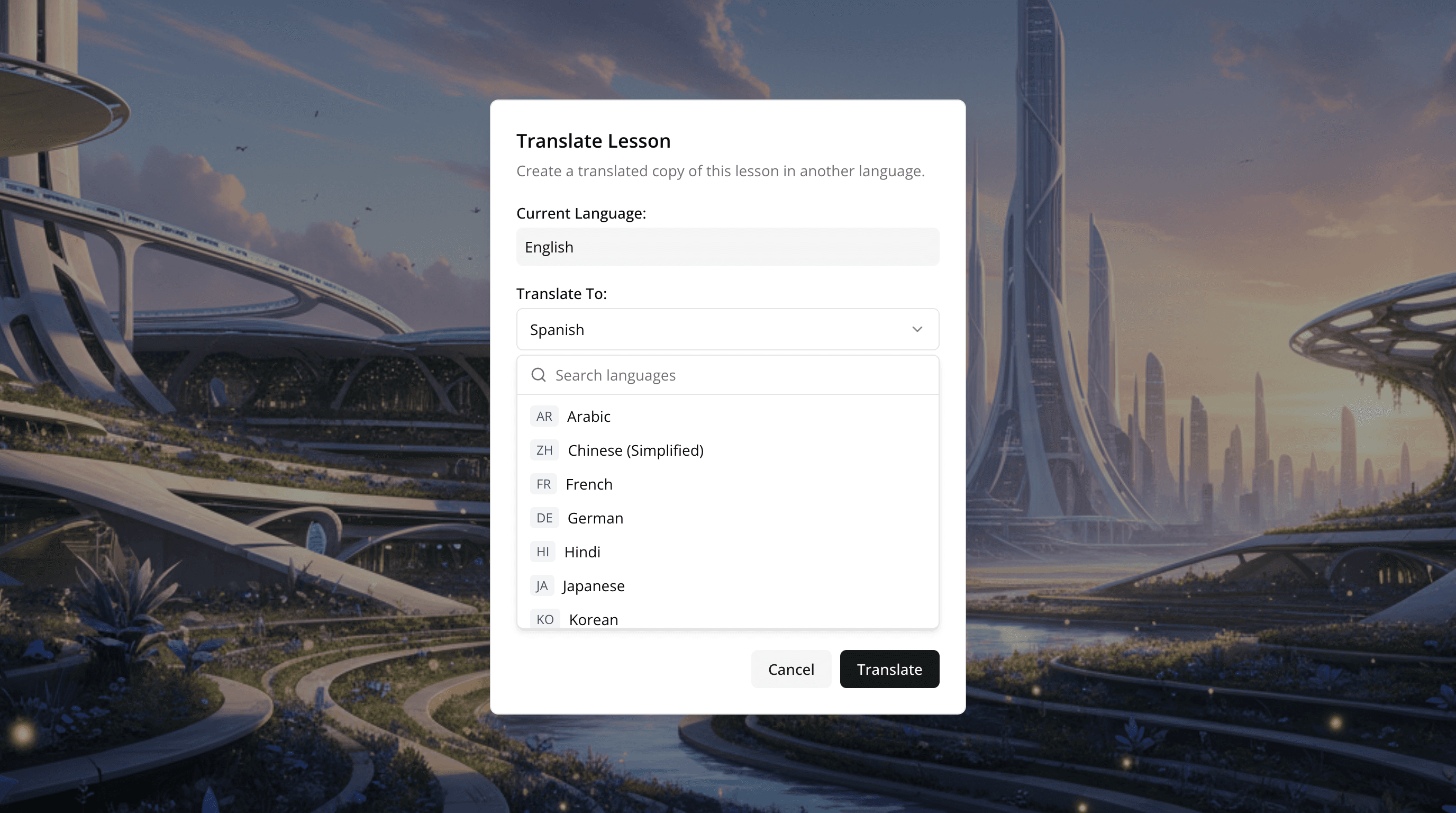
Translate a lesson and every custom video translates with it: captions, narration, and avatar lip-sync. One source, every language.
- Captions translate to 70+ languages
- AI narration regenerated with language-matched voices
- Avatar lip-sync matches the translated audio
- No separate video version to maintain
Trusted by leading
eLearning teams
“The biggest draw for me is the flexibility and scalability Mindsmith offers. It's something I've never seen before in a learning platform. This tool has significantly improved my workflow.”
Satarla
Miranda