Create interactive courses, not walls of text
Most AI course tools hand your learners paragraphs to scroll. Mindsmith turns your documents into interactive lessons on a tiled layout, with activities and video built in, so training gets finished instead of skimmed. It is the AI course creator behind more than 200,000 hours of learning every month.
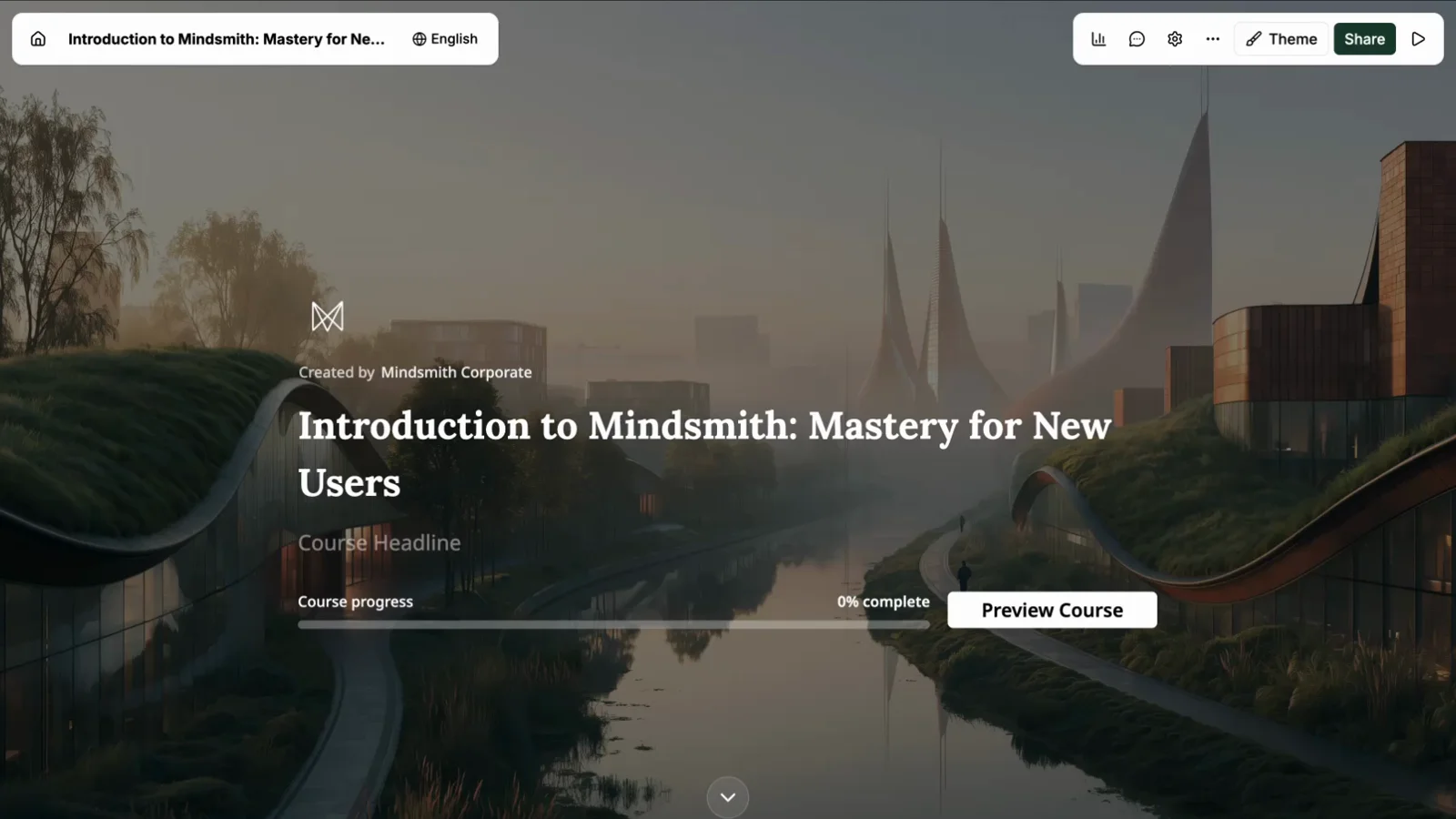
Join 16,000+ eLearning Designers








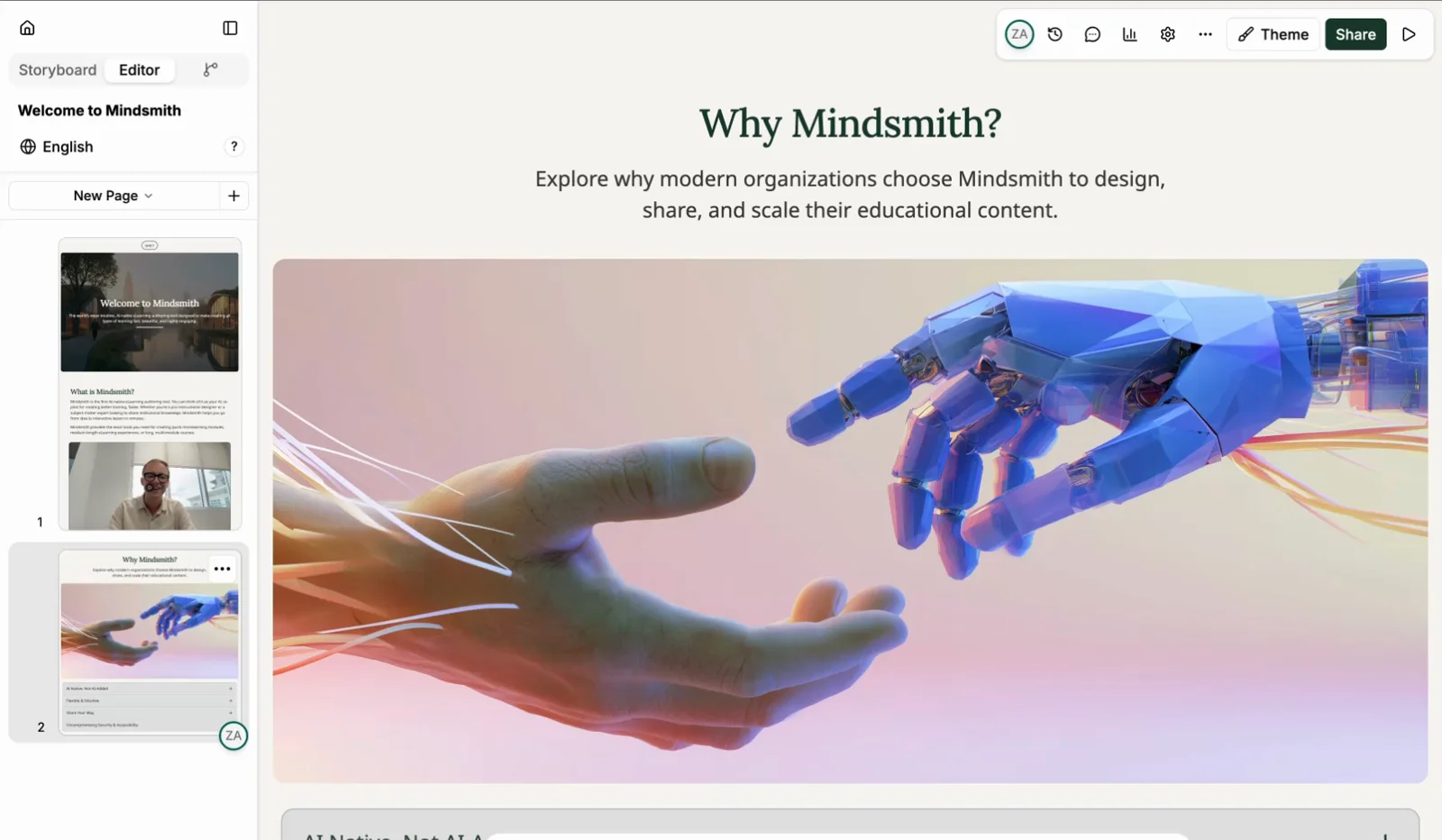
We started with the lesson, not the outline
Most tools that call themselves an AI course creator just generate text. You get slide after slide of paragraphs, and your learners get a wall of text to scroll. We built Mindsmith the other way around. We started with what a single lesson should feel like to sit through, then worked outward to units, full courses, and your whole library.
So a Mindsmith draft does not arrive as text you still have to design. It arrives as interactive lessons on a tiled layout, with flashcards, drag-and-drop, timelines, and graded questions already placed. That is the difference between content worth going through and content to skim.
Learners notice. People spend more than 200,000 hours learning inside Mindsmith every month.
From source material to a finished course in three steps
You bring the knowledge. Mindsmith handles the structure, the layout, and the busywork.
Add your source material
Upload a PDF, slide deck, or document, or describe what you want to teach. Mindsmith reads it and drafts a course outline with units, lessons, and objectives.
Generate and refine
The AI builds interactive lessons on a tiled layout, with text, images, and knowledge checks. Edit anything in the editor, ask the agent to rewrite a section, or add branching scenarios and video.
Publish and track
Share a link, embed the course, or export SCORM to your LMS. Built-in analytics show who finished, how they scored, and where they got stuck.
What makes a course worth finishing
A first draft is easy. The hard part is turning it into something a learner will actually complete, and that is where most AI course tools leave you.
A tiled layout, not a text dump
Every lesson is built on a tiled canvas with over 30 interactive elements: flashcards, drag-and-drop, timelines, and seven graded question types. The AI places them for you, so there is something to do on every screen instead of paragraphs to scroll past.
Learn moreAn AI that edits in place
Ask the agent to tighten a section, check reading level, grade free-text answers, or write narration. It changes your course directly, so you are never copying text out of a chat window.
On brand without a designer
The Smart Branding Engine applies your colors, fonts, and logo across every lesson. Courses look like your design team built them, even when nobody on the team is a designer.
Video inside the lesson
Generate AI talking-head explainers, record and edit screen simulations, or turn a YouTube link into an interactive lesson, all without leaving the editor.
Learn moreAn AI course creator for corporate and employee training
Onboarding, compliance, product knowledge, and upskilling. Mindsmith turns the documents your team already has into corporate eLearning that stays consistent across every department.
- Draft onboarding and compliance courses from existing policies and PDFs
- Keep every course on brand with shared branding and templates
- Role-based permissions and real-time co-authoring for growing training teams
- Export to SCORM or connect via LTI so results flow into your LMS
- Track completion and scores per learner and across the whole organization
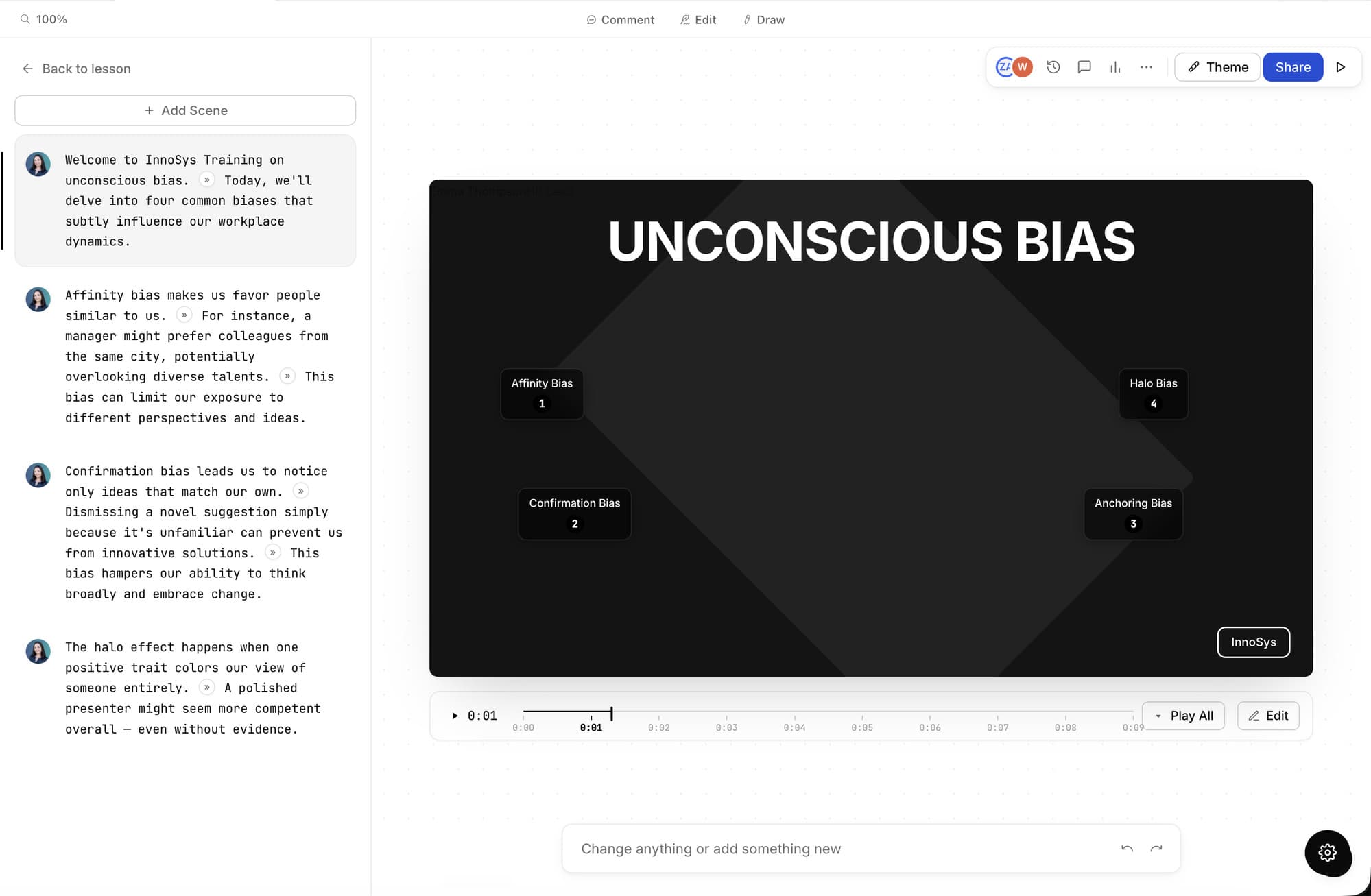
An AI video course creator, built in
Add video without leaving the editor. Generate AI talking-head explainers, record and edit screen simulations, or drop in a YouTube link and let Mindsmith turn it into an interactive lesson.
- AI-generated talking-head videos with narration and captions
- Interactive video where learners make choices that change their path
- Software simulations built from screen recordings
A generic AI course maker vs. Mindsmith
Most AI course tools give you text-heavy output. Here is what changes when the course creator is built into a full eLearning platform.
| Capability | Generic AI course maker | Mindsmith |
|---|---|---|
| Output | A text outline or draft slides | Interactive lessons on a tiled layout, with images and quizzes |
| Editing | Copy text out of a chat window | Edit in a visual tiled editor with an AI agent |
| Assessments | Basic multiple choice | 7 question types with AI grading of open answers |
| Media | Stock images, if any | AI images, narration, and video generated in-app |
| Languages | Manual re-translation | One-click translation into 70+ languages |
| Delivery | Paste into a separate LMS | Share a link, embed, or export SCORM and xAPI |
| Results | No tracking | Completion, scores, and per-learner analytics |
Comparison describes common patterns in single-purpose AI course tools, not any specific product.
The platform behind every course
AI course creator questions, answered
Trusted by leading
eLearning teams
“The biggest draw for me is the flexibility and scalability Mindsmith offers. It's something I've never seen before in a learning platform. This tool has significantly improved my workflow.”
Satarla
Miranda