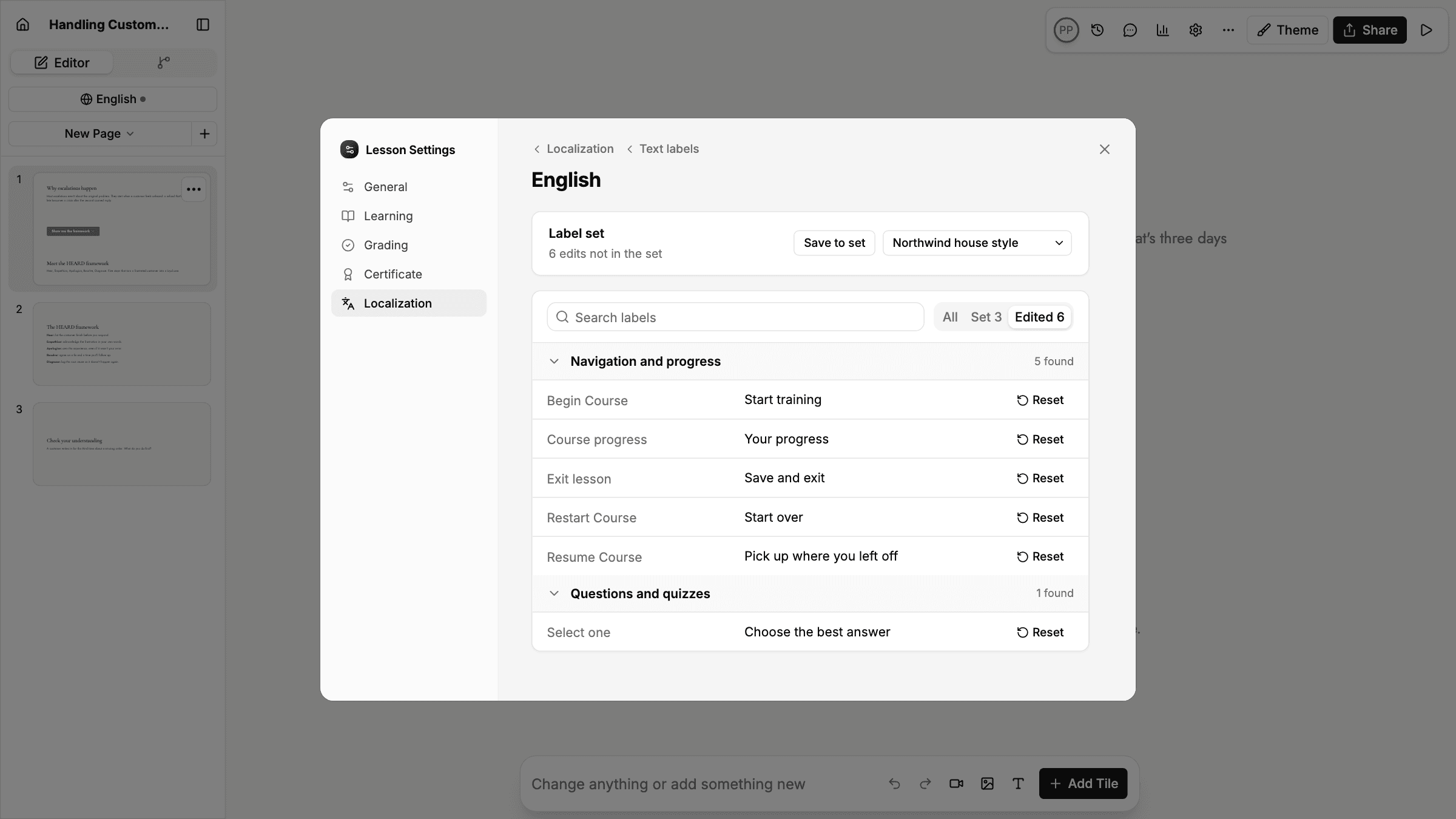
The buttons and messages learners see, such as Begin Course, Select one, and other prompts, used to be fixed. Now you can change them in Settings › Localization › Text labels for any lesson or course, on every plan. Search the list, edit a label in place, and reset it to the default whenever you like. Lessons inside a course use the course's labels.
To reuse your wording, save your edits as a label set. Label sets are shared across your organization and managed from the new Label sets tab in organization settings, so a change to a set updates every lesson and course that uses it.
Labels are set per language, so a translated version can have its own wording. Mindsmith also includes a built-in set: Mindsmith informal switches learner labels to the informal "you" in 12 languages, including German, French, Spanish, Italian, and Japanese.