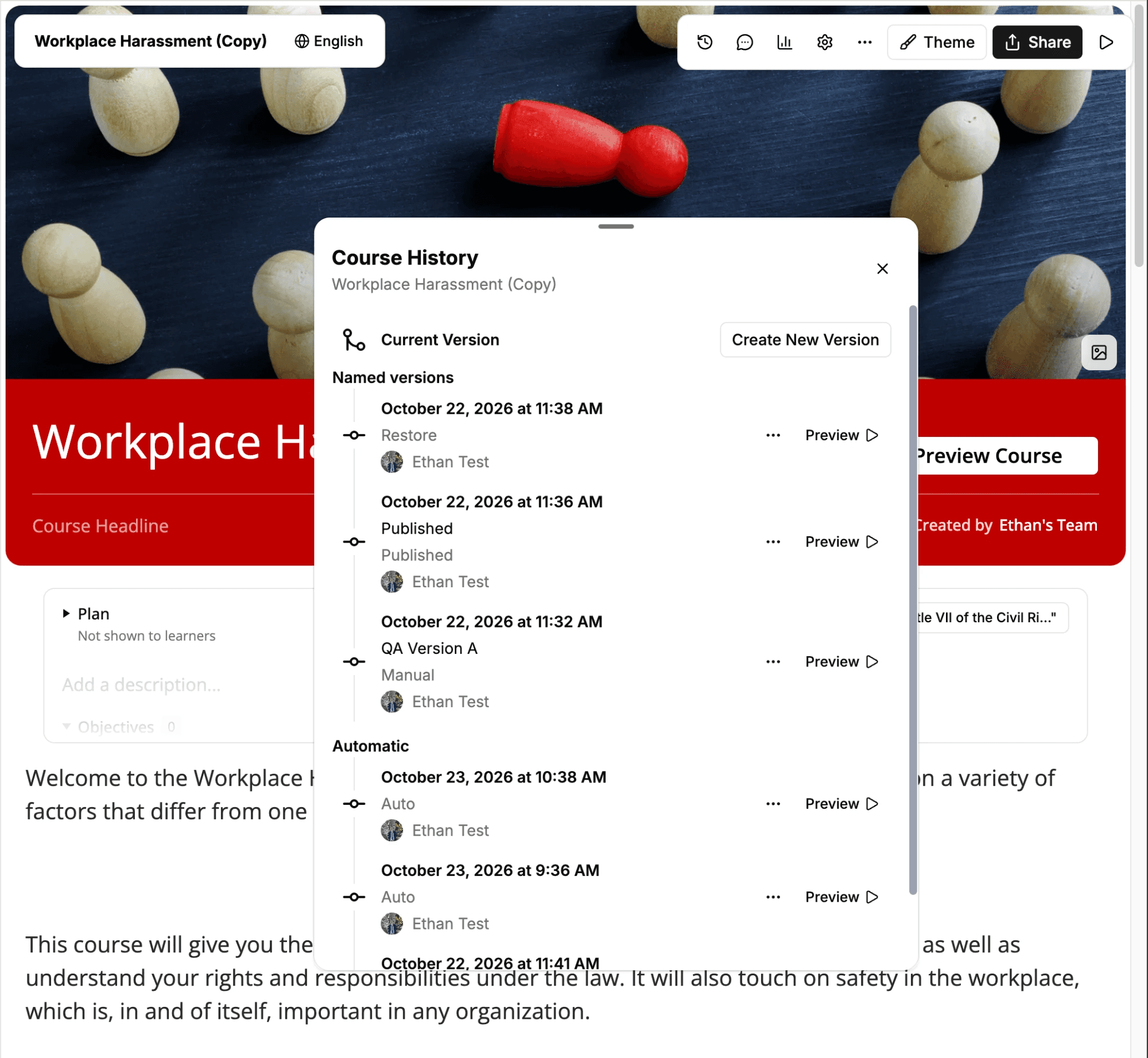
Version history now covers whole courses, not just lessons. Open Course History from the course toolbar, the course menu, or the share dialog. From there you can save a version, preview the course exactly as a version saved it, or restore it. Mindsmith backs up your current course before every restore.
On Business and Enterprise plans, you can also stage a course. Learners keep seeing the published course while you edit. When you're ready, Publish Changes lists every lesson you changed and publishes them together. Each publish also saves a new course version.