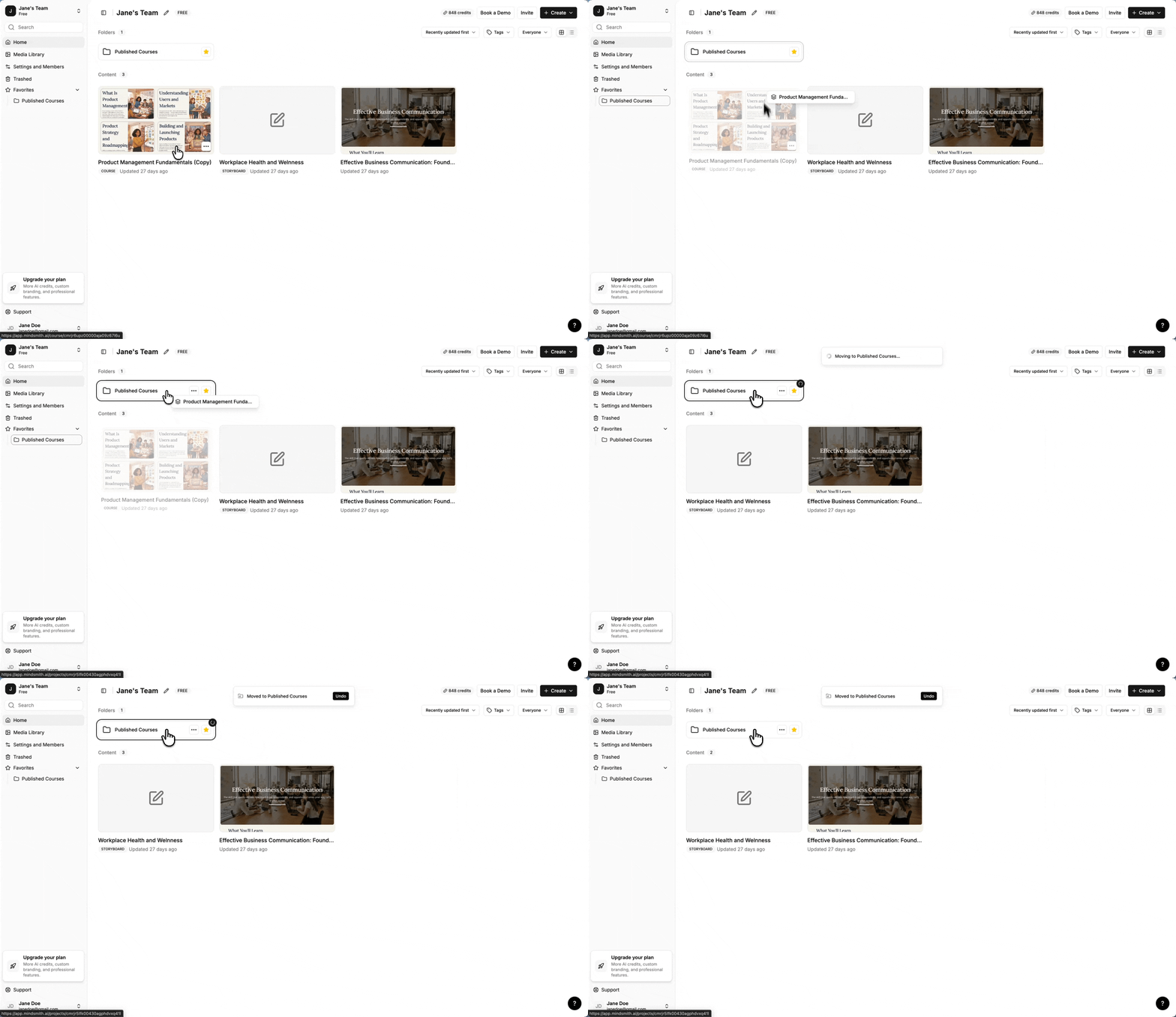
Moving content around the dashboard is now more flexible. You can drag lessons and courses directly into a folder, or drag a lesson straight into a course, without opening the move dialog. When you do use the move dialog, you can create a new folder in place — no need to exit, create the folder separately, and start over.
Folder pages also now show labeled "Folders" and "Content" sections with counts, making the structure easier to scan at a glance.