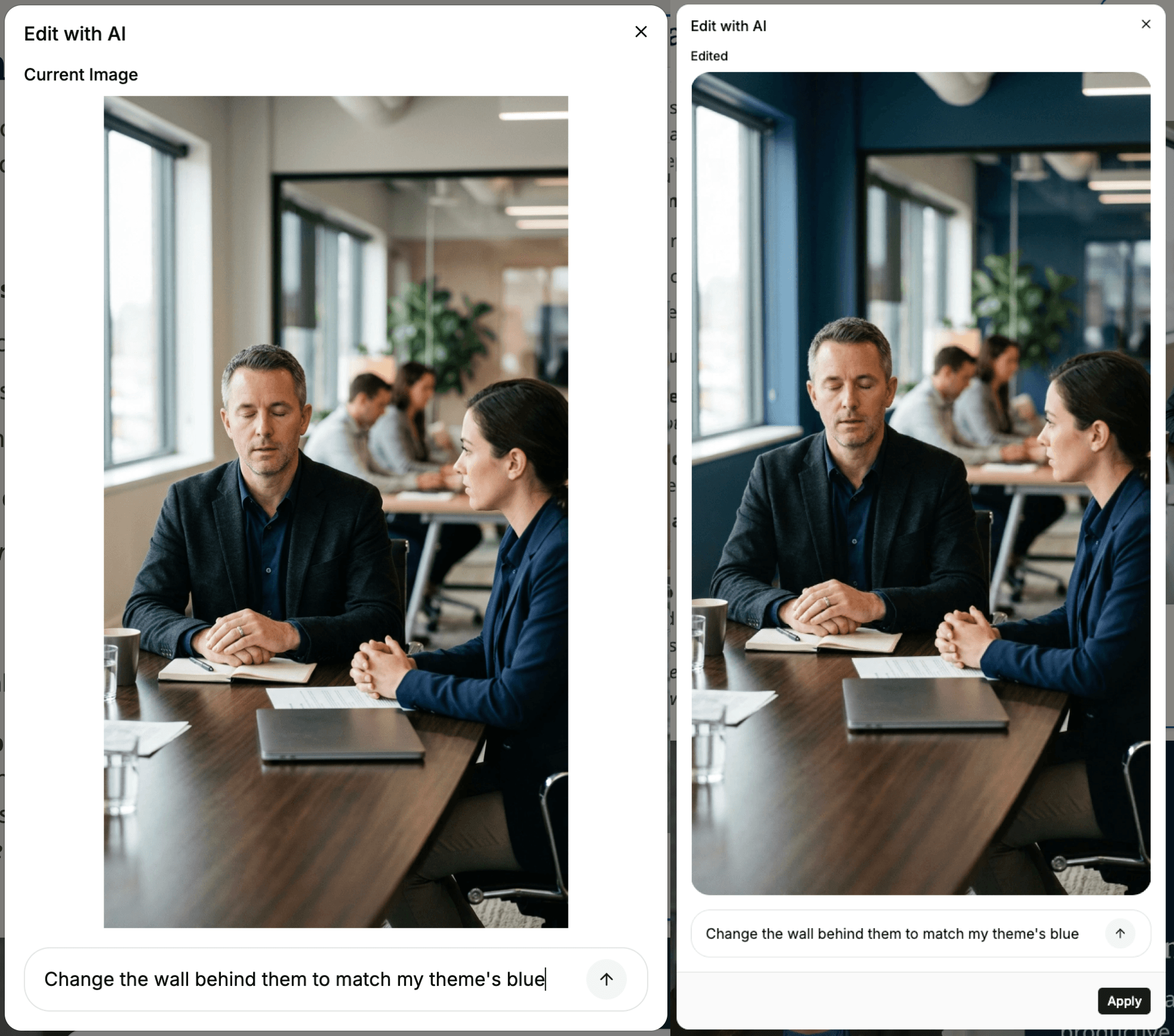
Edit Image with AI has come out of beta. Select any image in a lesson and the option sits in its action menu alongside Crop and Download — describe the change you want and the image is edited in place, without leaving the editor or swapping in a new file.
Describe the edit in plain language: remove the coffee cups and clutter from a meeting table, blur a busy background so the subject stands out, recolor a wall to match your theme, drop a distracting object out of the frame, or warm up the lighting on a photo shot under office fluorescents. The edit applies to the image already on the page, so crops and placement survive it.