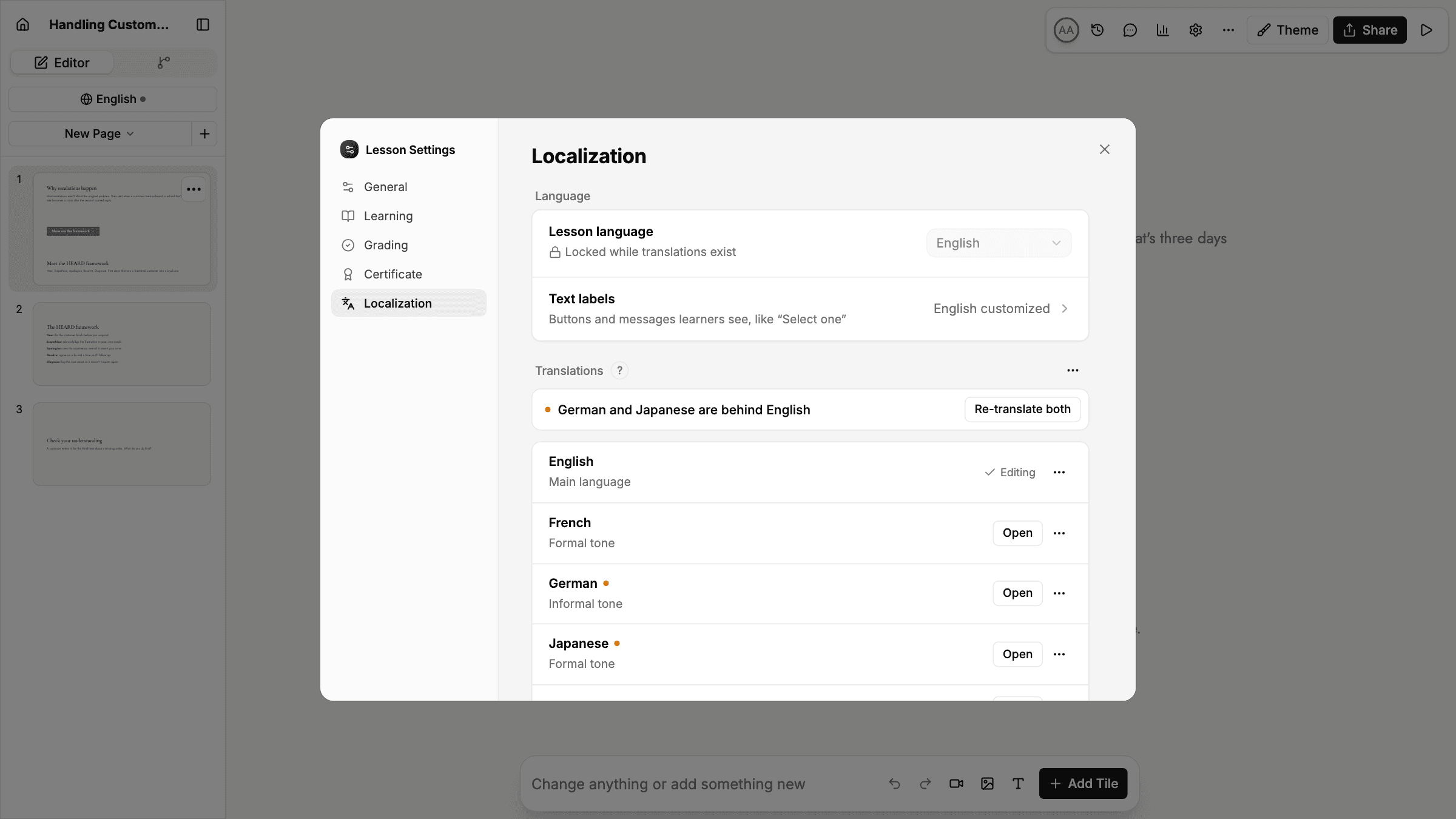
Language and translation settings now live together in a new Localization tab in lesson and course Settings. It's also where you'll find text labels and linked translation glossaries.
- Translations in Settings. On Business and Enterprise plans, the list of translated versions sits in the tab. When versions fall behind the main language, a banner names them and re-translates them all at once.
- Out-of-date marker. The language button in the editor shows a dot when a translation is behind, so you can spot it without opening Settings.
- Formal or informal tone. Choose a tone for each translated language. Supported languages include French, German, Spanish, Italian, Japanese, Dutch, Polish, and Portuguese.
- Copy a language version. Turn any translated version into its own separate lesson.
- Certificates in the learner's language. Certificates now print the title, labels, and date in the language the learner took the lesson in.