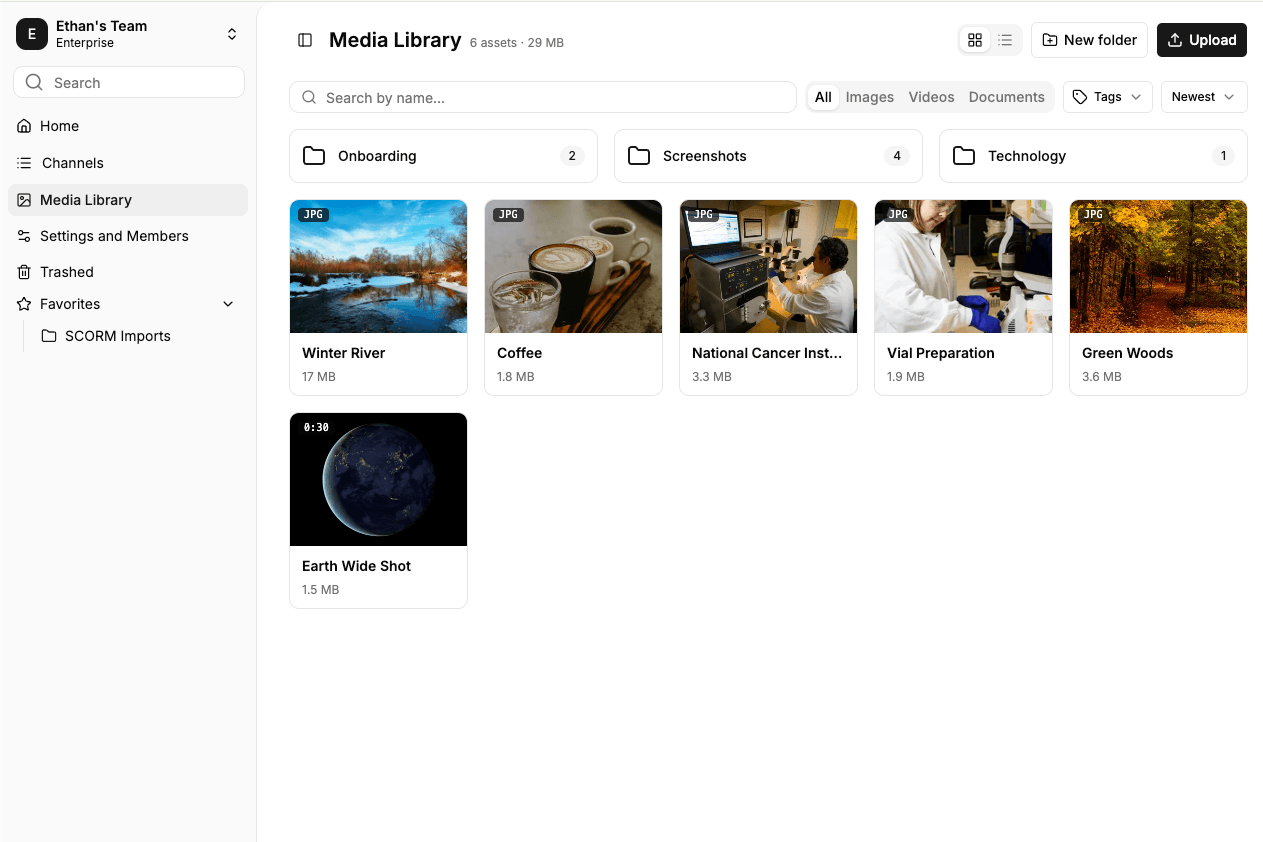
The Media Library now supports folders. Create, rename and nest them up to three levels deep, then move images, videos and documents into place one at a time or as a selection. Uploads go into whichever folder is open, and search still covers the whole library, with each result showing the folder it lives in.
The same folders appear wherever you pick media in the editor, from the "select from library" dialog to the Library tab on a tile, so you can go straight to the right asset instead of scrolling through everything. Library videos can now be used in Video tiles and in Accordion, Process, Tabs and Timeline items.