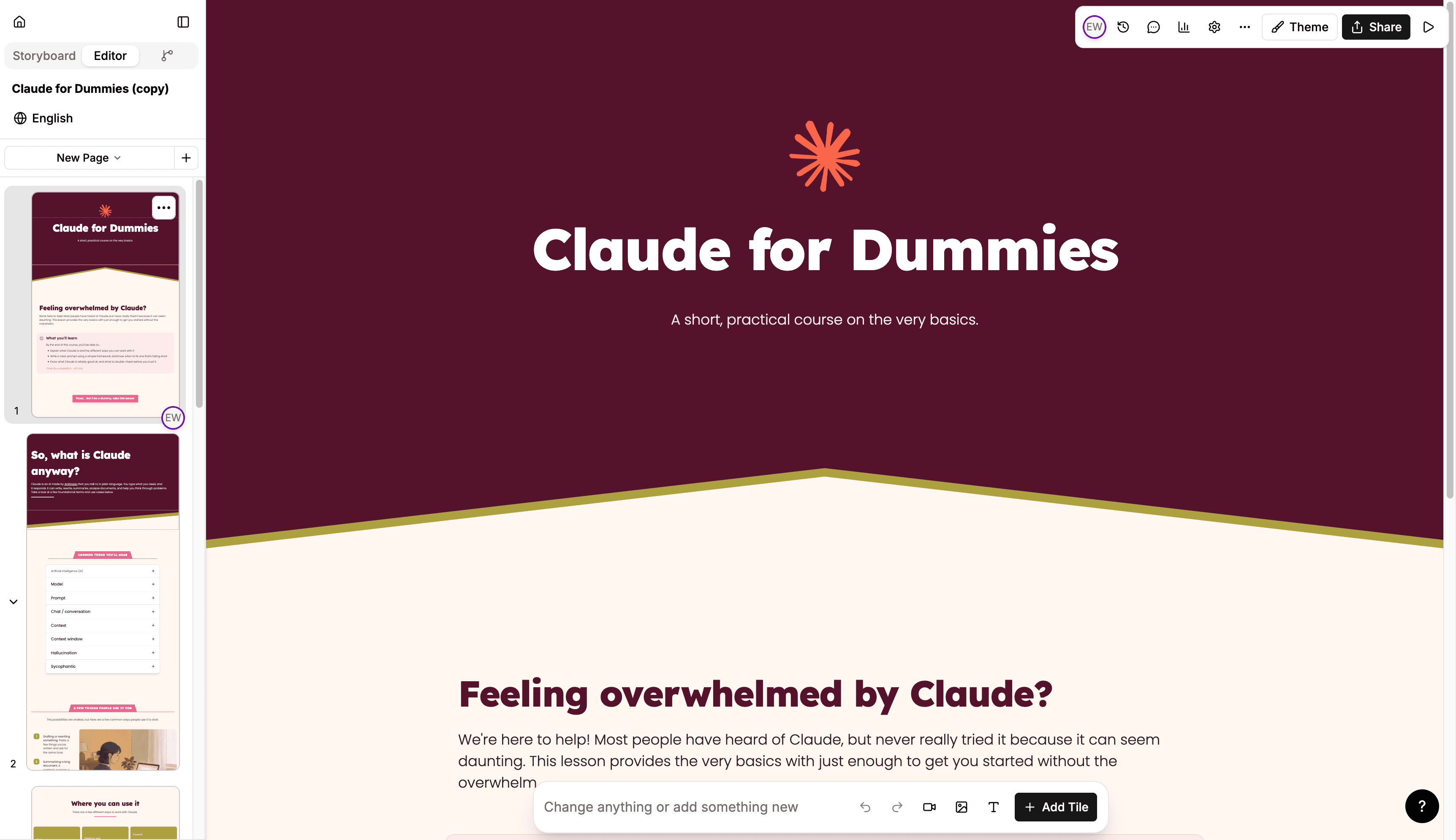
Every tile has a new design. The new look belongs to the theme, so you turn it on by upgrading a theme — every lesson using that theme picks it up at once, and any theme you leave alone keeps rendering exactly as it does today.
Upgraded themes open a set of styling controls that apply everywhere at once: corner radius for tiles and for buttons, the spacing between tiles in a row, the padding between rows, a shadow depth from none through subtle, medium, and strong, and default background colors for cards and for assessment tiles.
Rows and tiles gain their own settings underneath that. A row can take its own background color or background image with an overlay, its own top and bottom padding, and its own tile widths. Transition tiles place a shaped seam between sections. Individual tiles pick up layout variants — flashcards can be landscape, square, or portrait and lay each card out as classic, overlay, or split, with separate front and back backgrounds; process tiles render as a stepper or as dots; list, quote, tab, hot button, carousel, table, and experience tiles each have their own new treatment. The AI agent can author all of it, so asking for a section with a tinted background and a seam above it is a request it can carry out directly.