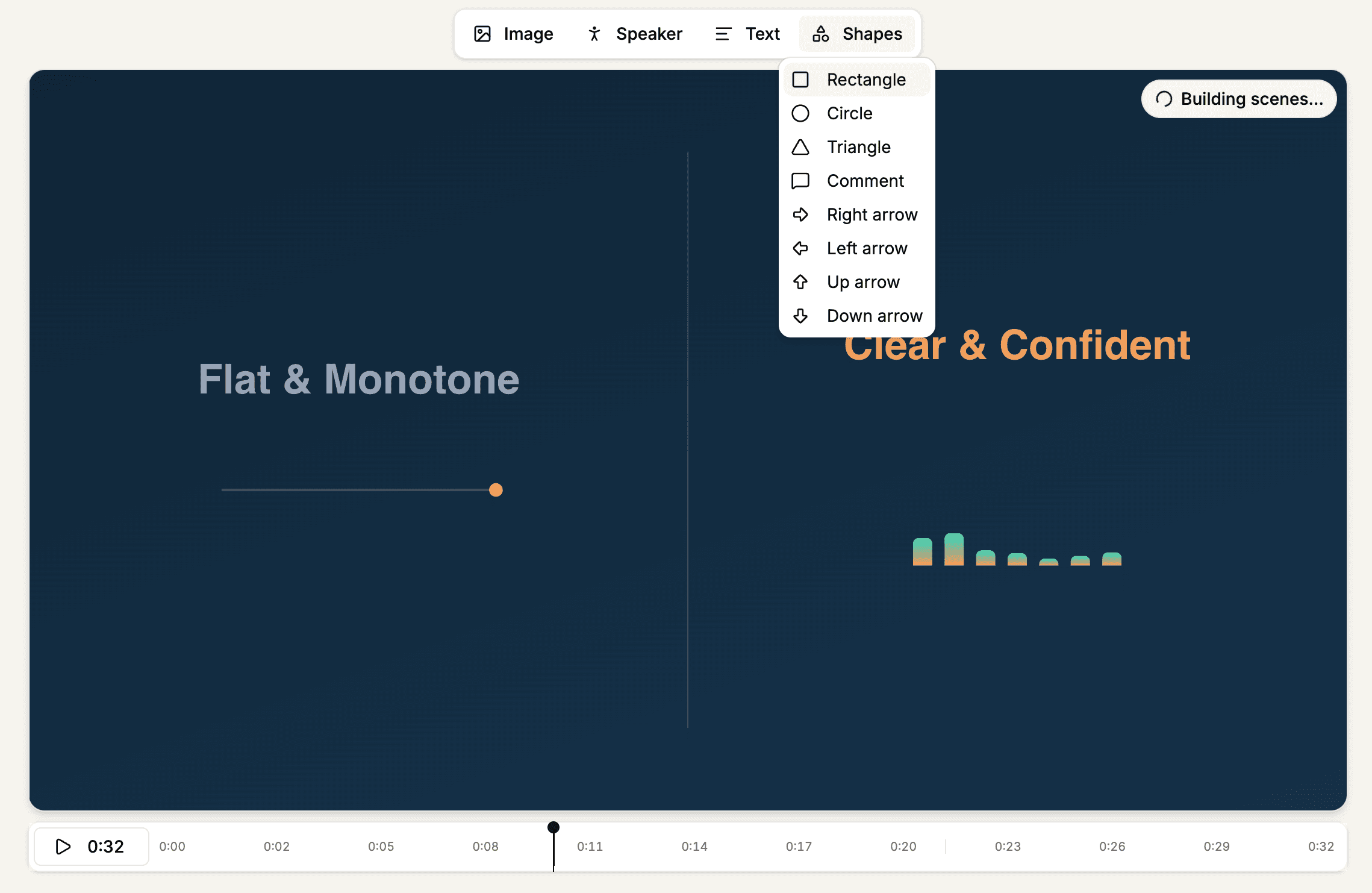
Two editor improvements in Mindsmith Video V2:
- More shapes. The element bar's Shape button is now a Shapes dropdown with circles, triangles, comment bubbles, and directional arrows alongside the existing rectangle. Each one behaves like any other element — drag, resize, recolor, and layer it from the edit panel, instead of embedding a custom image for a simple callout.
- Scene boundaries on the timeline. The scrubber's separator bars now sit on actual scene boundaries, so you can see where each scene starts and ends. Selecting a scene and pressing play starts from that scene rather than rewinding to the beginning.