Move lessons into courses
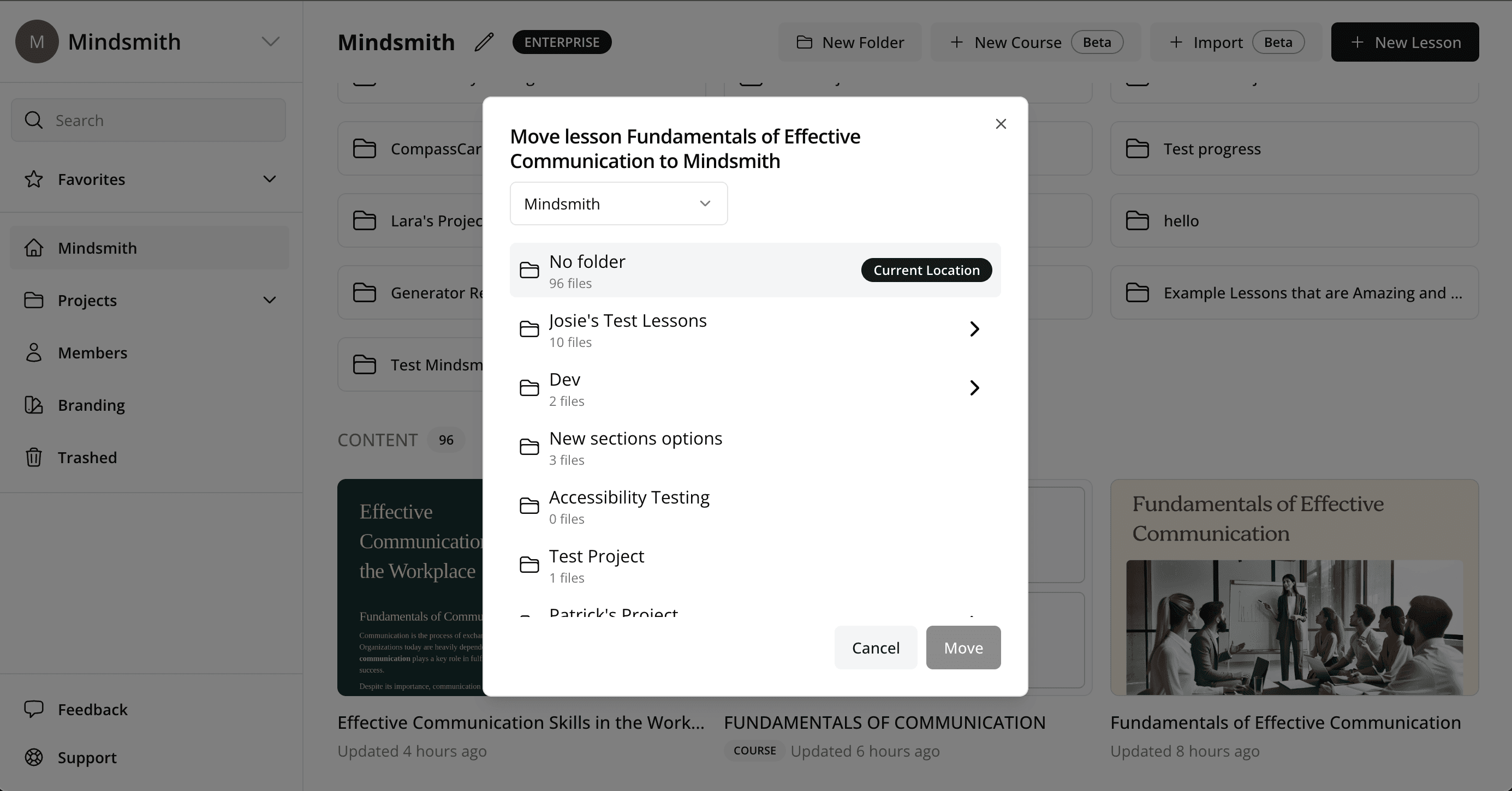
An upgraded move-lesson dialogue now allows authors to move lessons directly into courses they've created.
Read moreProduct Updates
The latest features, improvements, and updates to Mindsmith.
An upgraded move-lesson dialogue now allows authors to move lessons directly into courses they've created.
Read more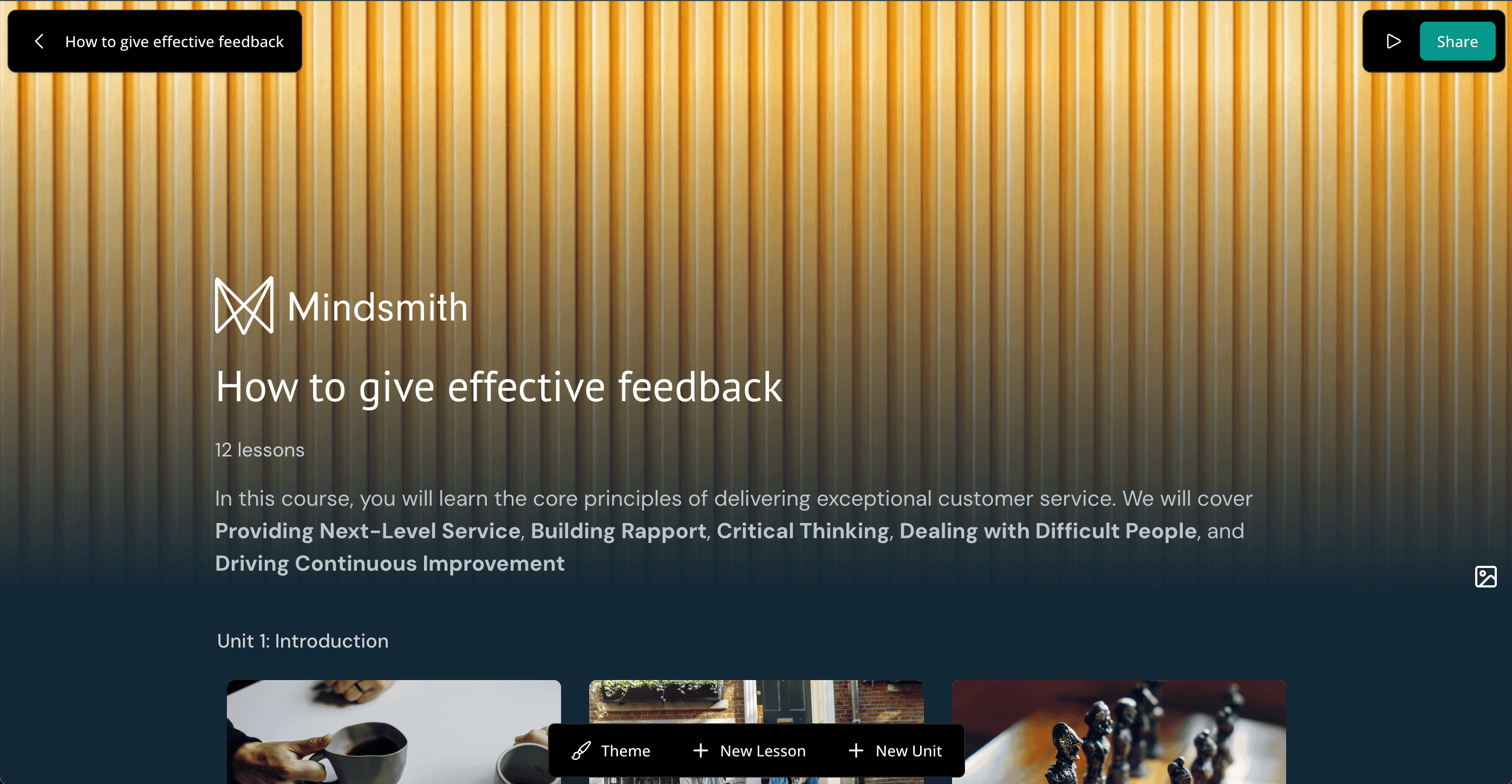
Existing projects or folders can now be converted into courses with new editing options for a full course structure.
Read moreImages from uploaded source documents are now available in a dedicated library tab in the image picker during editing.
Read moreUpload a logo to automatically generate a new lesson theme based on its colors and style.
Read moreA dedicated import mode turns documents into lessons verbatim, with plans to support importing Rise courses as Mindsmith courses.
Read more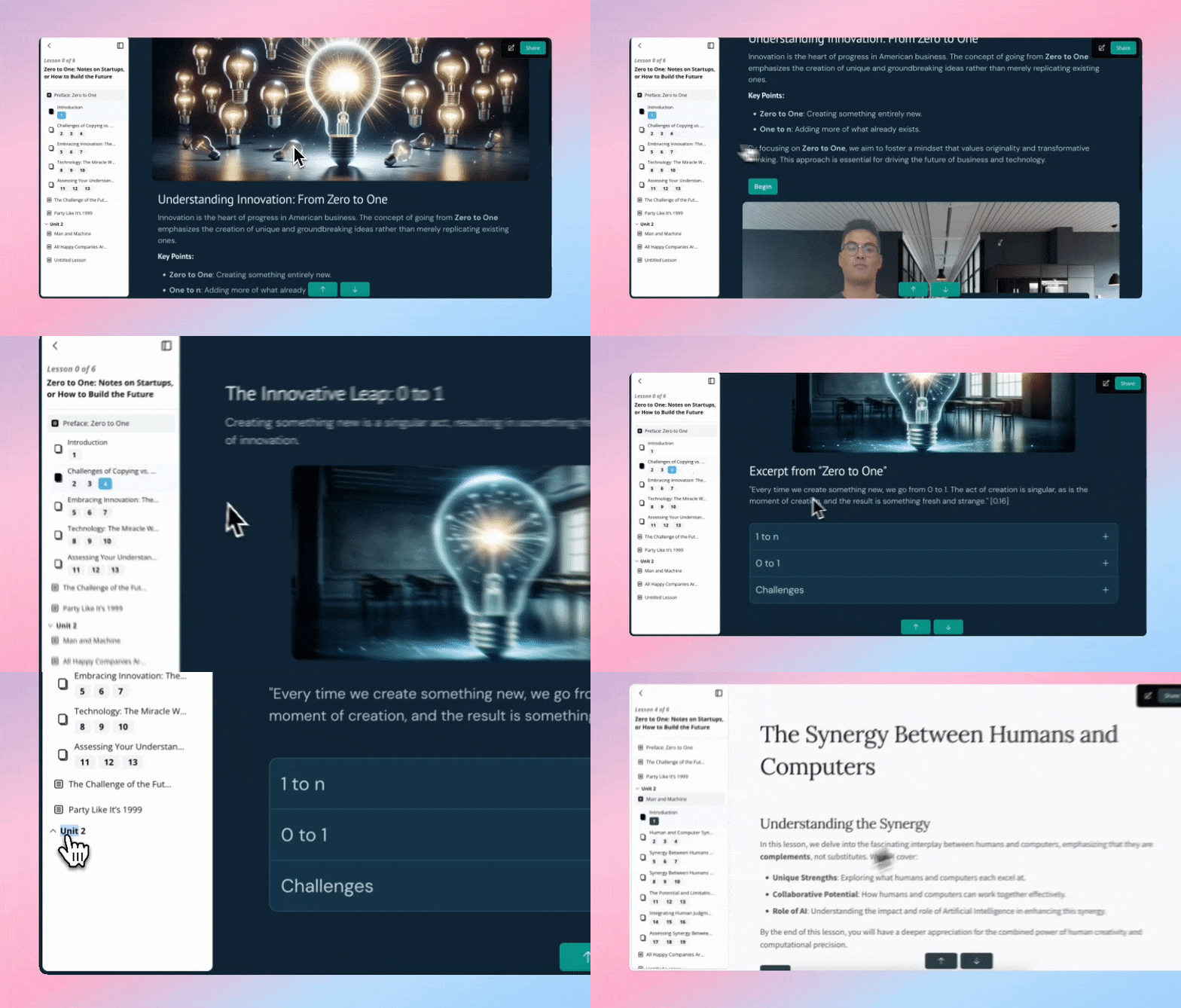
Learners now get a smooth slide-out sidebar for navigating lessons and courses, replacing the previous pop-up menu.
Read moreAuthors can now force learners to finish watching a video before advancing to the next page via a new option in the video tile.
Read more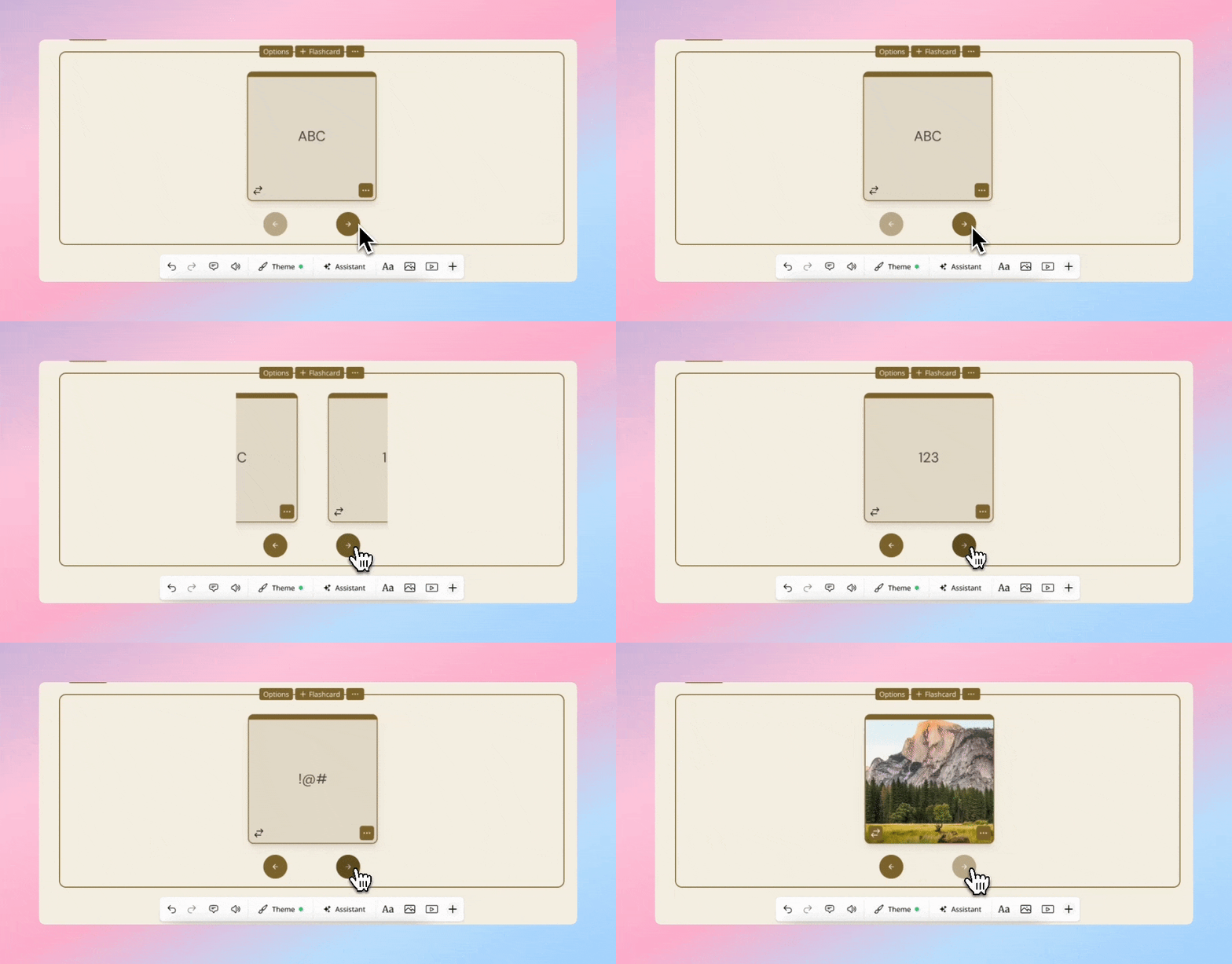
Flashcards now offer a carousel layout as an alternative to the grid view for a smoother learner experience.
Read moreA new generator mode converts documents into lessons verbatim, turning questions into assessments and strictly following the document's wording and flow.
Read moreThe lesson filmstrip now auto-hides on hover, opening up margins for a better learner-view preview and future full-width tile support.
Read moreImages from uploaded source documents now appear in the image-picker dialogue so authors can easily reuse them in their lessons.
Read moreAuthors can now change the background color and text color of any tile type, not just text tiles.
Read more
Tiles are now added from the bottom of the page instead of a side panel, with a new quick-add mode for popular tile types.
Read more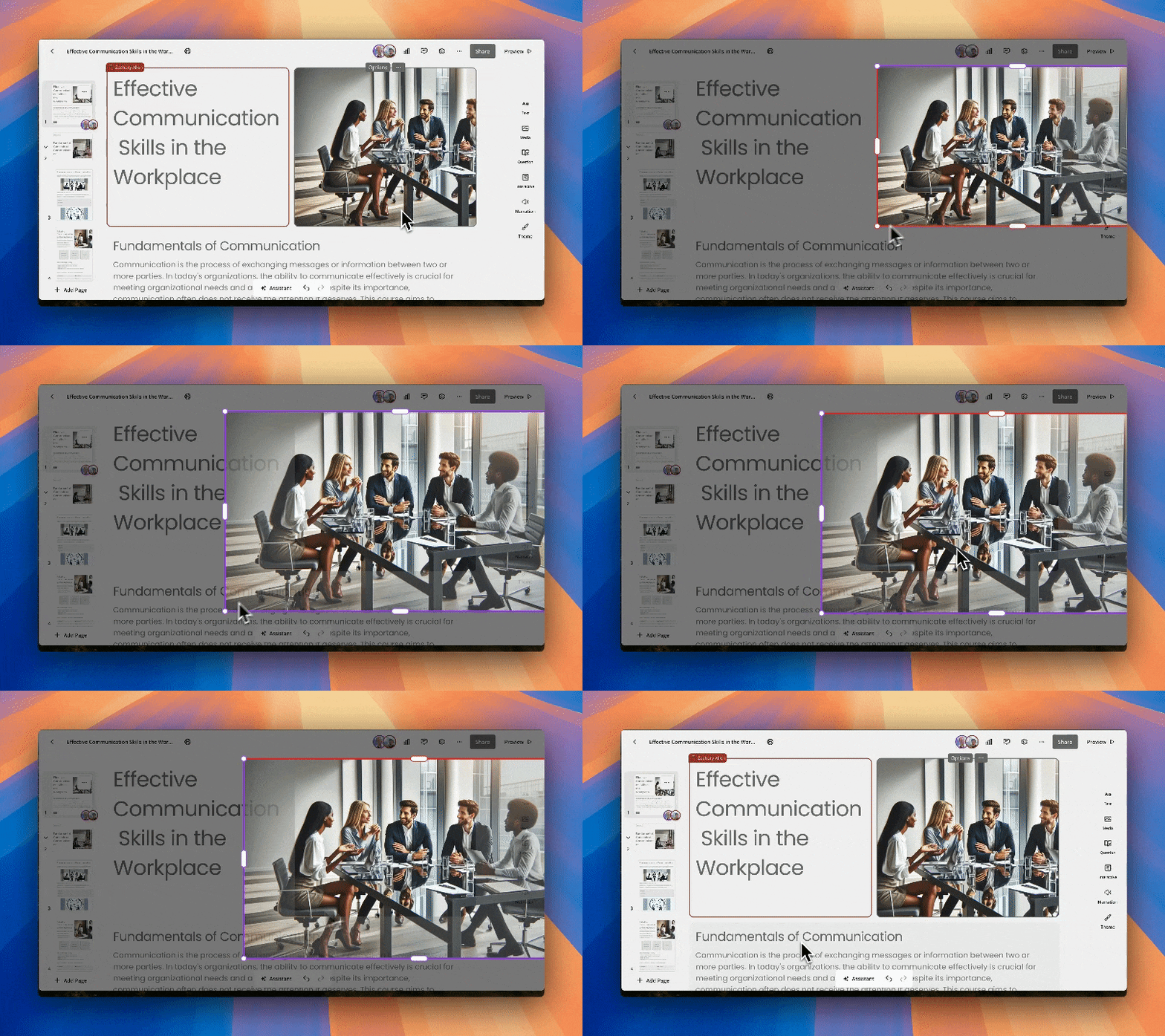
Authors can now crop images directly in the image tile by double-clicking and repositioning or resizing.
Read more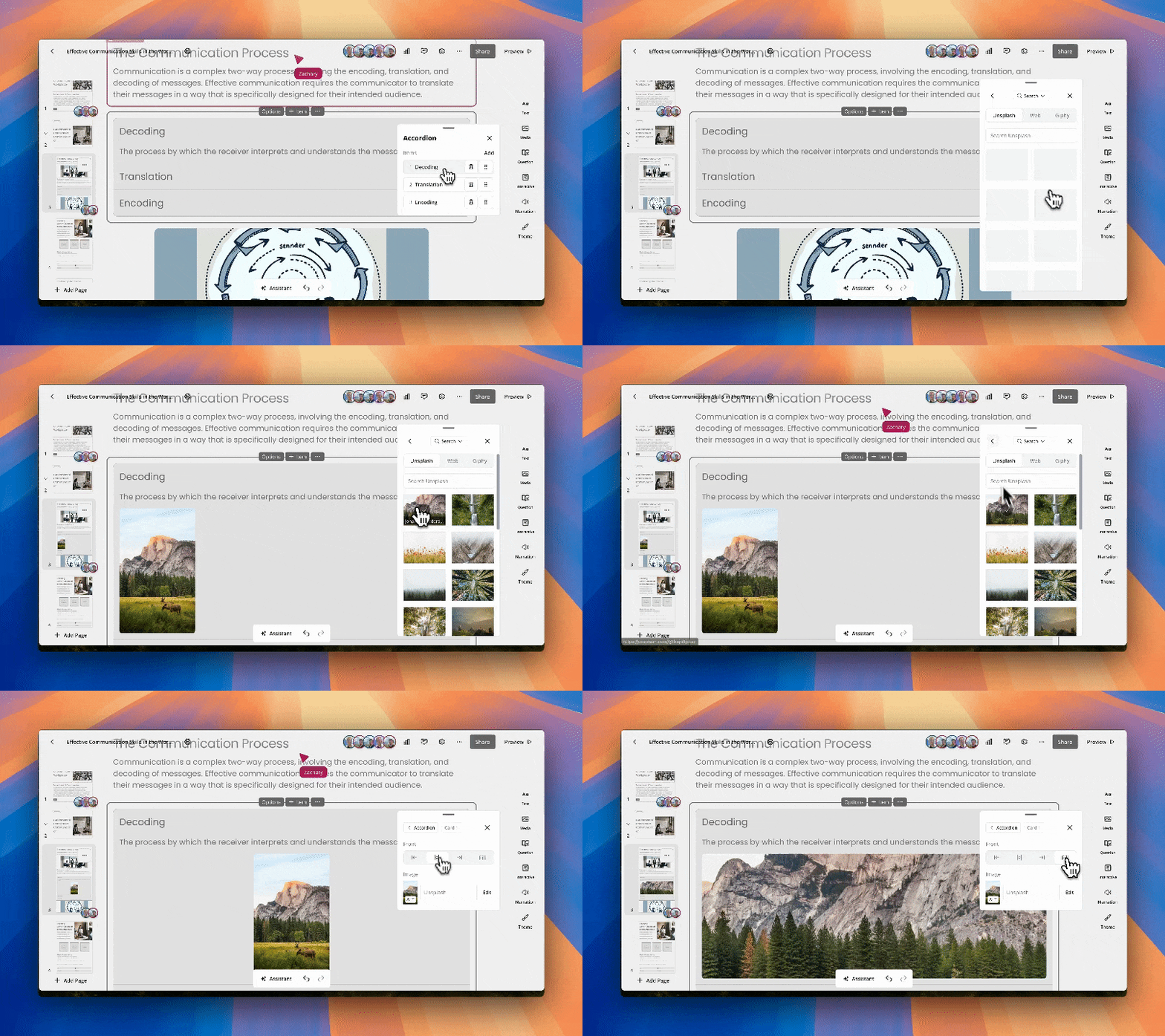
You can now include images inside accordion tiles to make them more visually engaging.
Read more
