Product Updates
What's New
The latest features, improvements, and updates to Mindsmith.

Configure Organization Generation Settings
Org admins can now set organization-wide default generation settings to standardize how Mindsmith is used across their organization.
Read moreModal Node in Scenario Builder
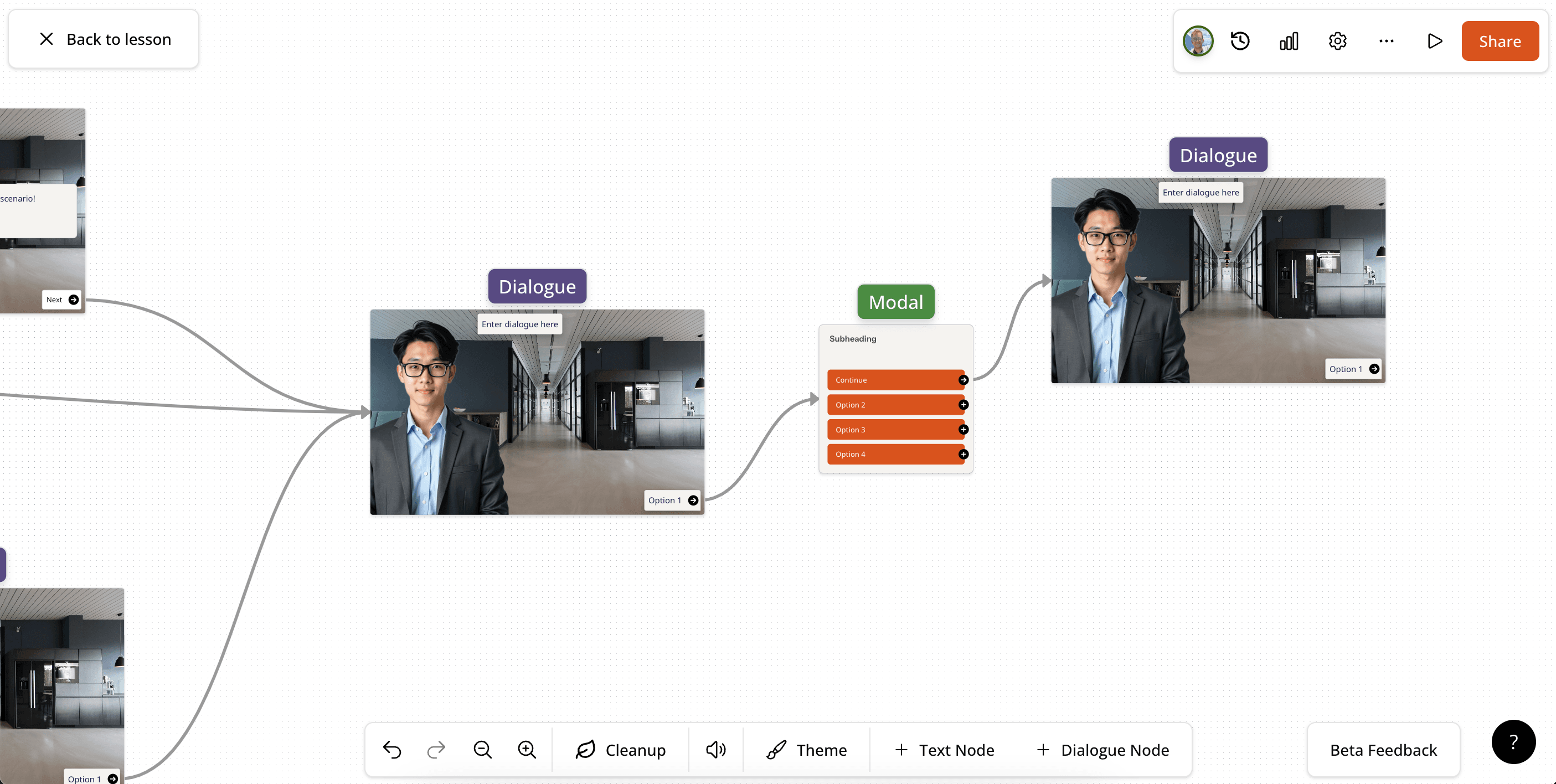
A new Modal node in the scenario canvas presents a list of buttons as a pop-up overlay on top of the current scene.
Read moreOrg Settings Consolidation
Branding, Members, and Security settings have been moved inside the organization settings dialogue for easier access.
Read moreOutline Upload for Generation
An outline document can now be uploaded in the Instructions generator so the AI follows your pre-defined content structure when building lessons.
Read moreTranslate Course
Courses can now be translated by creating a translated copy while keeping the original untouched.
Read moreTranslation Dictionary / Glossary
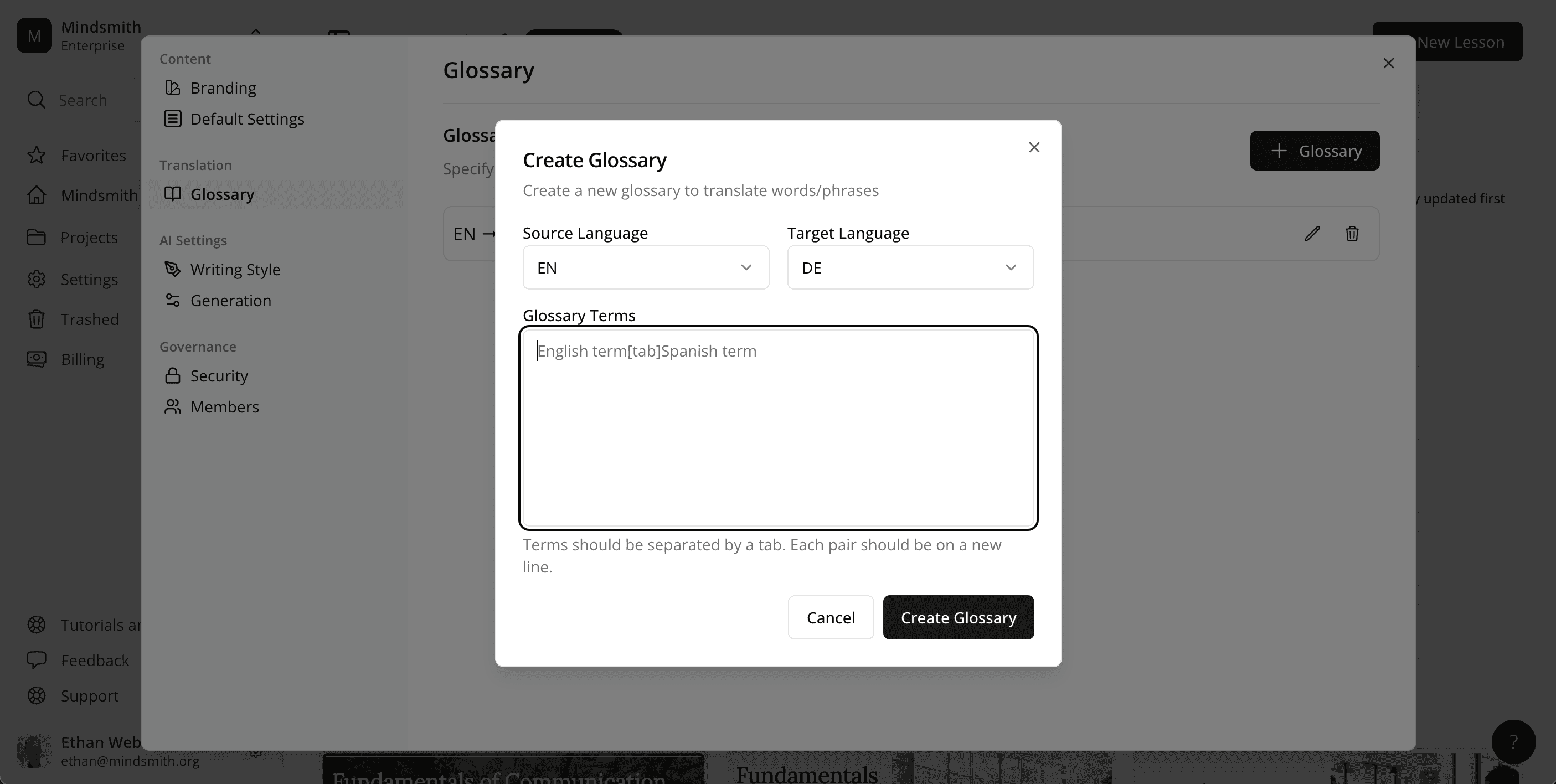
A translation glossary in account settings lets you define custom translations the AI will use when translating lessons and courses.
Read moreTurn Off Lesson Completion Dialogue
A new lesson setting lets you disable Mindsmith's completion dialogue for users whose LMS provides its own completion window.
Read moreAI Transcript and Caption Generation
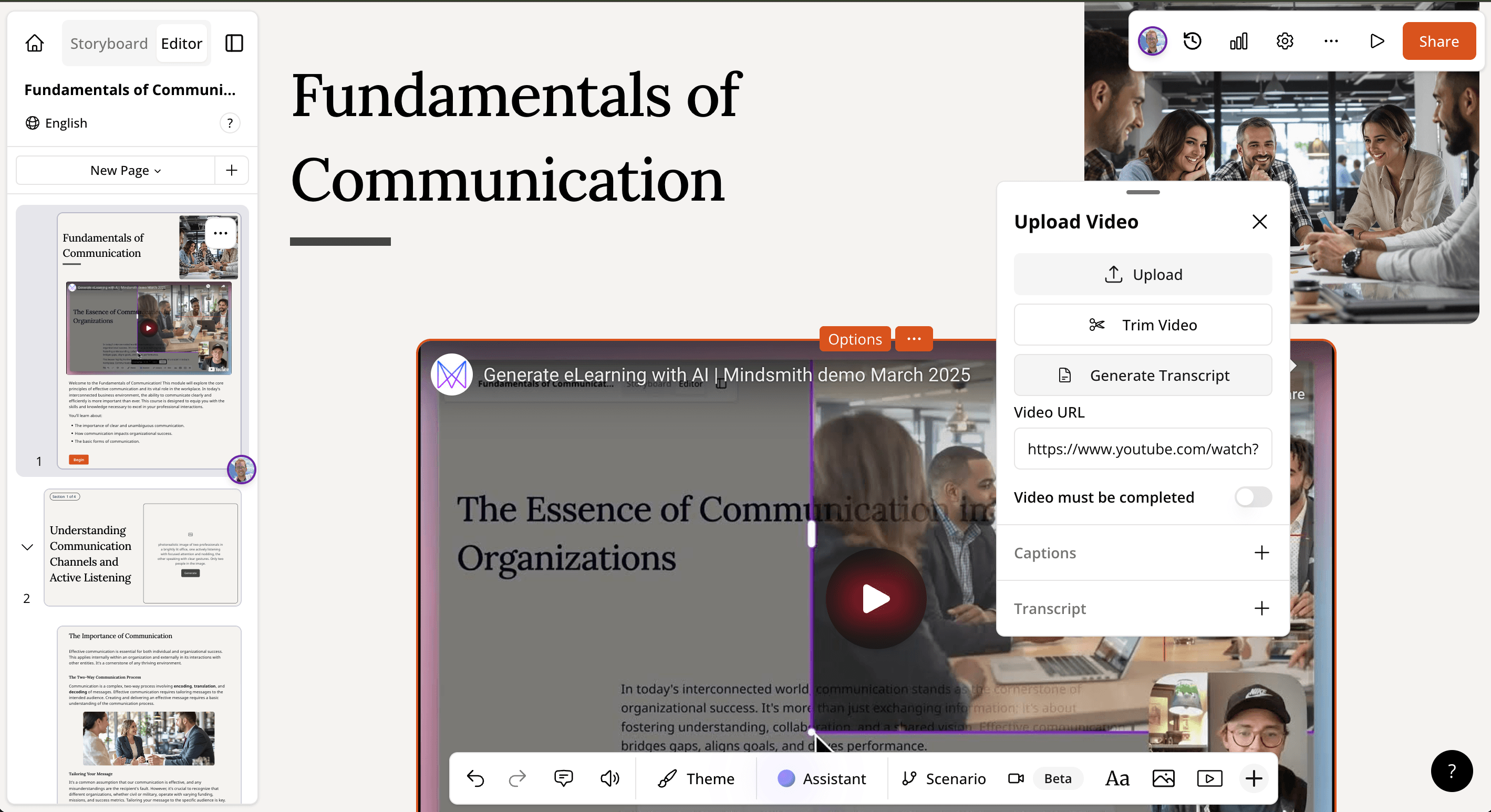
Generate transcripts and captions for videos directly inside Mindsmith without needing external tools.
Read moreAI TTS Audio Narration on Scenarios
AI text-to-speech audio narration is now available inside branching scenarios, powered by ElevenLabs and OpenAI voice integrations.
Read moreEditable Video Full Screen Editing Experience
The editable AI video editor has been redesigned with a more intuitive full-screen editing experience for beta users.
Read moreScenario UI Improvements
Visual and structural UI updates to the scenario builder lay the groundwork for future enhancements to the scenario tile.
Read moreUngraded Assessments
Assessments can now be marked as ungraded, making it easy to run polls or non-scored questions inside a lesson.
Read moreUnified Video Feature
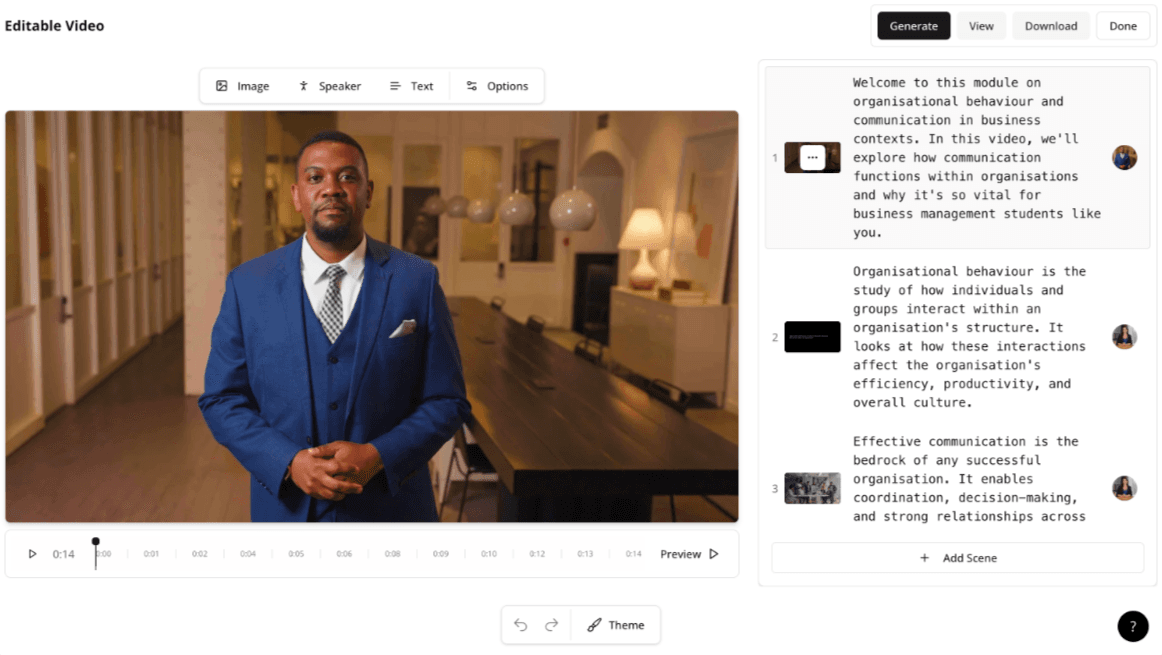
YouTube videos can now be uploaded in the Video tile, enabling trim, disable-seeking, and other video controls previously limited to locally uploaded files.
Read moreClassic tile refinements
Older (non-beta) tiles received a visual facelift and UX polish to improve ease of use.
Read moreCourse list mode
Courses now support a list layout option as an alternative to the default grid/Netflix-style view.
Read moreEnhance prompt button
A new "Enhance Prompt" button in the generator helps users write better prompts to get more out of Mindsmith AI.
Read moreLearner navigation UI improvements
Subtle visual improvements to the new learner navigation make pages and sections easier to browse.
Read moreNew course generator UI
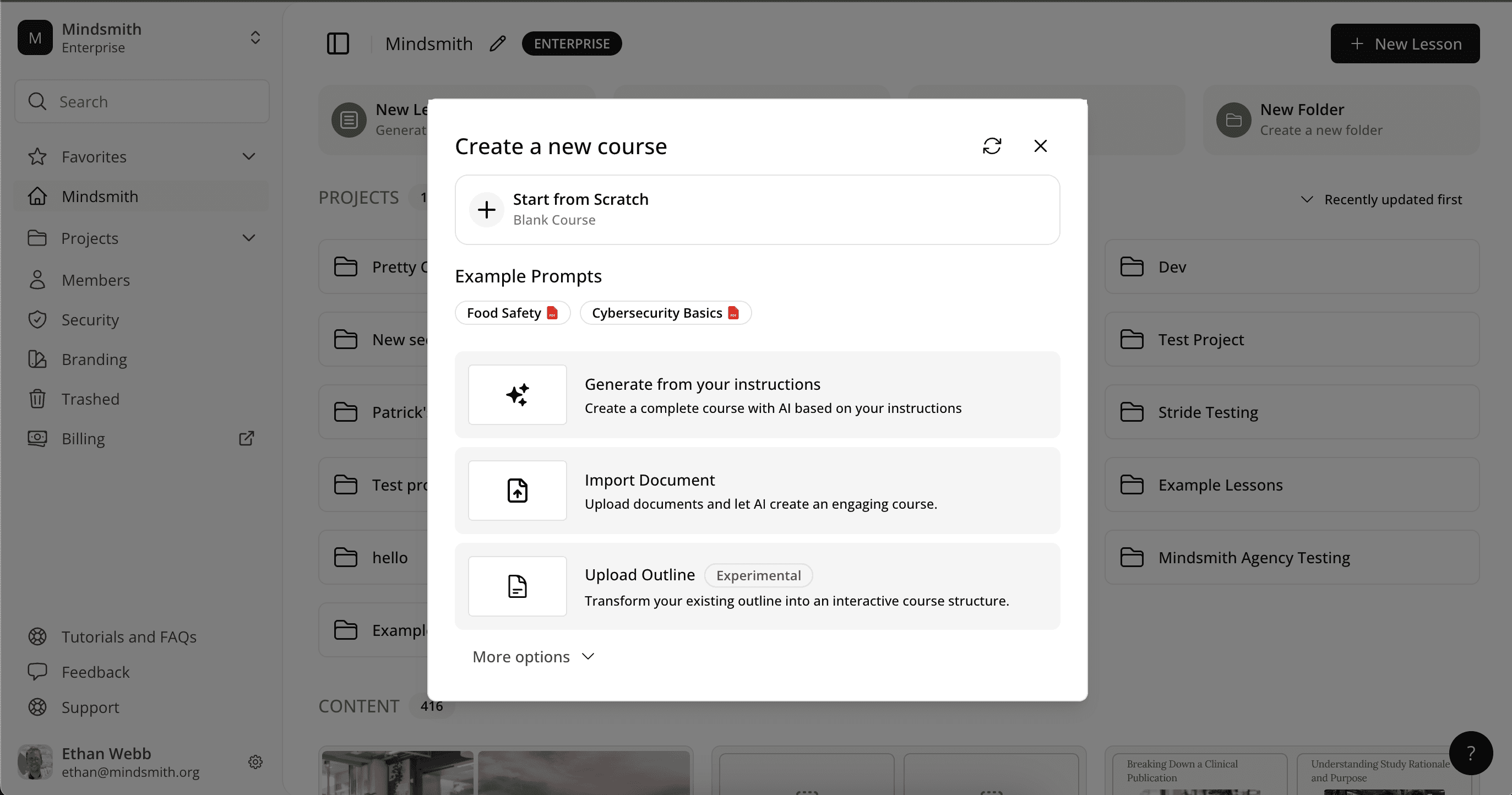
The course generator UI has been redesigned to match the updated lesson generator for a consistent experience.
Read moreSmarter course generation
When generating new lessons in a course, the AI now references the storyboards of existing lessons for greater coherence.
Read more