Course Analytics
Learner engagement analytics are now available for courses shared as dynamic SCORM packages.
Read moreProduct Updates
The latest features, improvements, and updates to Mindsmith.
Learner engagement analytics are now available for courses shared as dynamic SCORM packages.
Read moreThe "created by" badge on courses can now be edited or removed entirely from course settings.
Read more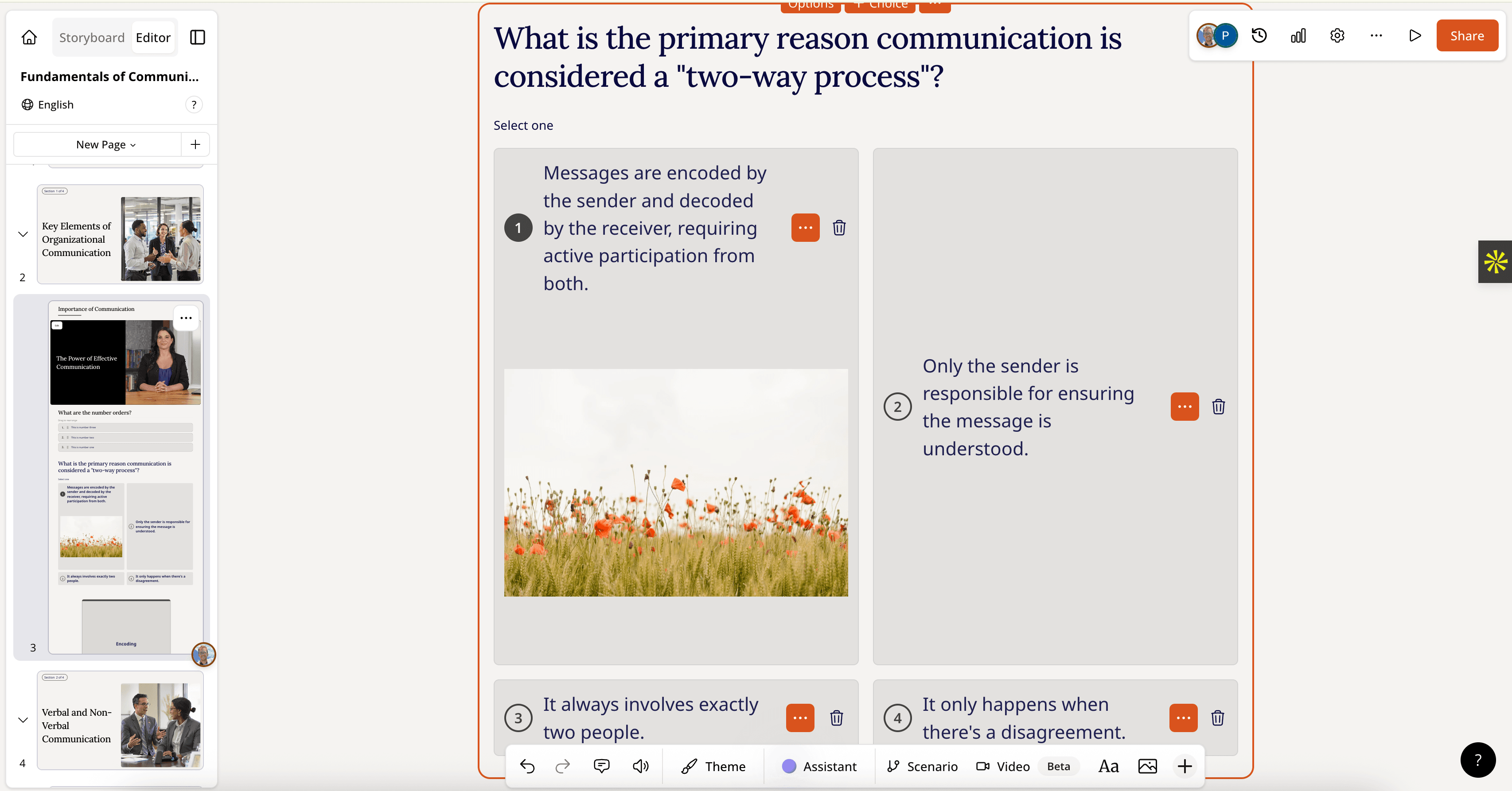
Images can now be added to individual answer options in multiple choice assessments.
Read more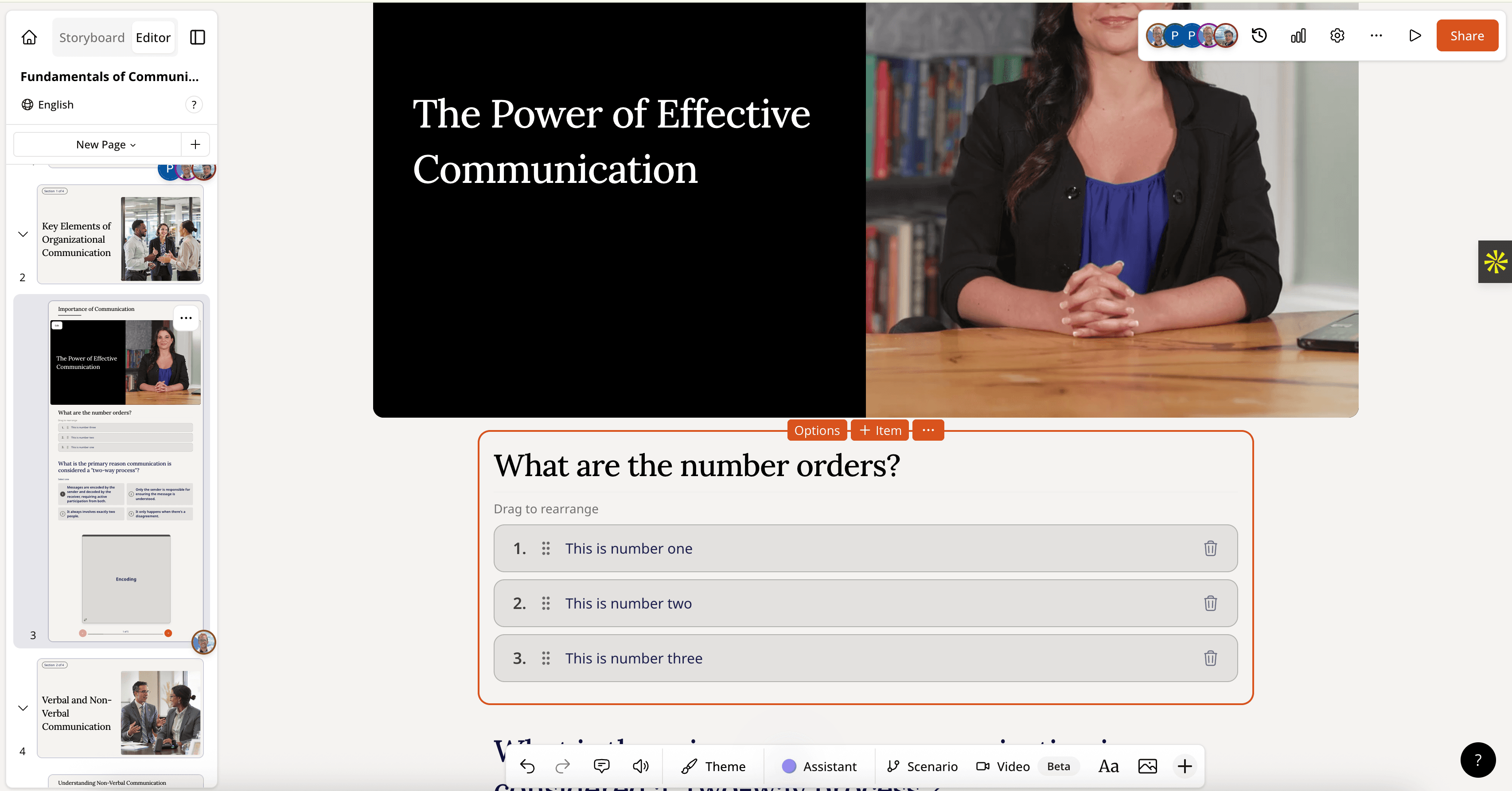
A new Ranking tile lets learners drag randomized options into the correct order, and can be configured as a graded assessment.
Read moreA new View Only role lets collaborators review and comment on all teamspace content without consuming a paid license seat.
Read moreEasyGenerator SCORM files can now be imported into Mindsmith and automatically converted into Mindsmith Courses.
Read more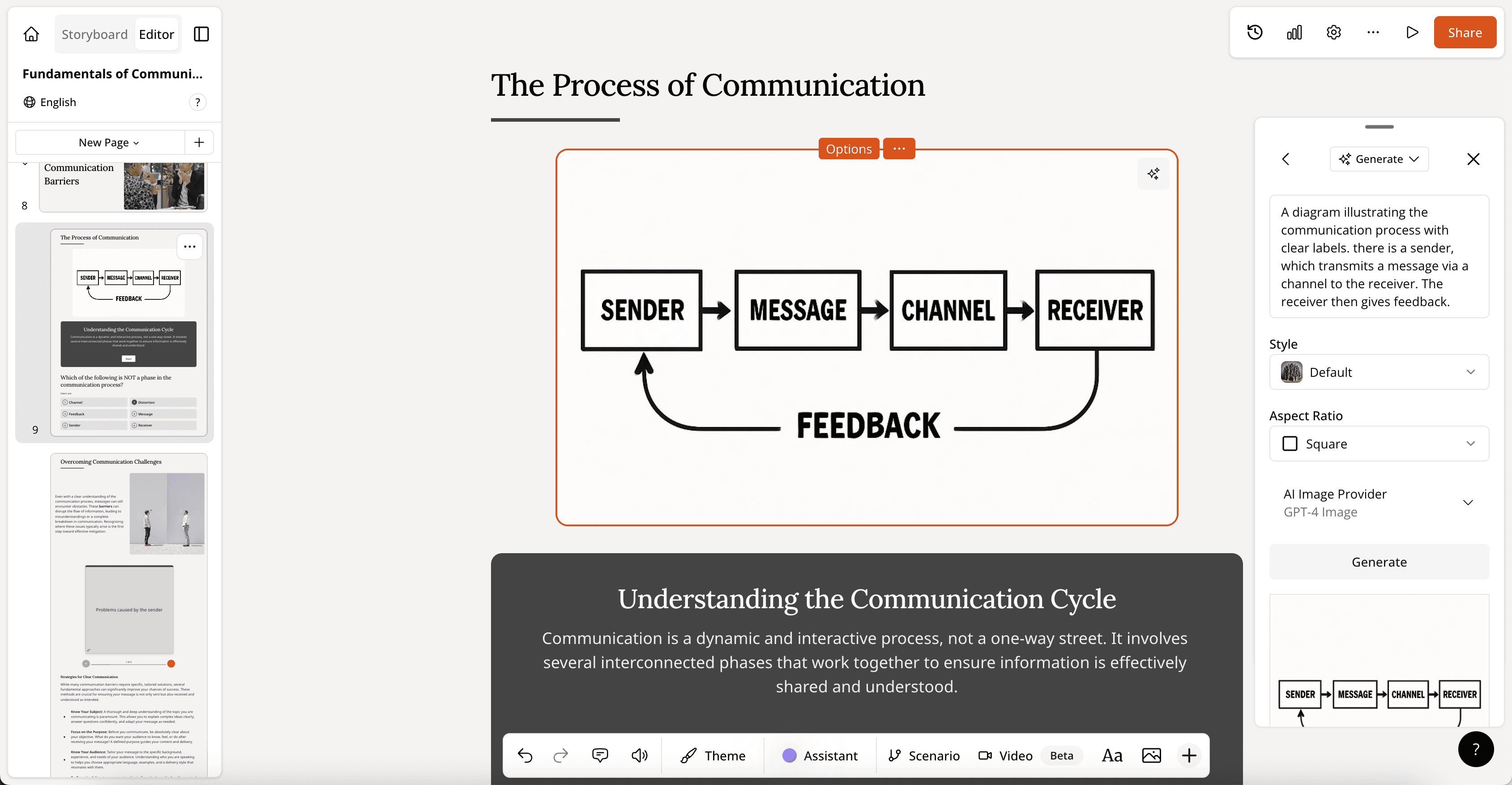
OpenAI's GPT-image model and Imagen 4 Ultra have been added to image generation options, with GPT-image excelling at infographics and diagrams.
Read more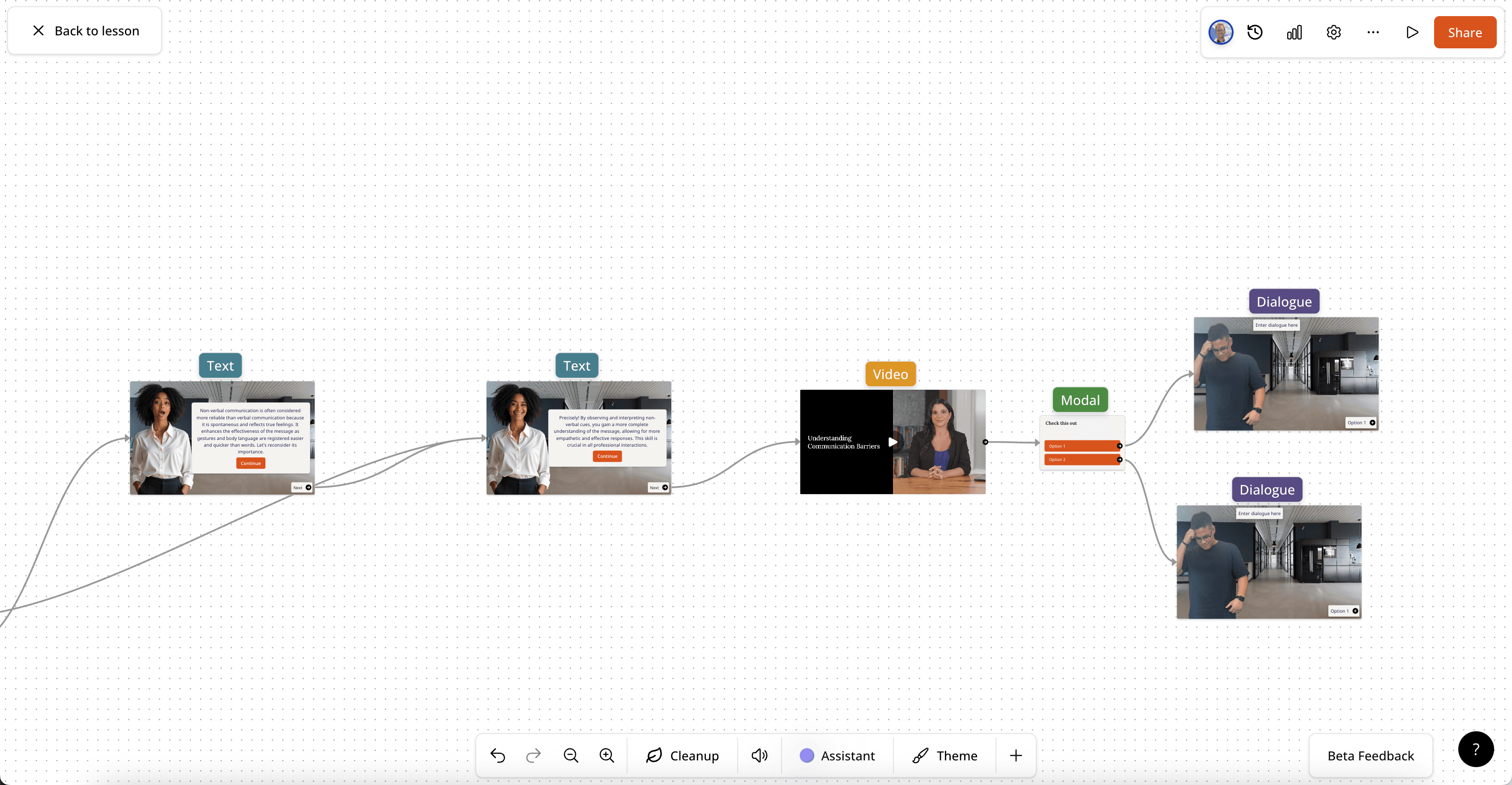
A new Video node in the experiences editor lets authors embed videos directly into scenarios, enabling branching with video and interactive video experiences.
Read more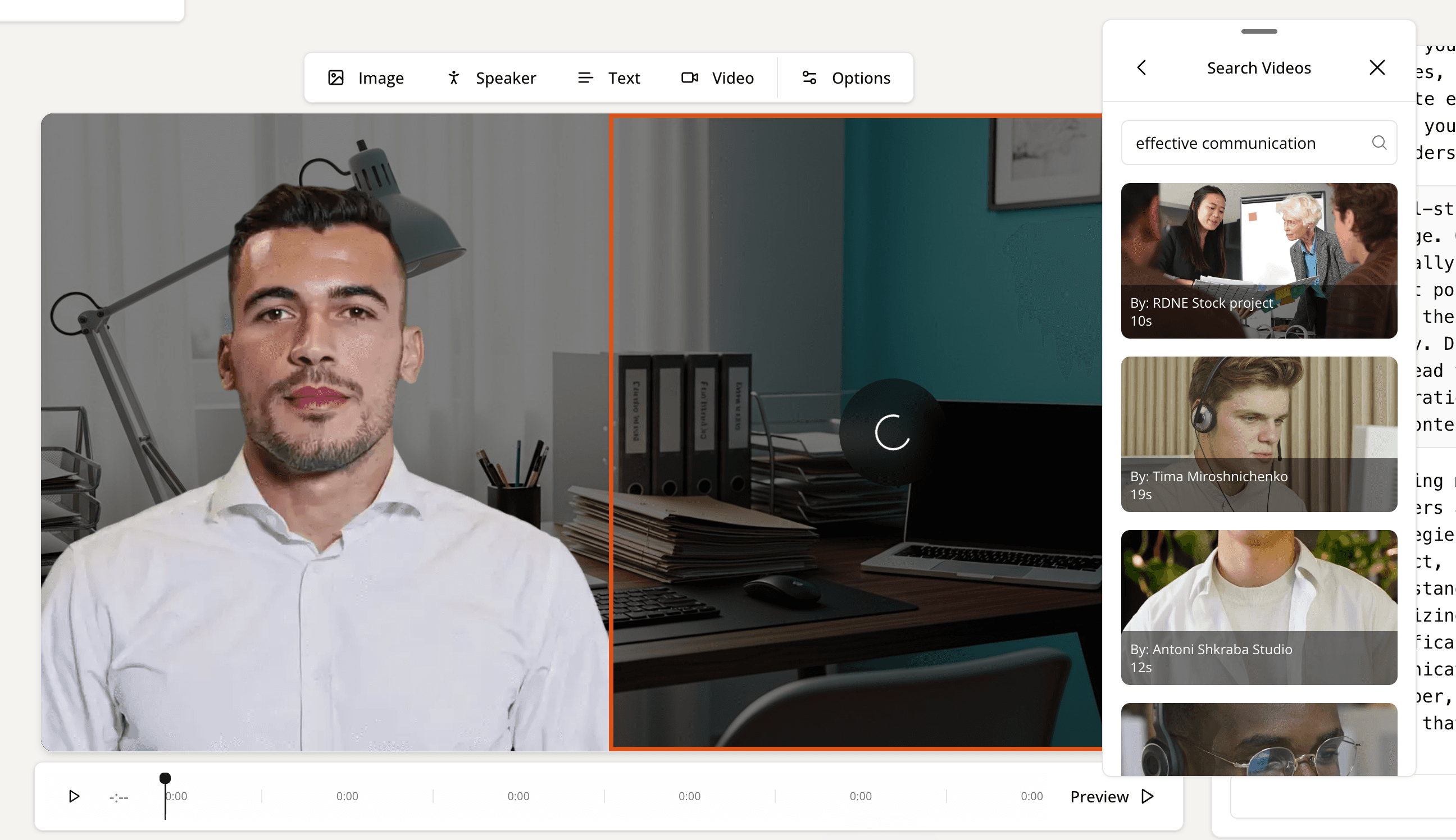
Authors can now add their own uploaded videos or stock library videos to scenes in an editable AI video.
Read moreAI avatars in editable video can now render with transparent backgrounds, letting authors choose custom backgrounds for their avatar scenes.
Read moreCopy and paste now works correctly for scenario tiles and editable video tiles.
Read more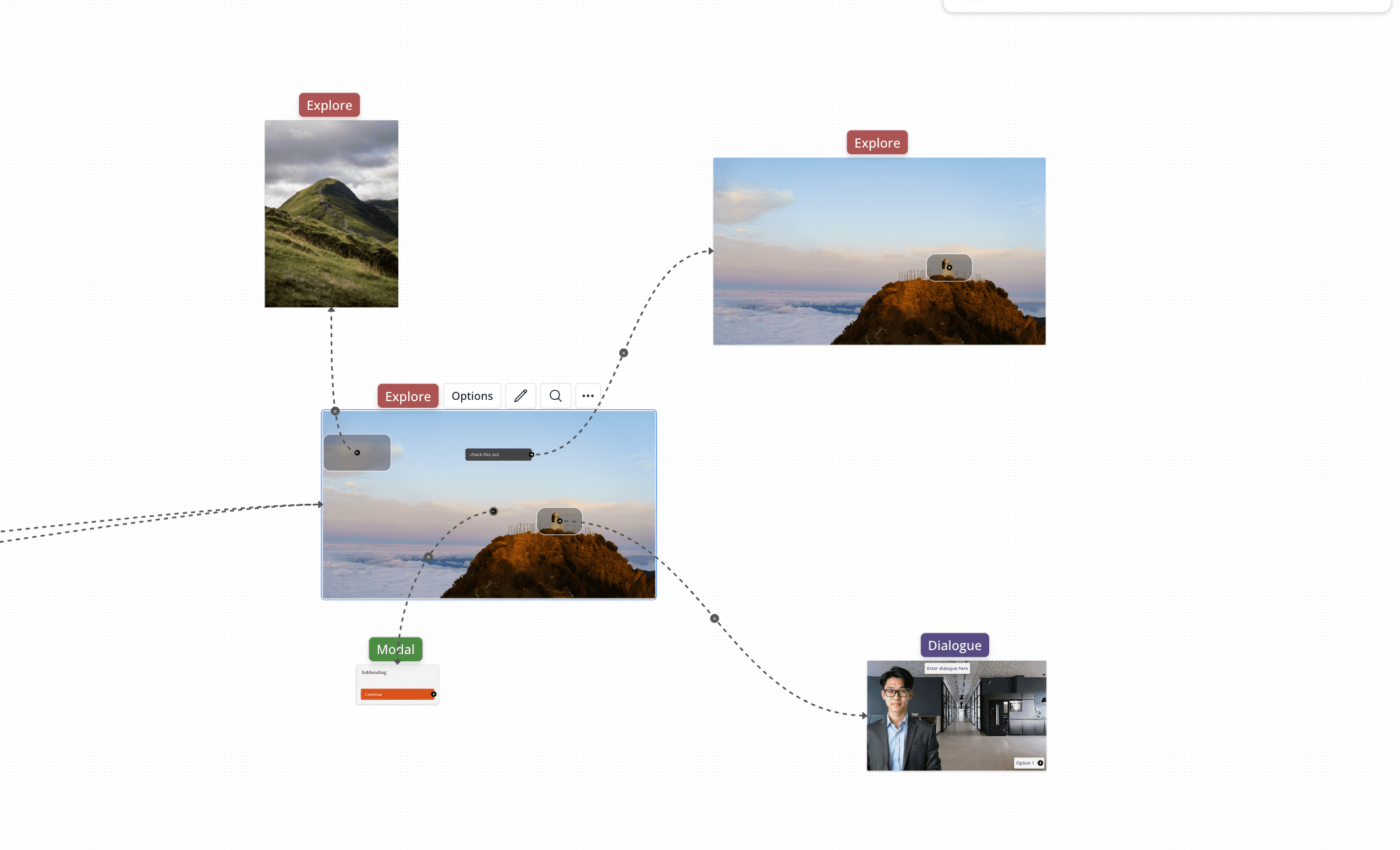
A new Explore node in the scenario builder lets authors upload custom images and define what happens when learners click different areas, enabling immersive simulations.
Read moreVideos can now be uploaded as reference documents when using the "reference" document-following generation strategy.
Read moreAI audio narration now pauses at interactive elements like flashcards and accordions, with per-item click-to-play and a visual indicator showing which tile is narrating.
Read more
Two new prebuilt avatars — a construction worker and a paramedic — have been added to the scenario builder's avatar library.
Read moreCourse review links can now be shared with external reviewers who can leave comments directly on course content.
Read moreCourses can now be exported as static SCORM packages for use in standard LMS environments.
Read moreEditable video now supports multiple voice options, enabling consistent or varied voices across scenes within a lesson.
Read more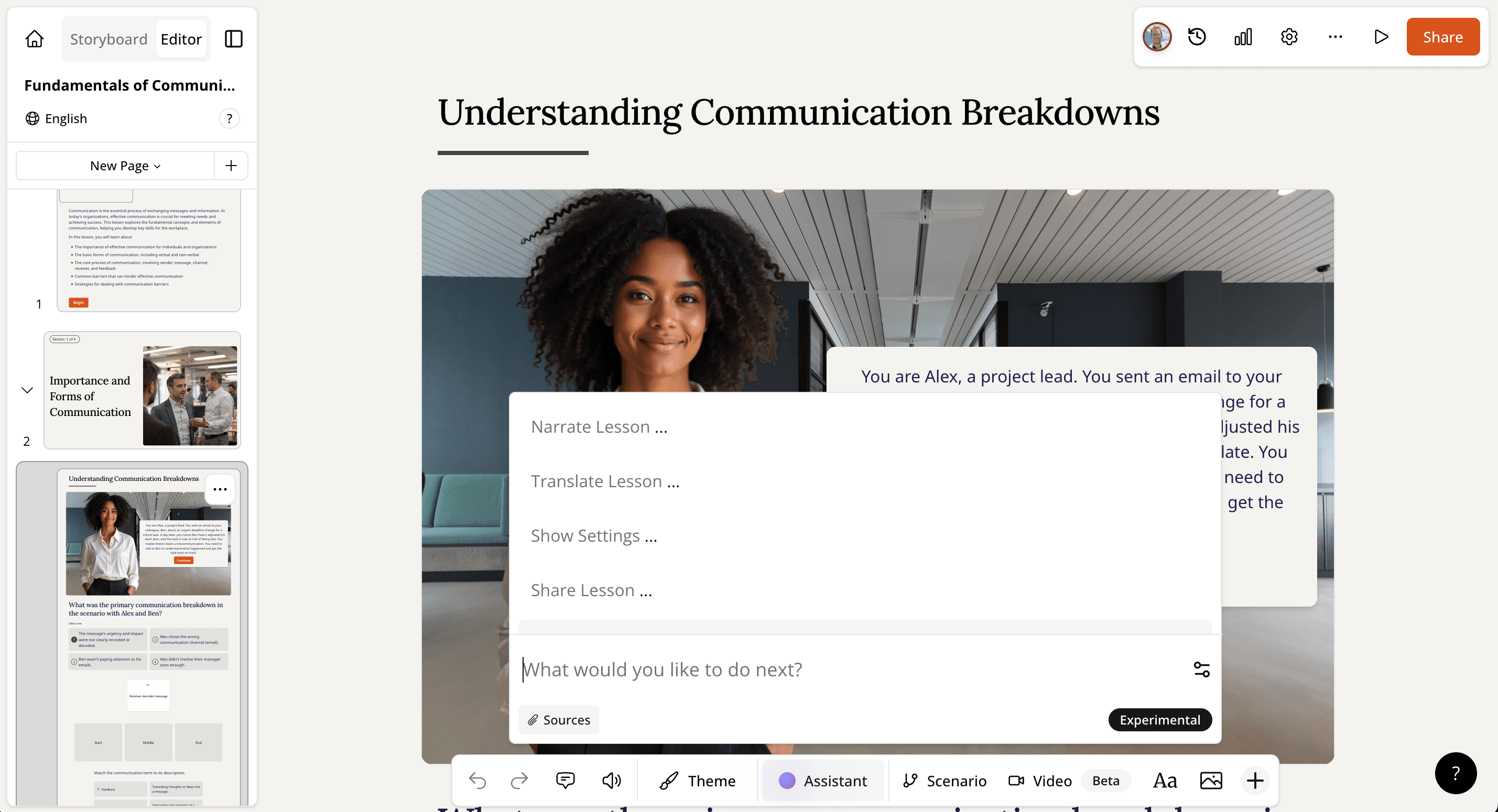
The AI assistant can now open relevant app sections in response to natural-language requests, such as opening settings, narration options, or translation when asked.
Read more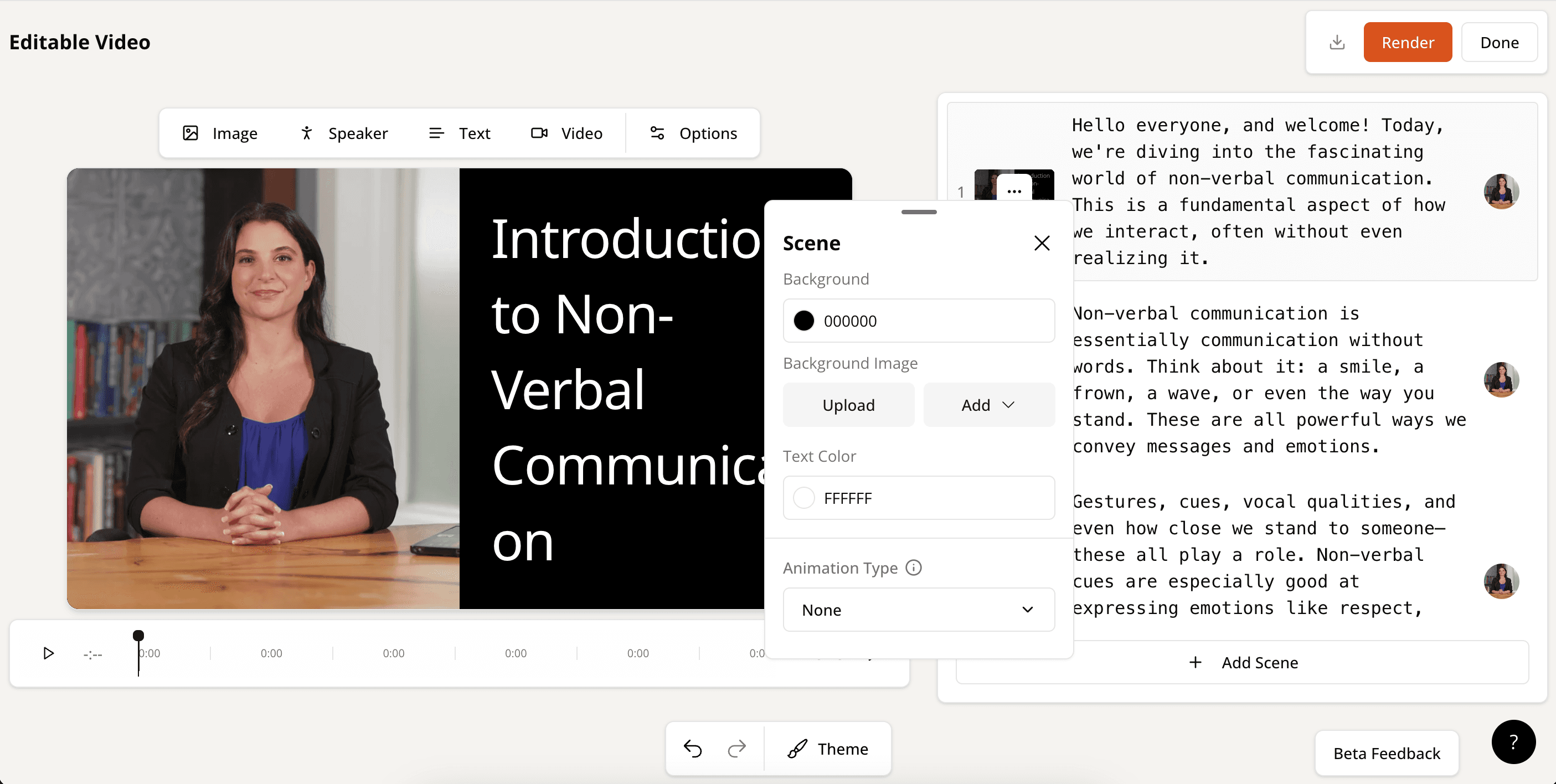
AI video is out of beta and available to all Mindsmith users, with a revamped editor, video file upload, basic animations, and theme alignment.
Read more