New and improved Agent
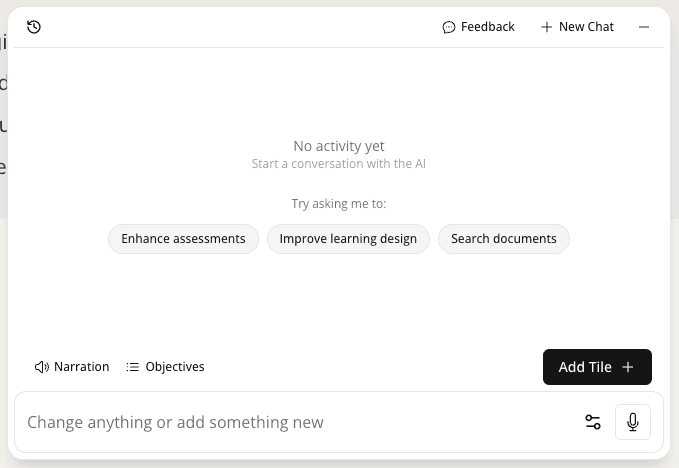
The Mindsmith Agent has been upgraded to be smarter, more articulate, and more accurate at handling complex content requests.
Read moreProduct Updates
The latest features, improvements, and updates to Mindsmith.
The Mindsmith Agent has been upgraded to be smarter, more articulate, and more accurate at handling complex content requests.
Read moreLarge organizations can now upload CSV files to populate translation glossaries, replacing manual entry for large-scale translation management.
Read moreMindsmith now offers EU-hosted data storage, removing a key compliance blocker for European customers.
Read moreAuthors and reviewers can now @-mention collaborators in comments; tagged users receive email notifications, even external reviewers without a Mindsmith account.
Read moreA new agentic AI generation model enters beta, giving users more autonomy, follow-up questions, and visible reasoning during lesson creation.
Read more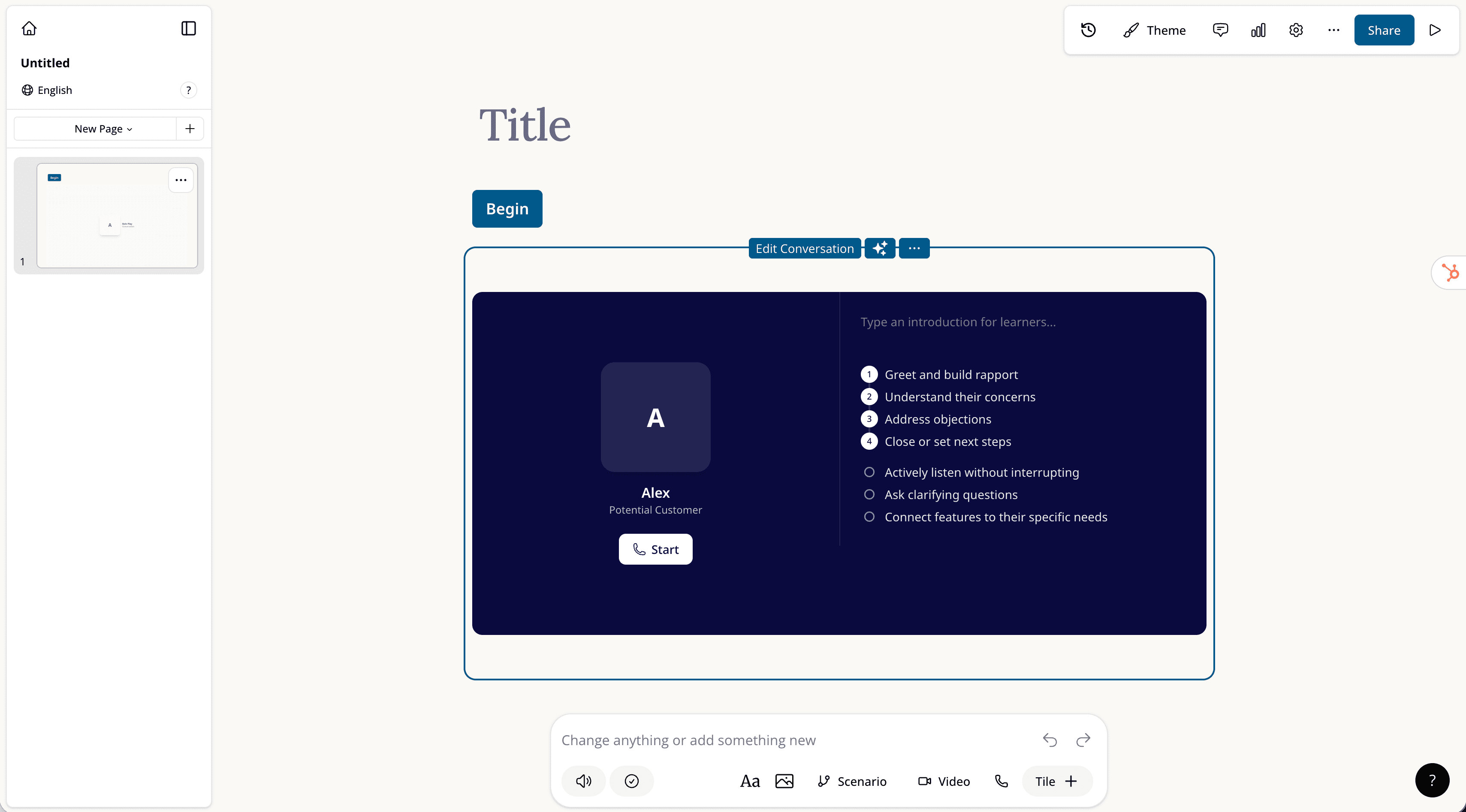
Enterprise users can join the alpha for real-time AI conversational experiences, enabling role play, exams, and Socratic conversations in lessons.
Read more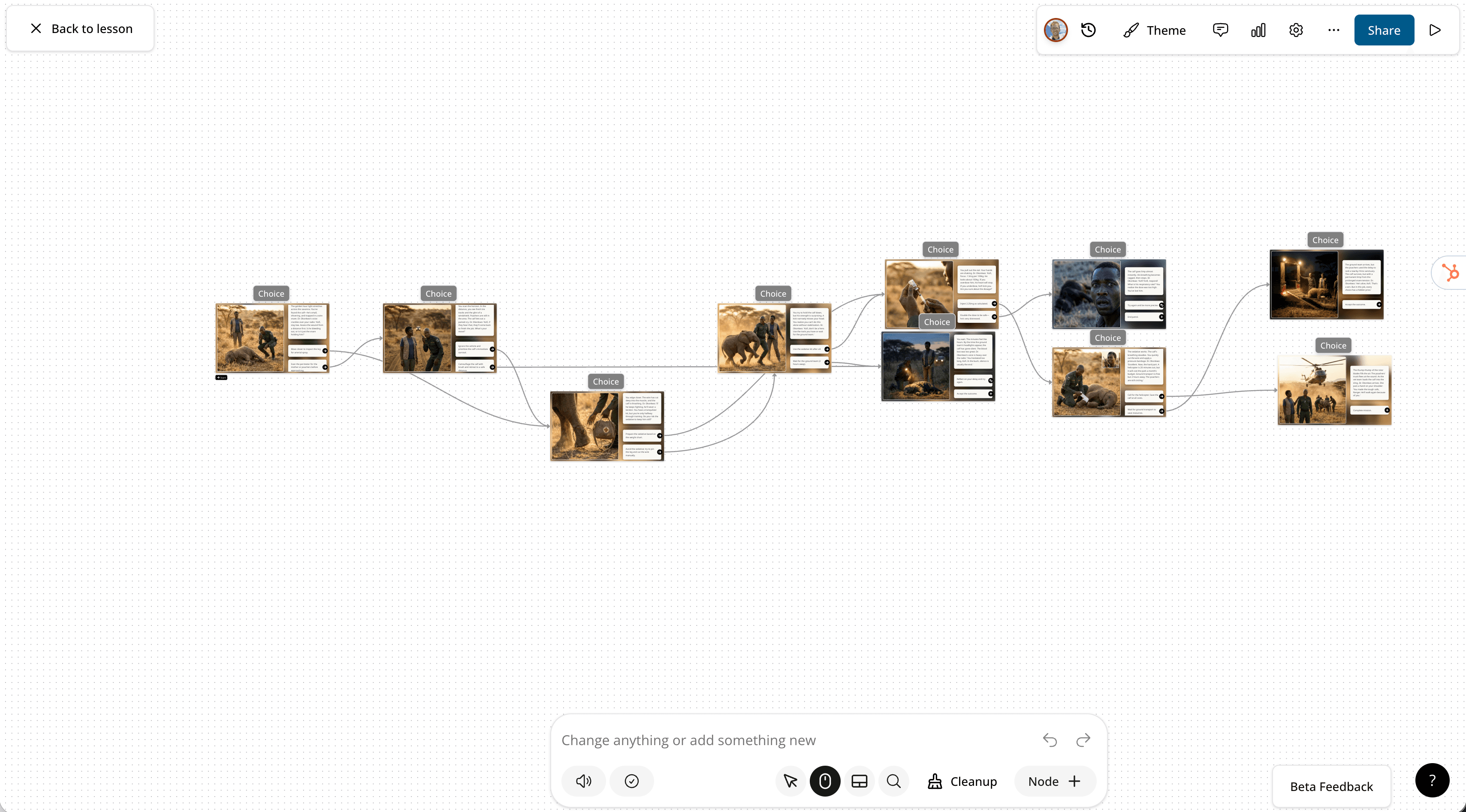
Nano Banana has been added to the new "choice node" in the experiences builder, enabling more dynamic and interesting scenario generation.
Read more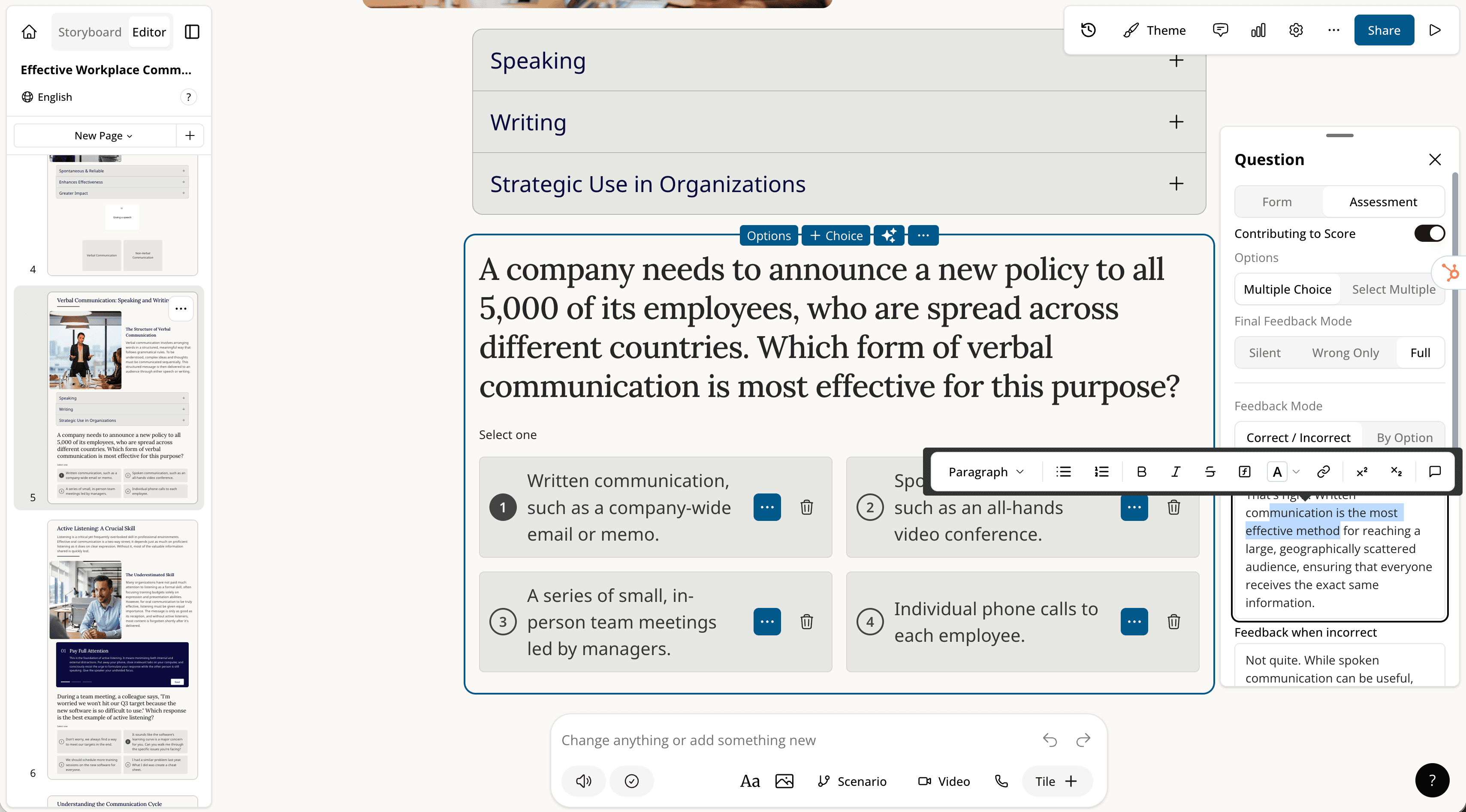
The matching activity now supports rich text formatting, including bold, in match labels.
Read moreQuestion feedback fields now support rich text, letting authors bold, italicize, and add bullet points to their feedback copy.
Read more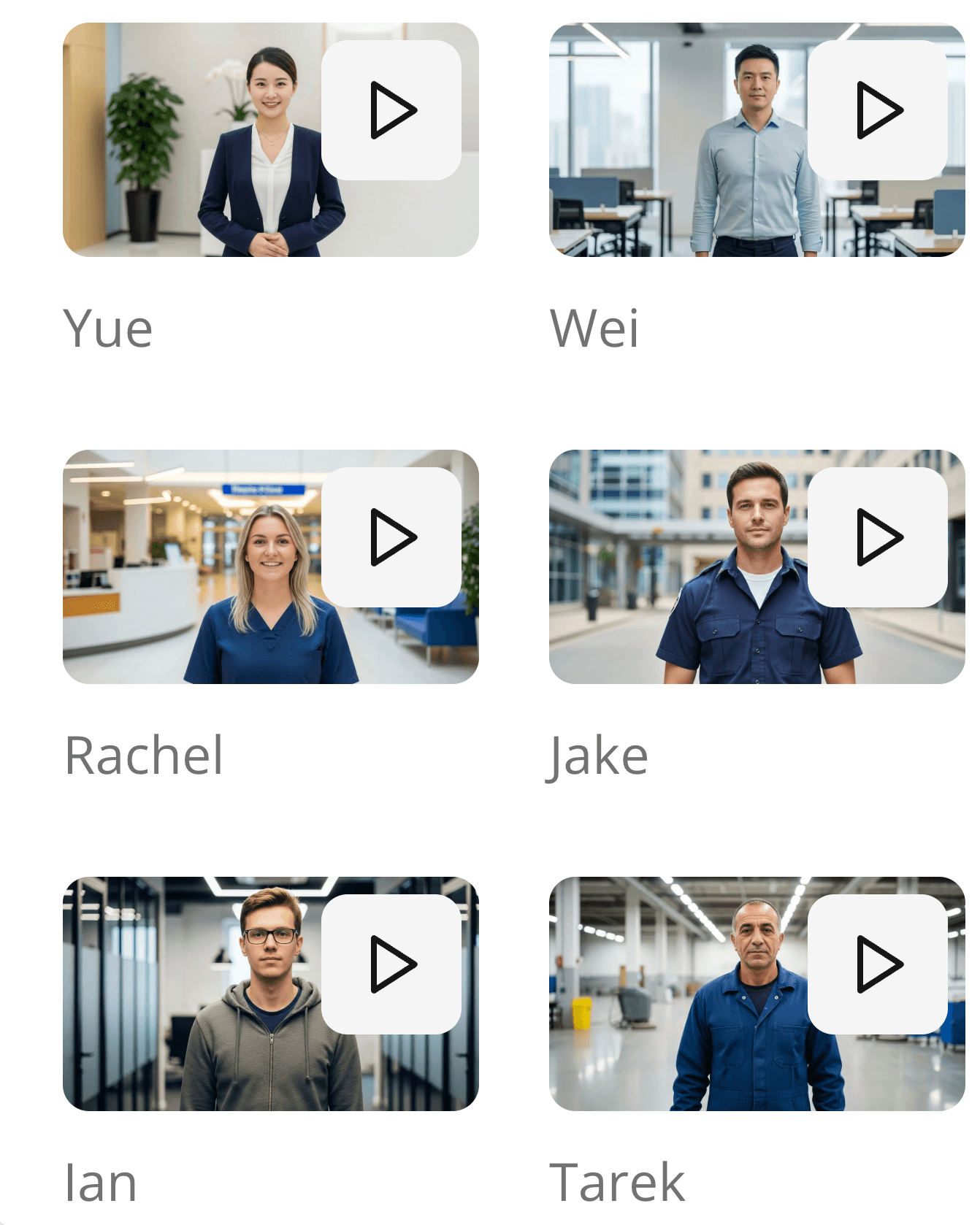
Editable video and scenarios gained 19 new AI characters, and the sample videos for each character are now longer to better showcase them.
Read more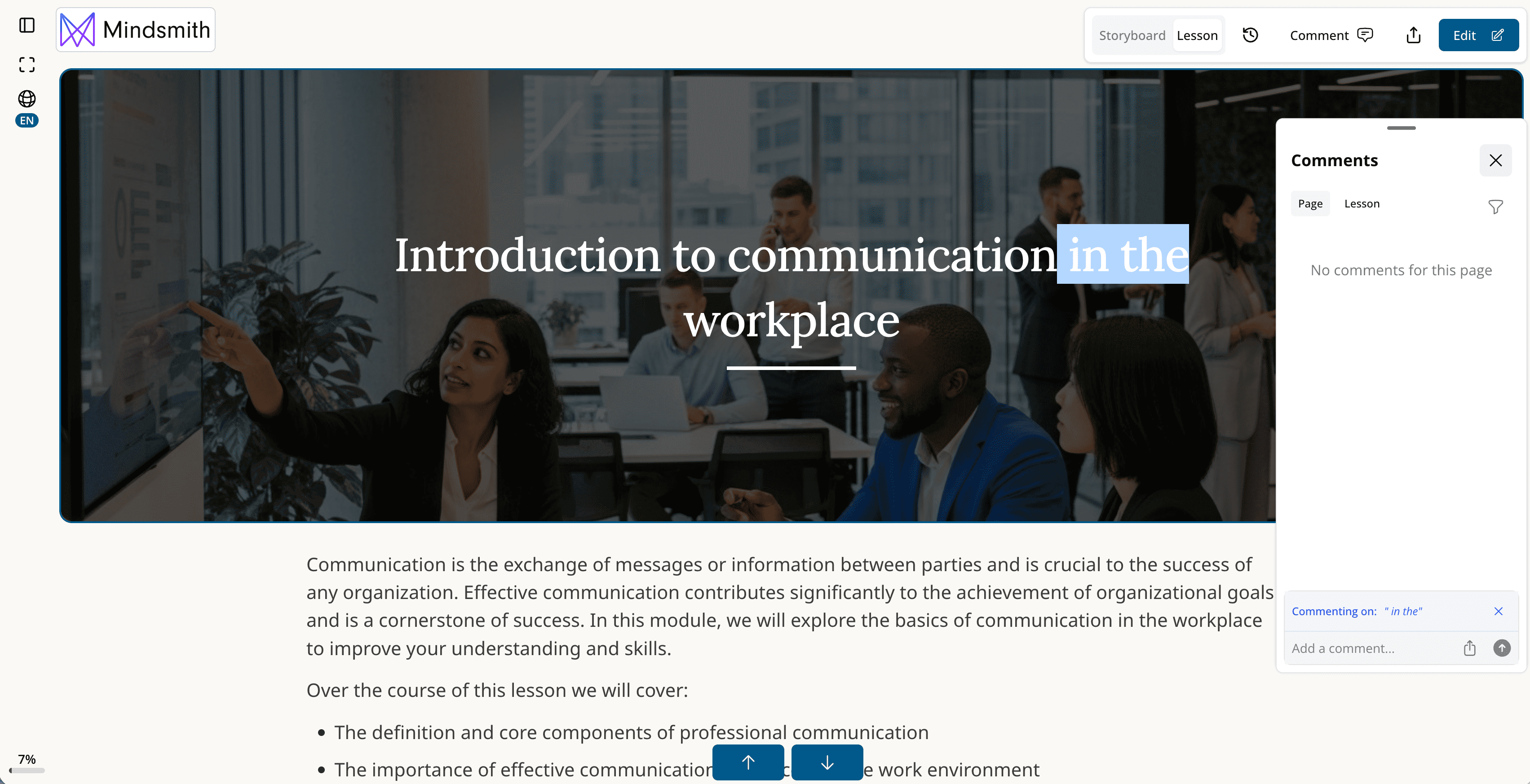
Collaborators can now reply within comment threads, making it easier for teams to discuss and iterate on lesson content together.
Read more
Enterprise admins can now export a full list of all users in their organization to simplify license management.
Read moreEnterprise customers now have access to audit logs, helping IT and infosec teams confidently evaluate Mindsmith's security posture.
Read more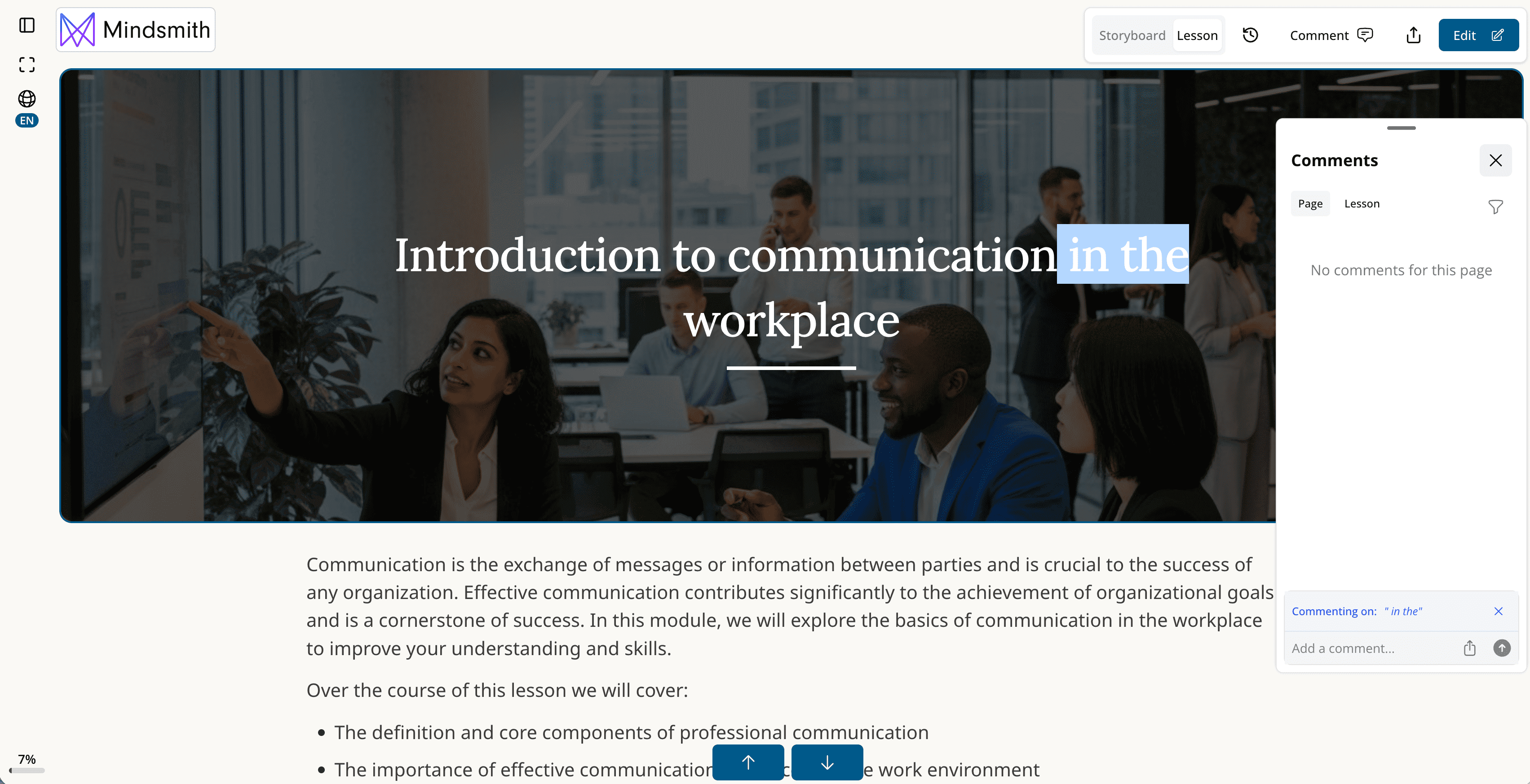
Reviewers can now highlight any text in a Mindsmith lesson and leave a comment on a specific word or piece of punctuation.
Read moreAdmins can now re-download PDF certificates for any learner directly from the analytics tab.
Read moreYou can now drag image files into the image tile and videos into the video tile for a faster media upload experience.
Read more
Business and Enterprise users can now edit images natively in Mindsmith using AI image models, available in beta.
Read more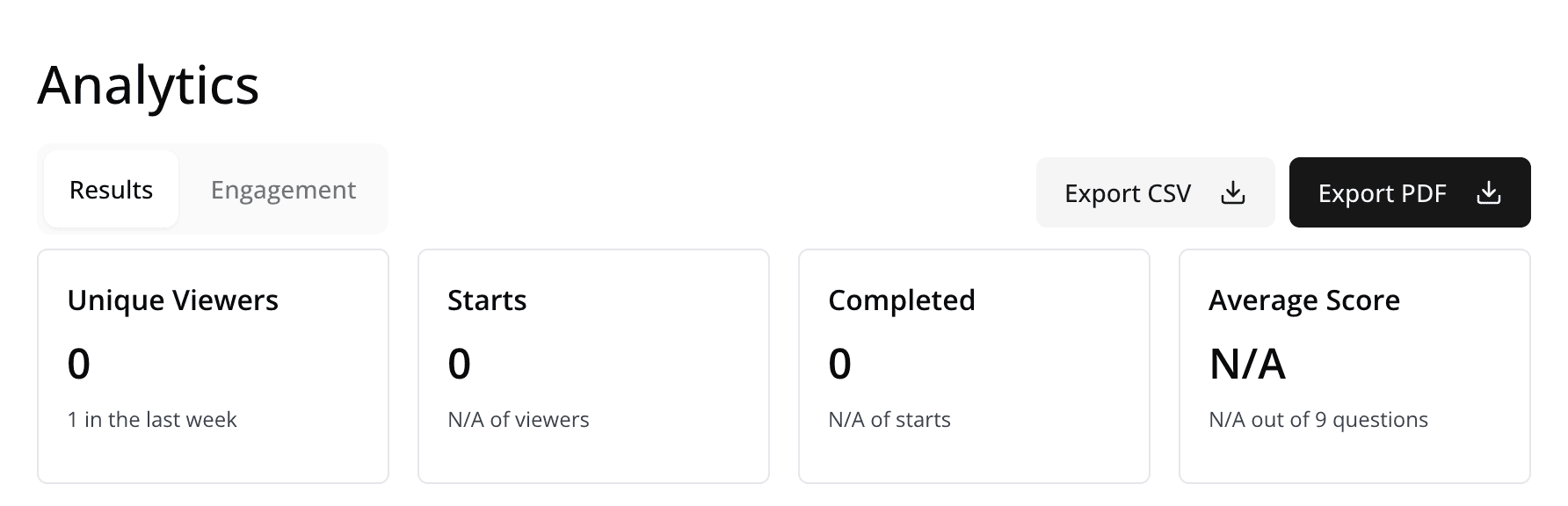
Analytics data can now be exported as a CSV, making it easy to run through LLMs, upload to a data warehouse, or do other data work.
Read more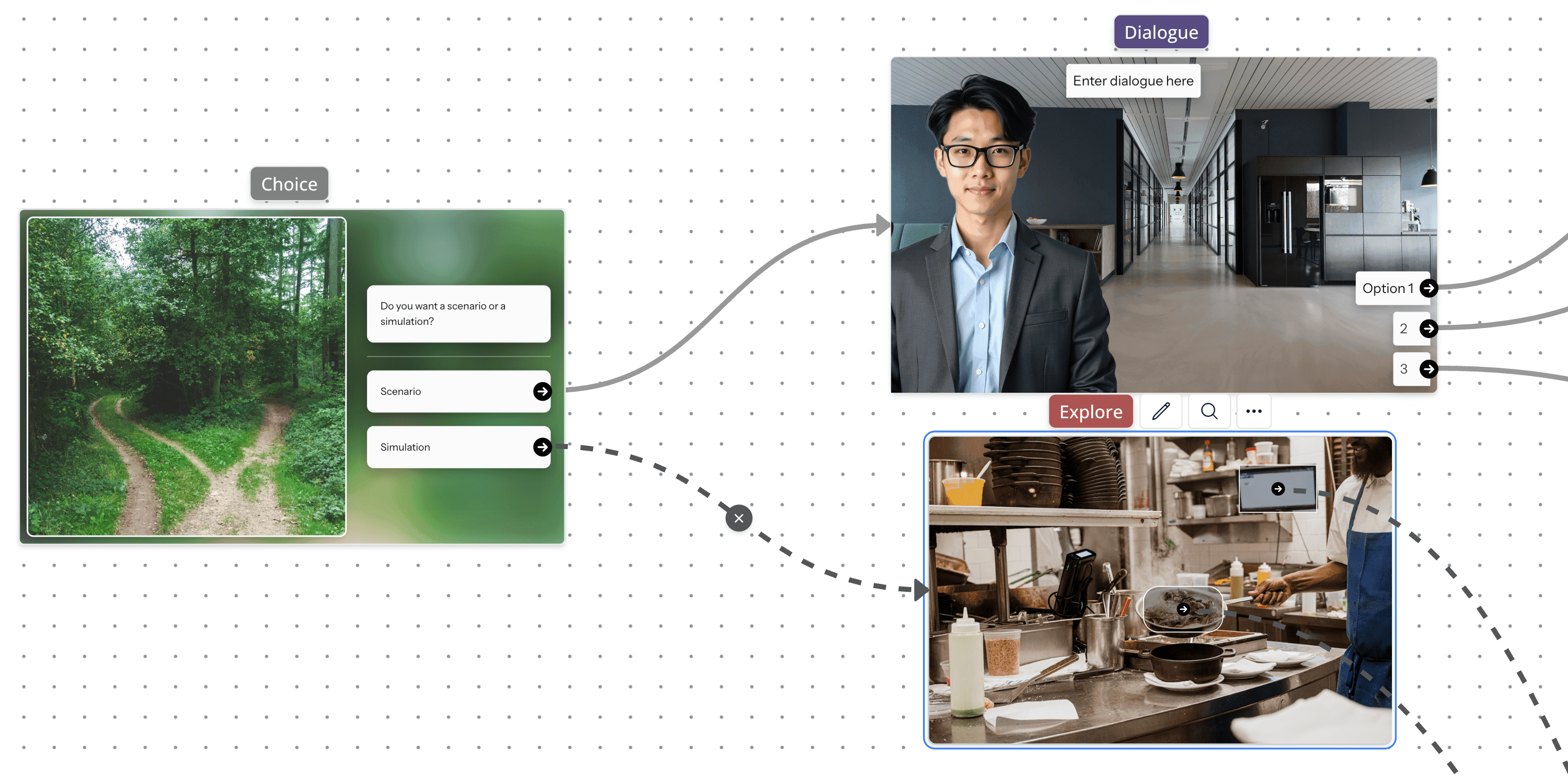
A new choice node in the experiences builder connects AI generation to the experiences builder, powered by AI image models including Nano Banana.
Read more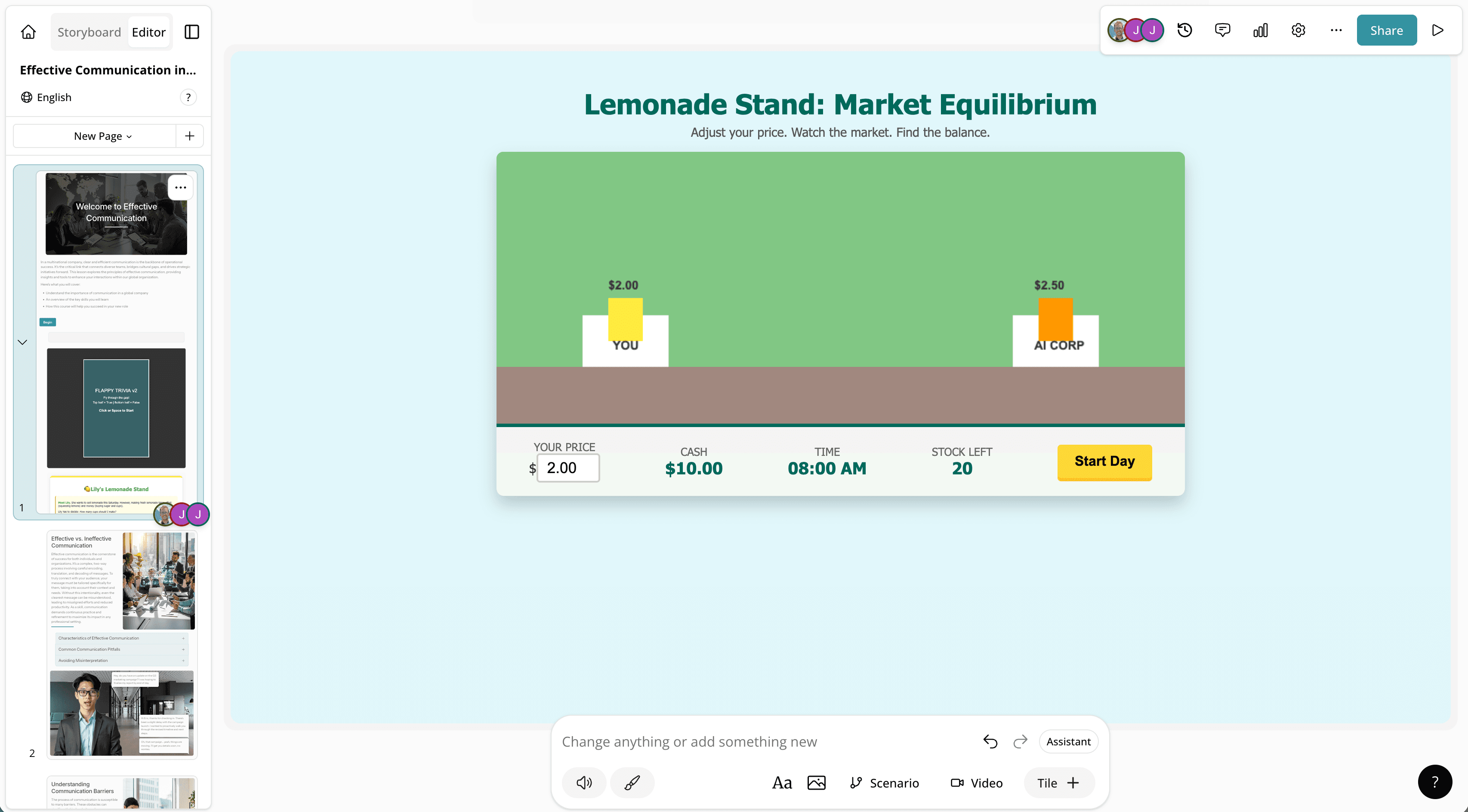
A new tile allows authors to upload and run custom HTML/code packages inside a Mindsmith lesson, with completion tracking support.
Read more