Feedback tile
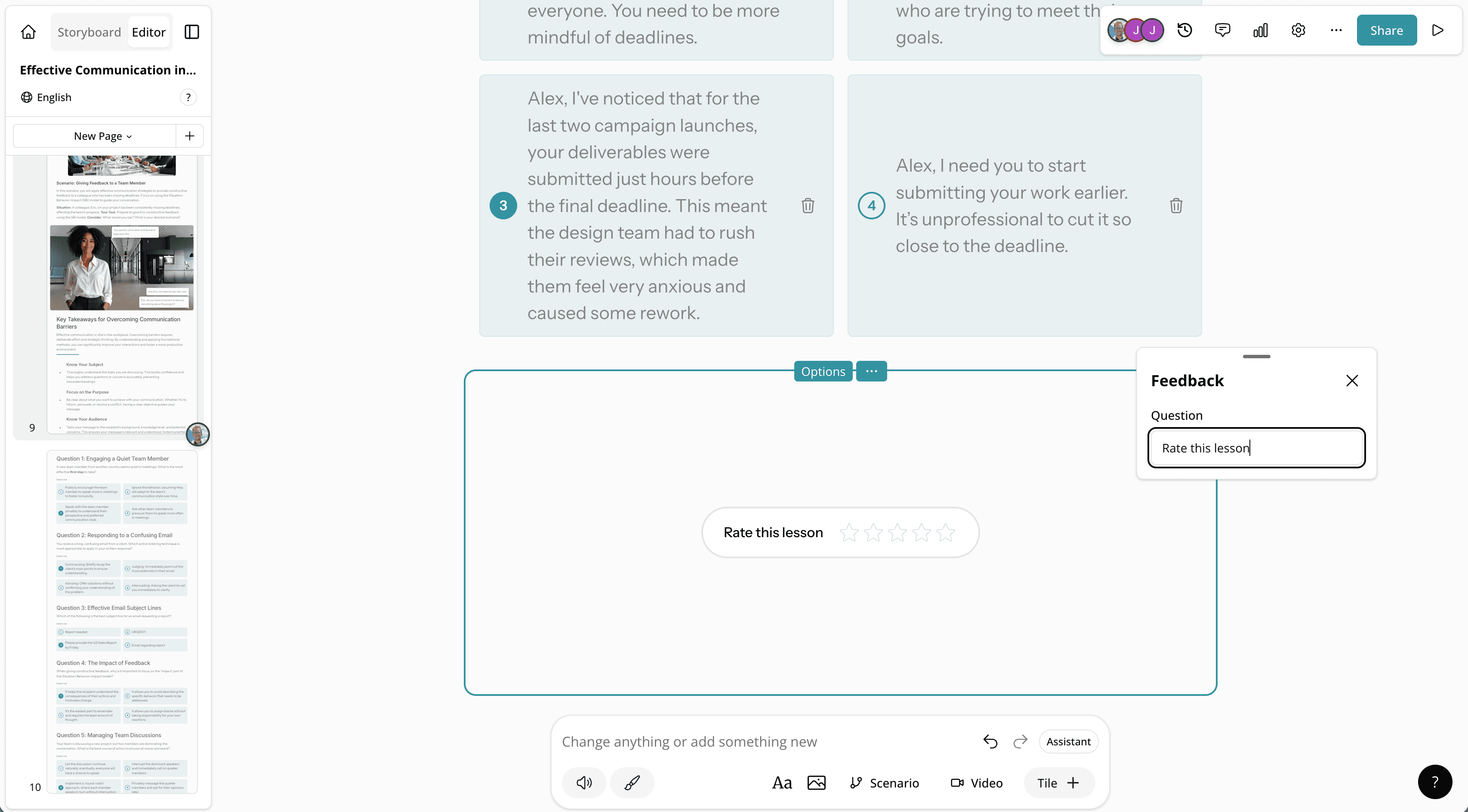
A new tile lets learners submit a star rating and text feedback on lesson content, providing authors with engagement insights.
Read moreProduct Updates
The latest features, improvements, and updates to Mindsmith.
A new tile lets learners submit a star rating and text feedback on lesson content, providing authors with engagement insights.
Read moreAuthors can now configure whether the learner sidebar starts open or closed by default.
Read more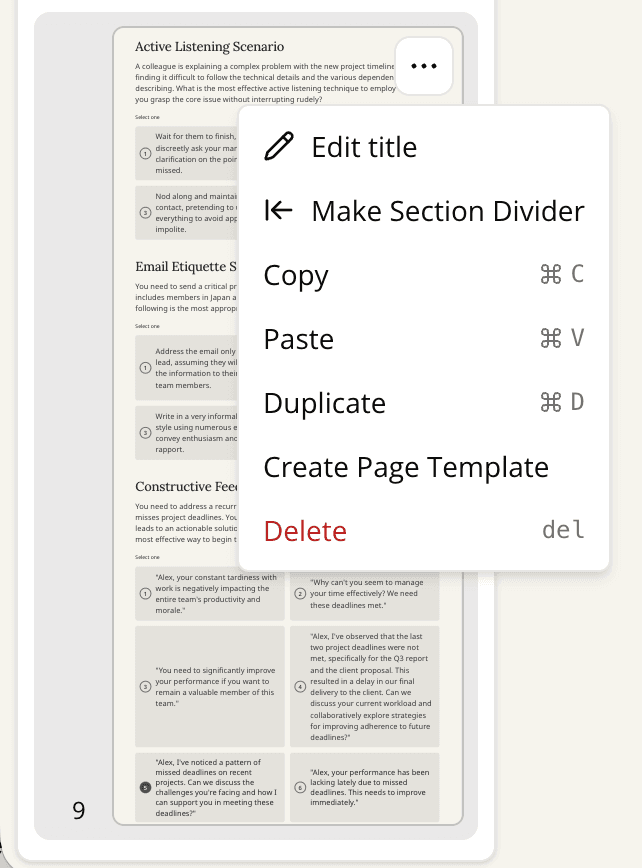
Lesson pages can now have custom titles, enabling named page navigation and improving the learner experience.
Read more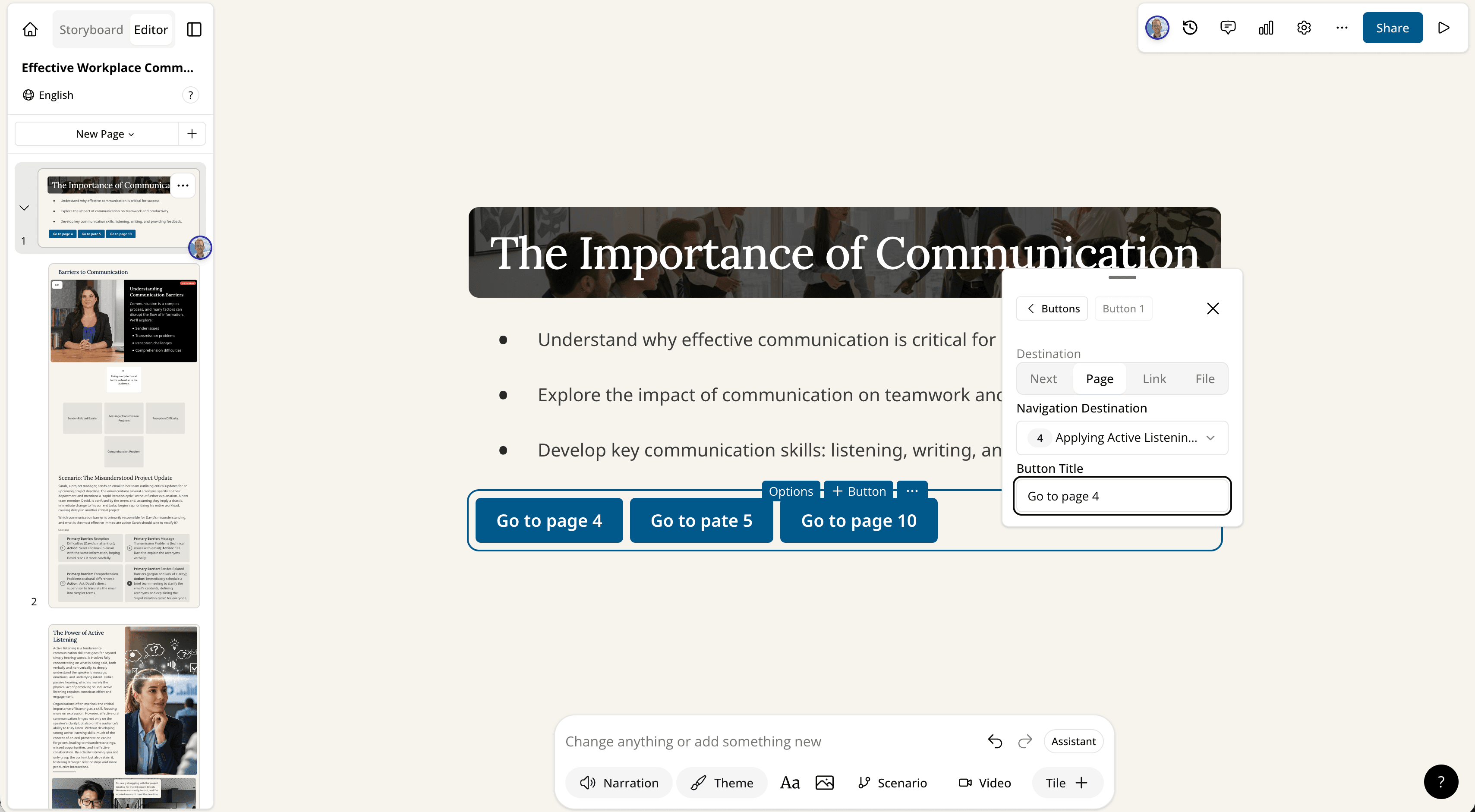
Button tiles now support routing learners to any specific page within the lesson, enabling non-linear navigation.
Read more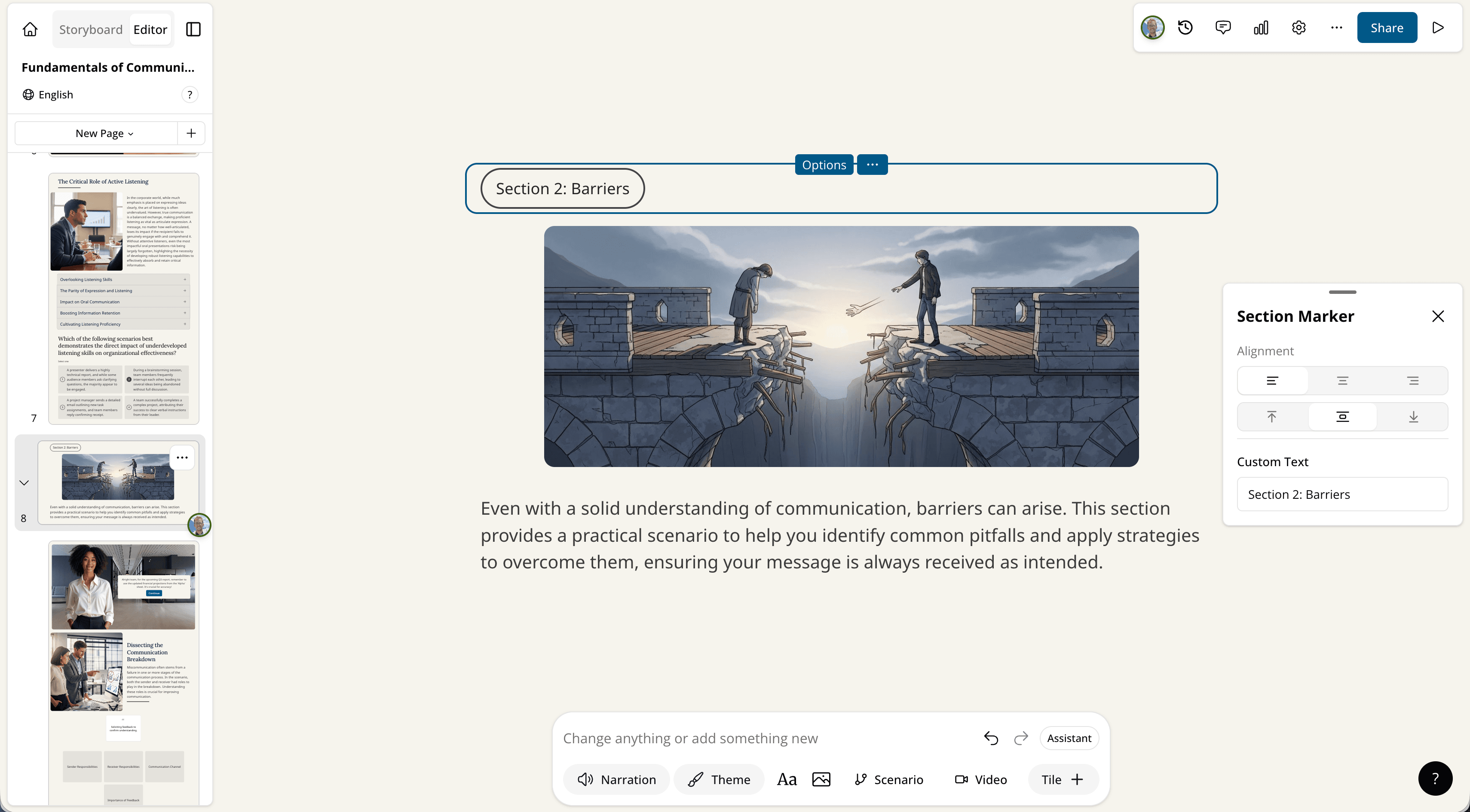
Authors can now customize the text inside section marker tiles, giving teams more control over lesson design.
Read more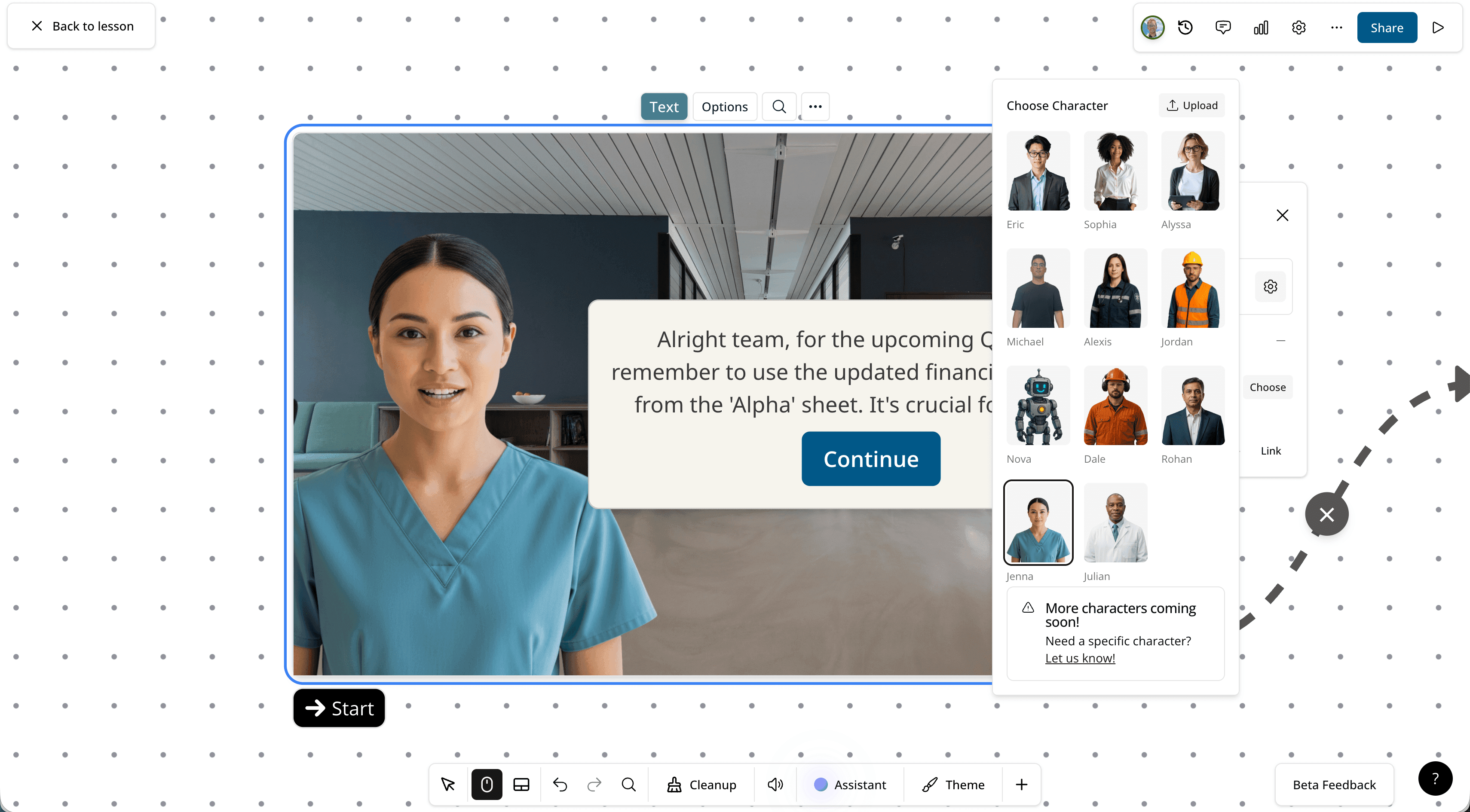
Three new characters — Rohan, Jenna, and Julian — have been added to the editable video and scenario tile character library.
Read more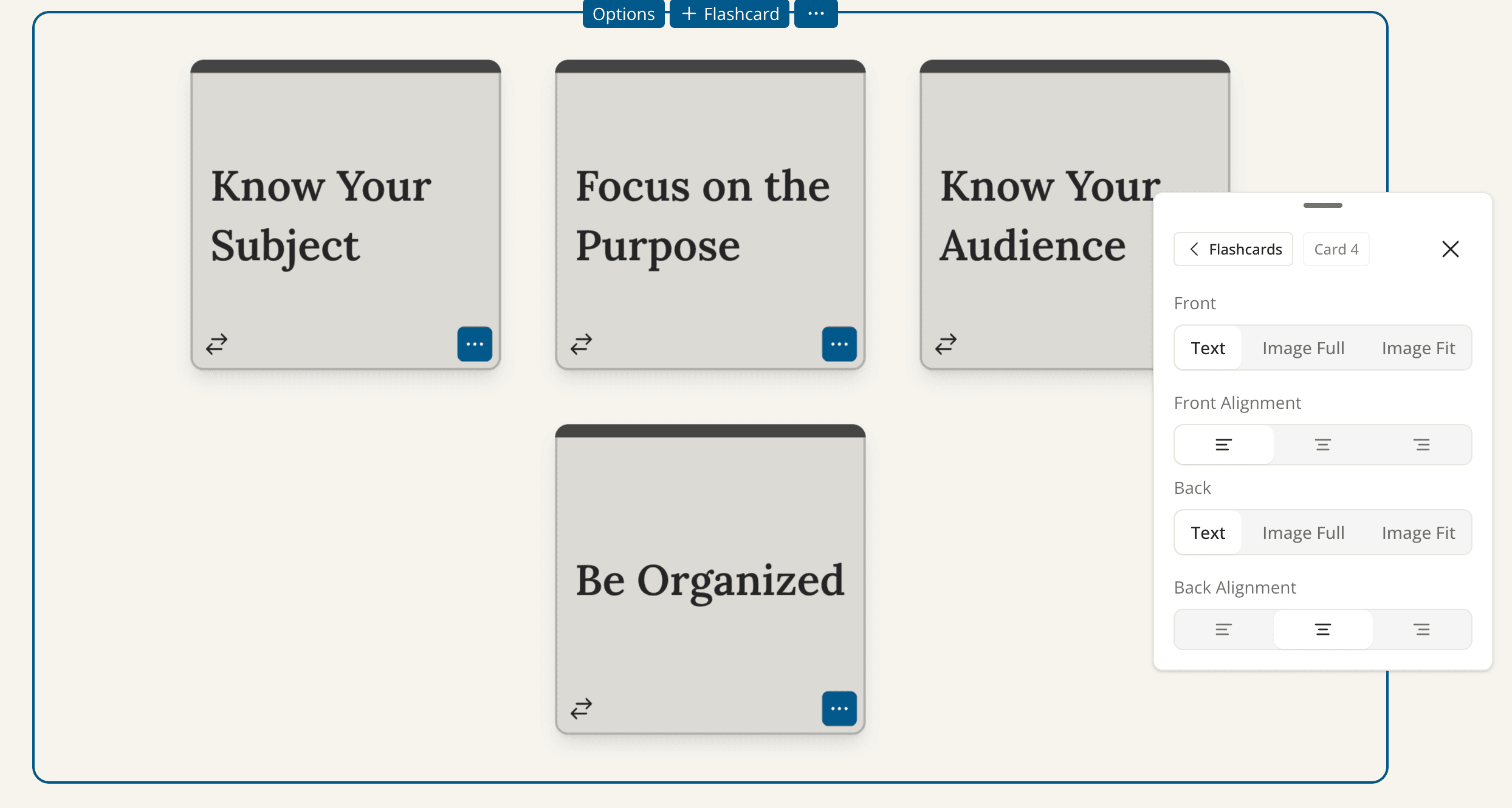
Flashcard tiles now support left text alignment, addressing an accessibility concern raised by users.
Read more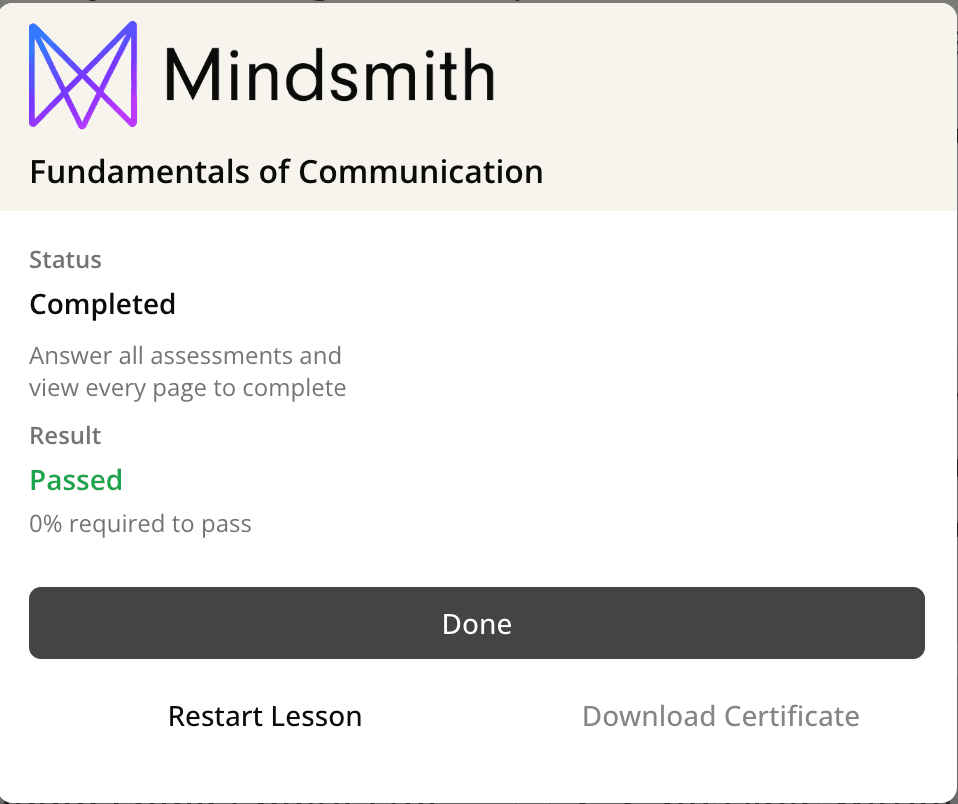
The lesson completion screen has been redesigned to match the improved completion dialogue previously applied to courses.
Read moreThe AI editing agent is now available to all paid tier users at no extra charge during its early rollout period.
Read moreA new system enables consistent AI-generated characters to appear across both generated videos and scenario tiles, starting with "Dale."
Read more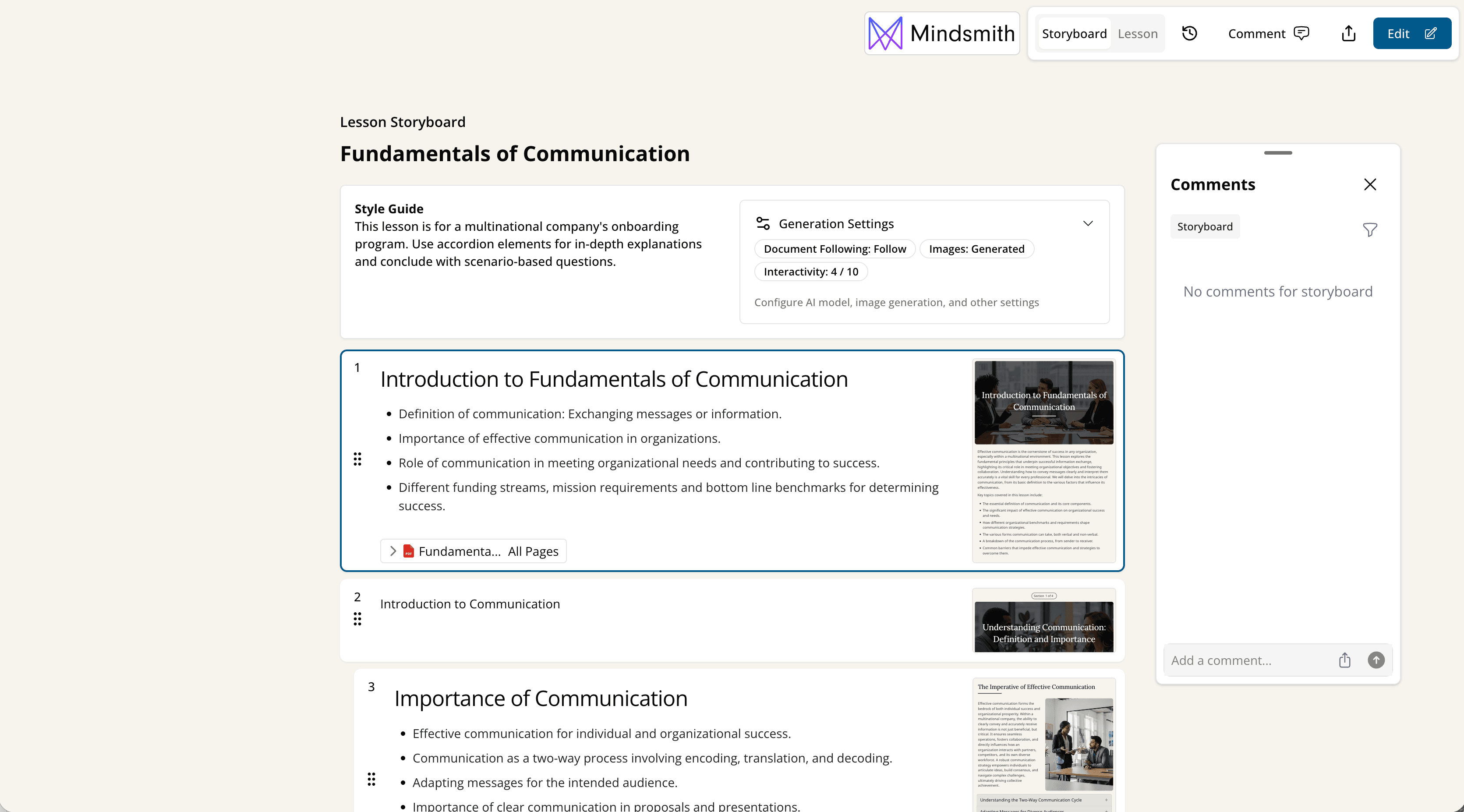
Authors can now share a review link for their storyboard so collaborators can comment before content is fully built.
Read more
A new generation mode gives the AI more time to think, with a "content strategy" slider to control how much creative magic vs. instruction-following the AI applies.
Read moreImproved support for uploading detailed content outlines — including those with interactive elements — so Mindsmith follows your structure more faithfully during generation.
Read moreCarousel images now support captions, eliminating the need to add a separate text tile below an image for labeling.
Read more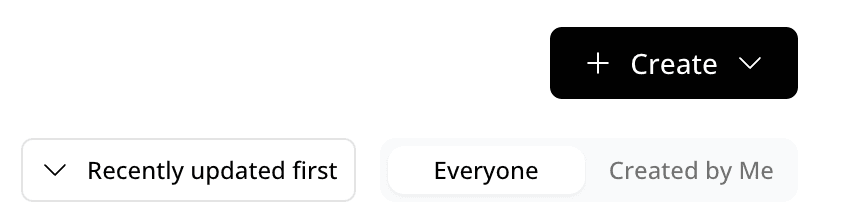
The dashboard now has content filters at the top along with built-in pagination, making it faster and easier to navigate large content libraries.
Read moreThe active/inactive member distinction has been removed; admins can now make members into viewers to free up seats instead.
Read more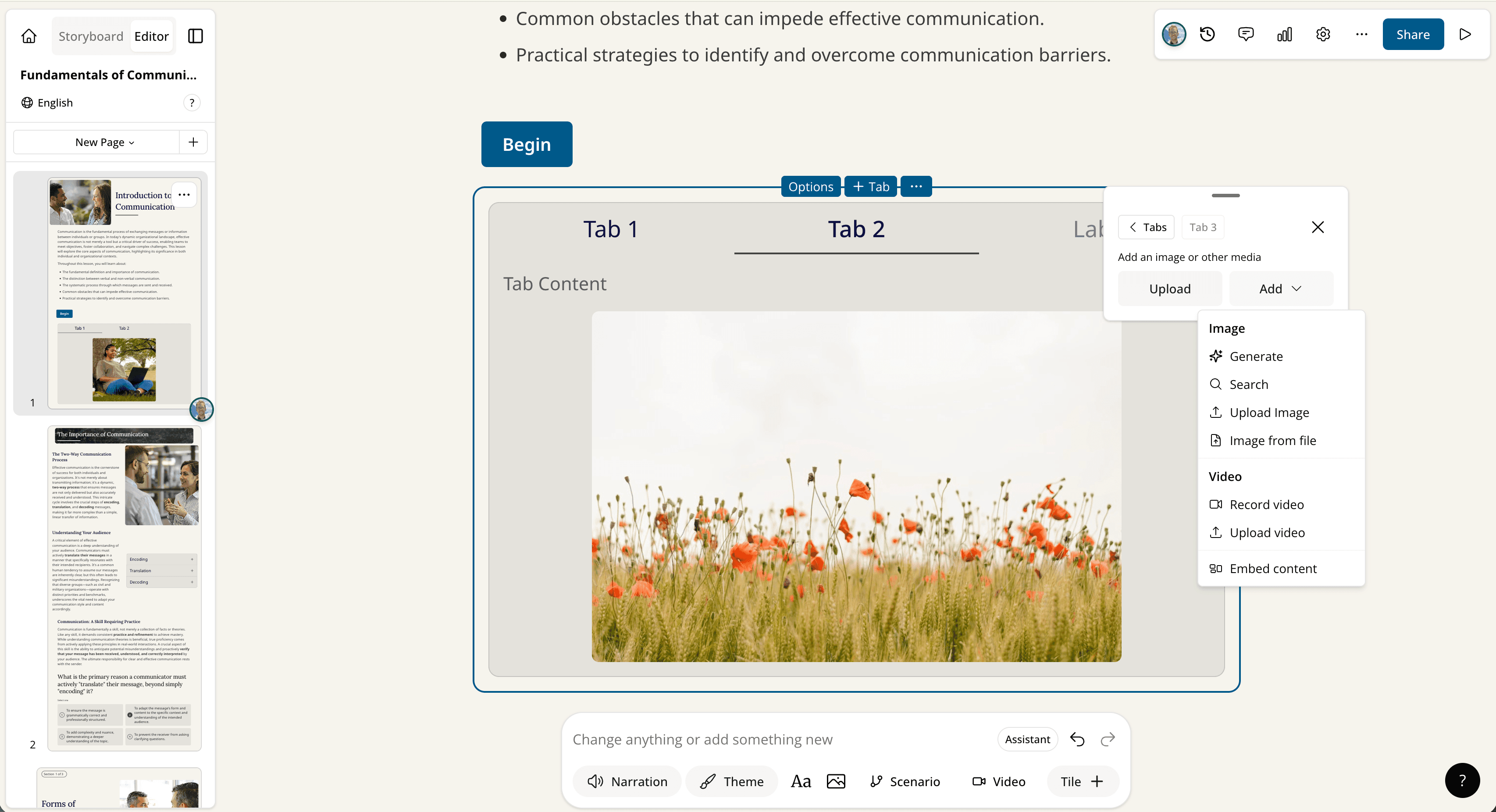
Nearly all places that accepted images in Mindsmith now also accept embedded websites, recorded videos, and more, with full video editing controls where applicable.
Read moreRight-clicking on pages in the filmstrip now opens a context menu, with plans to roll this out everywhere menus exist.
Read moreMindsmith now automatically saves a backup version of lessons every 30 minutes, allowing authors to view and restore previous versions.
Read moreTeamspace admins can now permanently delete lessons from the trash for security and compliance purposes.
Read more