Guidance panel for open-ended conversation tiles
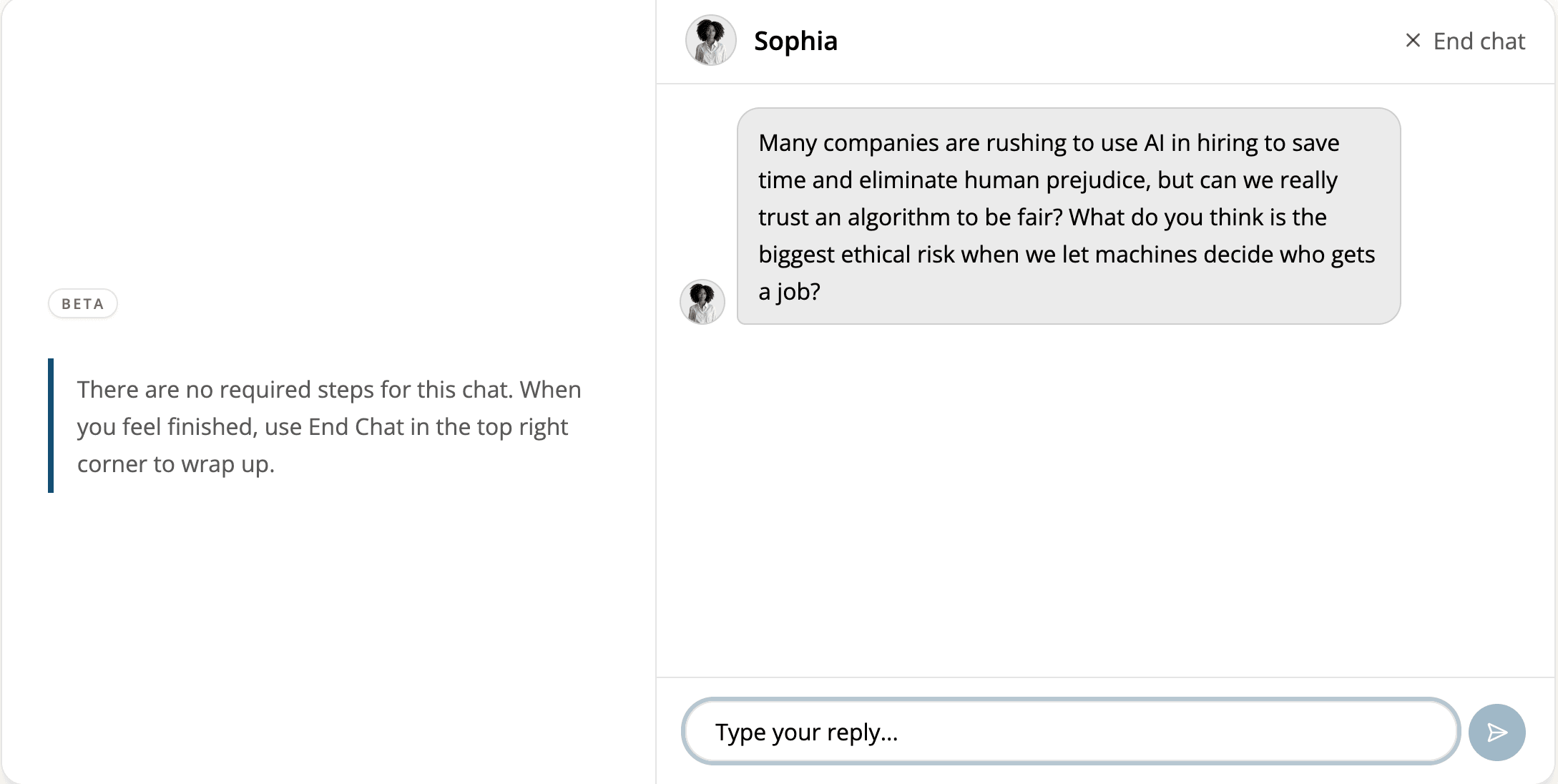
Learners in open-ended conversations now see a side panel explaining when and how to end the chat.
Read moreProduct Updates
The latest features, improvements, and updates to Mindsmith.
Learners in open-ended conversations now see a side panel explaining when and how to end the chat.
Read moreIf a voice connection ever drops mid-conversation, learners can switch to text and keep going — no lost progress, no starting over.
Read more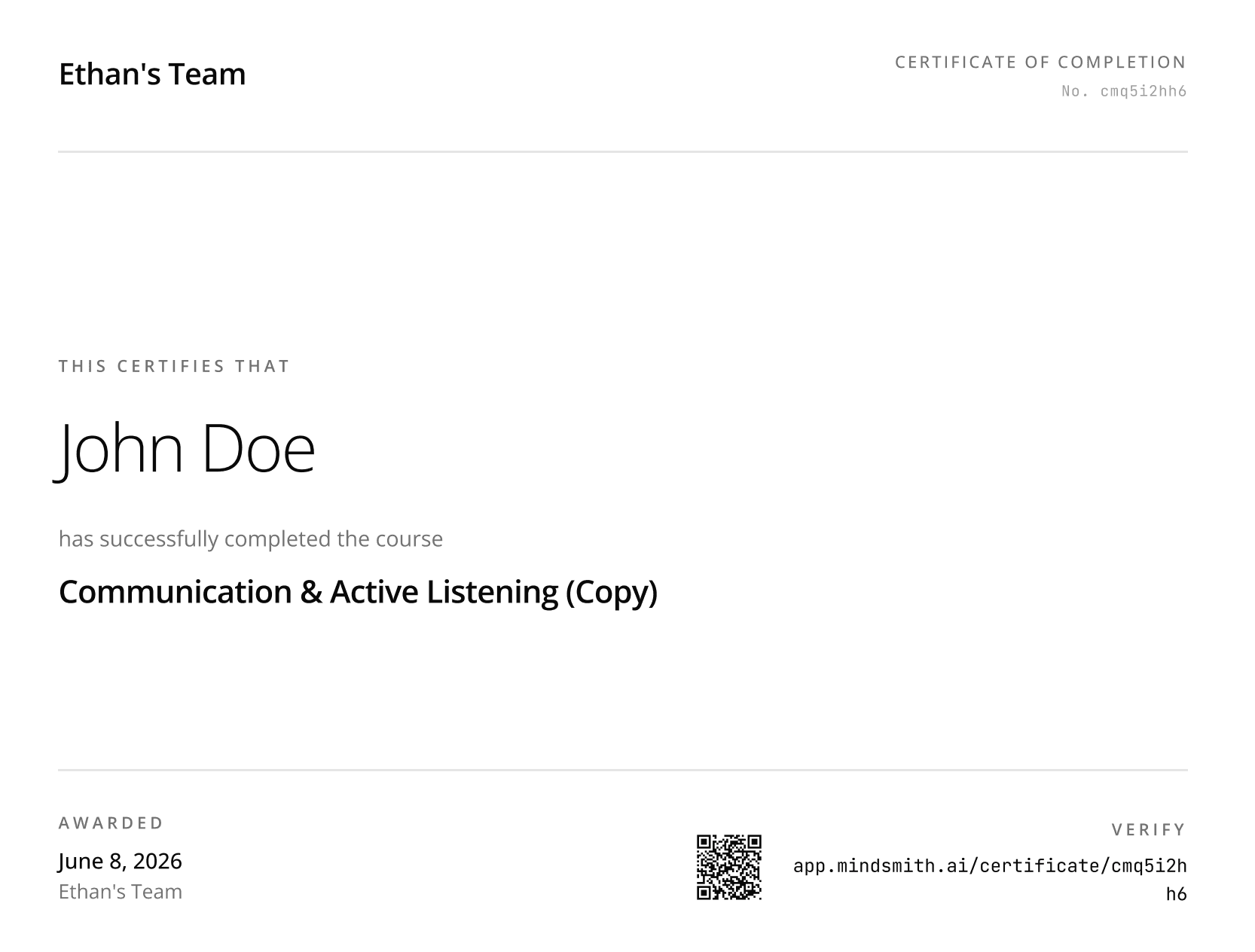
Course completion certificates have a new clean design and include a QR code that learners — or anyone they share the certificate with — can scan to verify the completion.
Read moreAll interactive scenario lesson content, including every branching path, is now fully accessible through the Mindsmith API.
Read more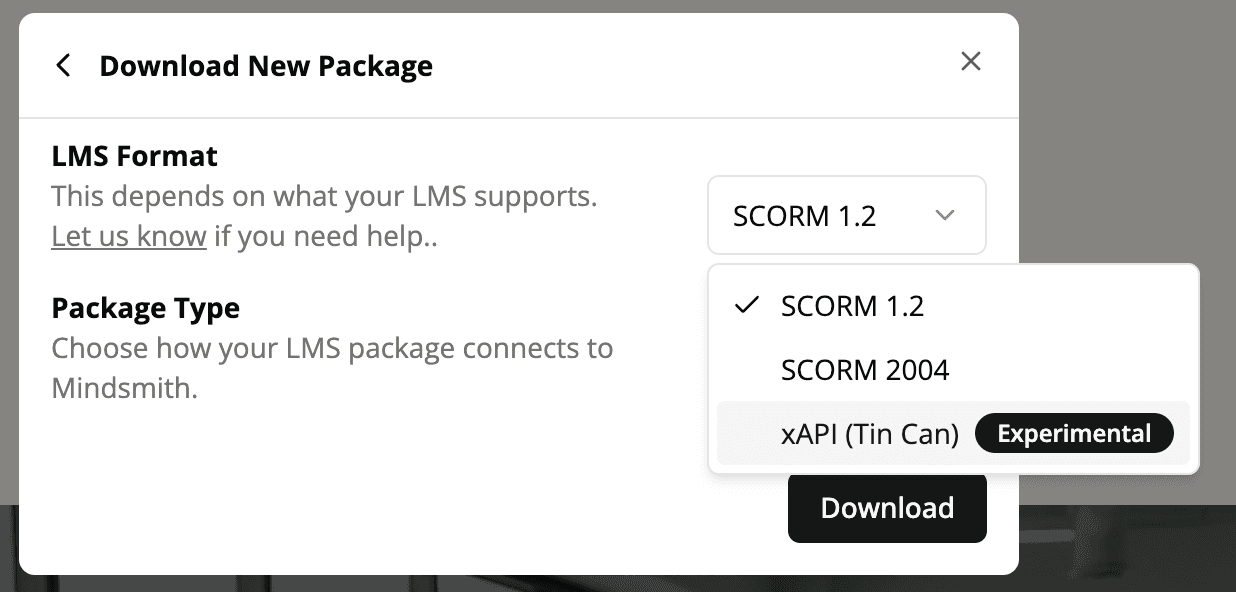
Lessons can now be exported as standalone xAPI packages that send completion data directly to any LRS without routing through Mindsmith's servers.
Read more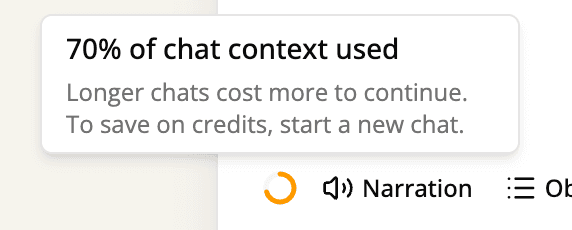
AI chat sessions now show a context indicator that turns amber as the conversation fills up — so you know exactly when to start fresh for the sharpest responses.
Read more
Authors can now crop any image in the editor using a drag-and-drop crop dialog with rule-of-thirds guides for precise framing.
Read more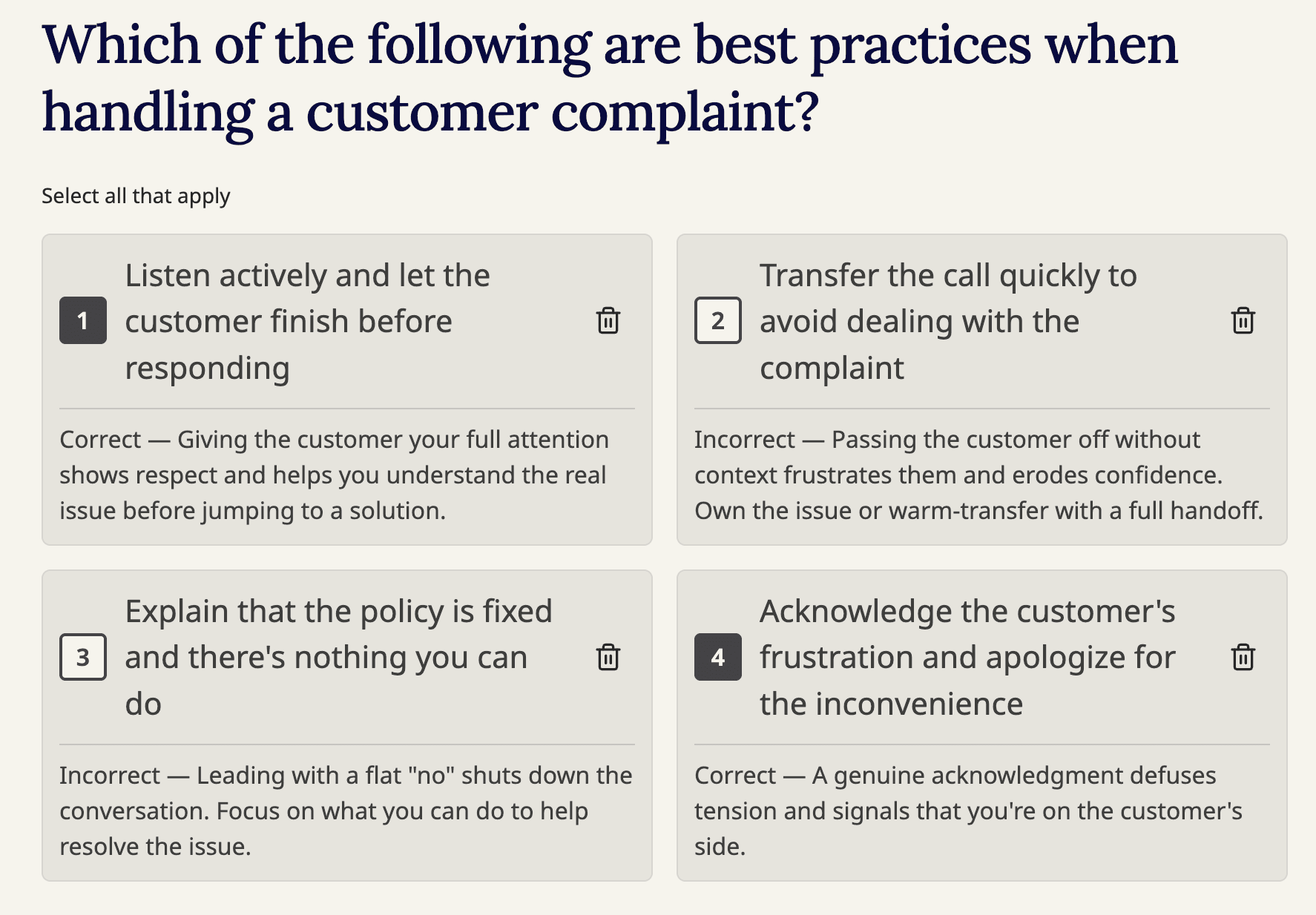
Multi-select questions now show feedback under each selected answer and display a Correct, Partial, or Incorrect result based on the learner's full selection.
Read more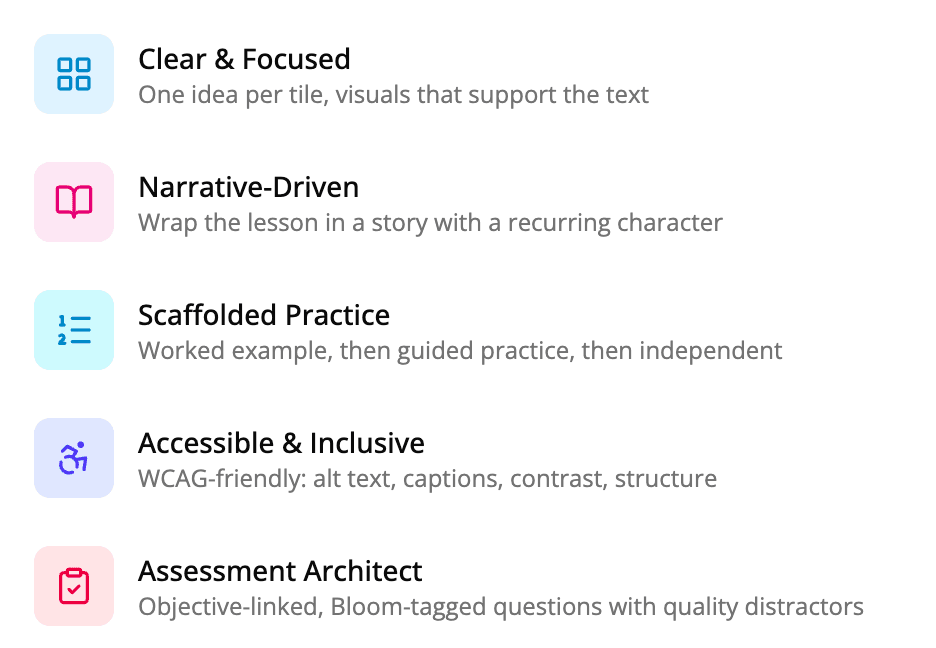
Five new instructional skills — Clear & Focused, Narrative-Driven, Scaffolded Practice, Accessible & Inclusive, and Assessment Architect — are now available in the Mindsmith AI agent.
Read more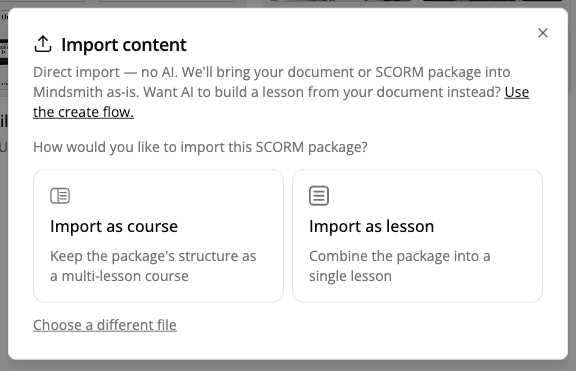
SCORM packages can now be imported as either a course that preserves the original structure or as a single lesson.
Read more
The character picker now includes 16 new characters for branching scenarios and 5 new AI video avatars.
Read more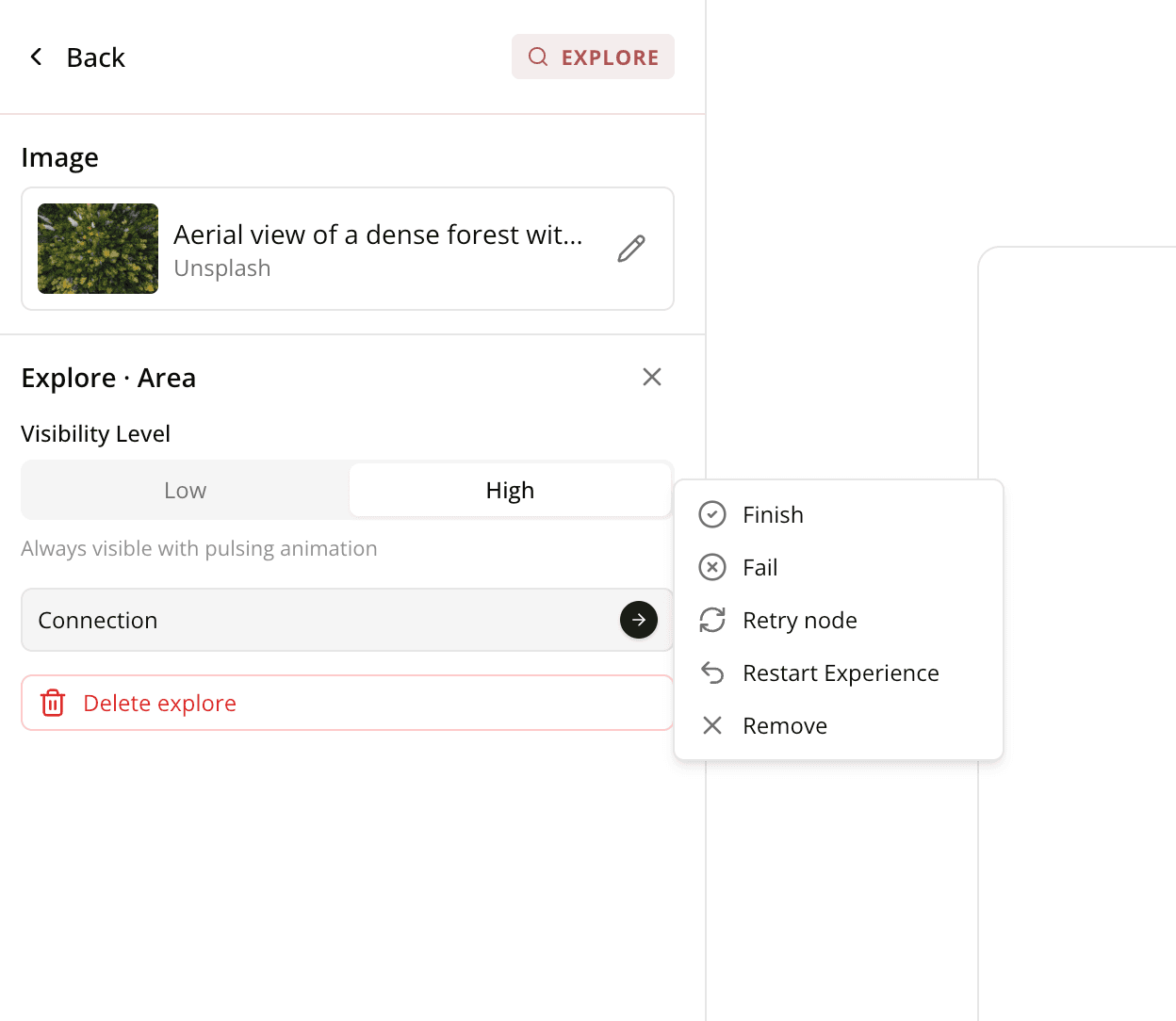
In the branching scenario builder, authors can now configure a scene's connections directly inside its editing panel.
Read more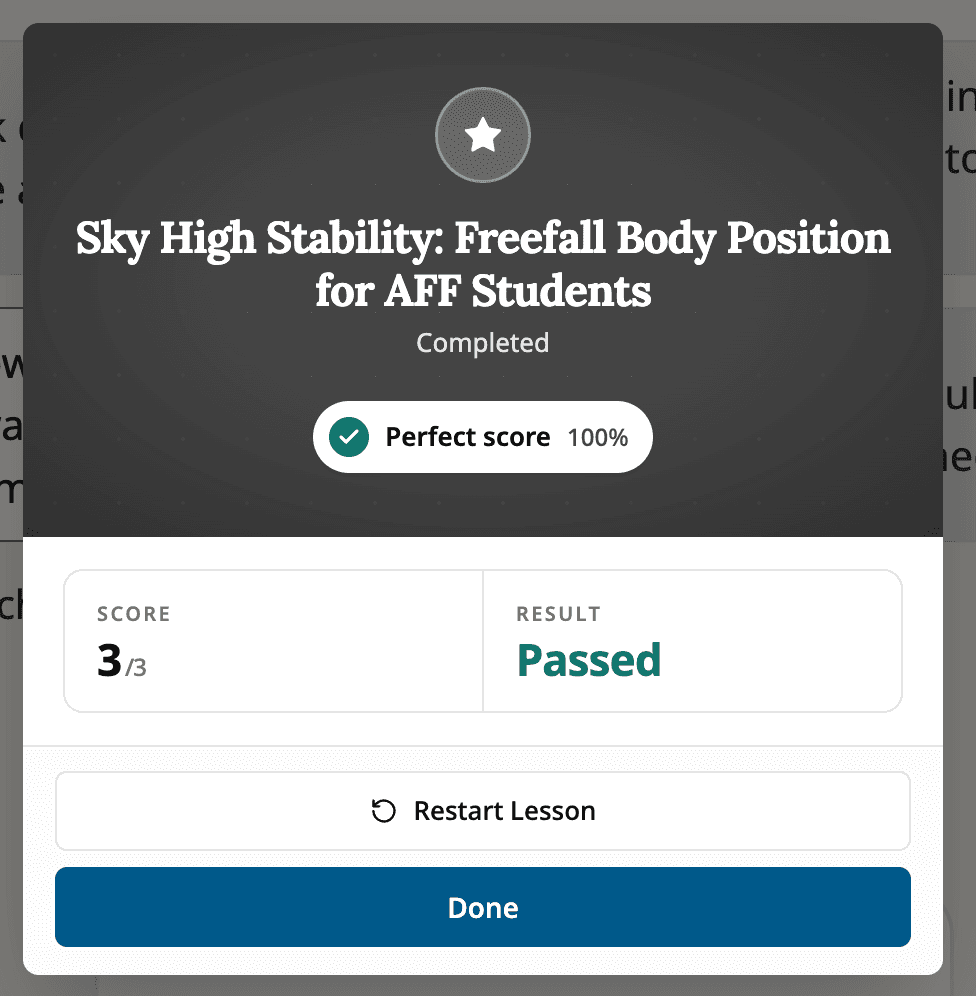
The lesson and course completion screen now tells learners whether they passed or failed, with a Restart option on failure.
Read more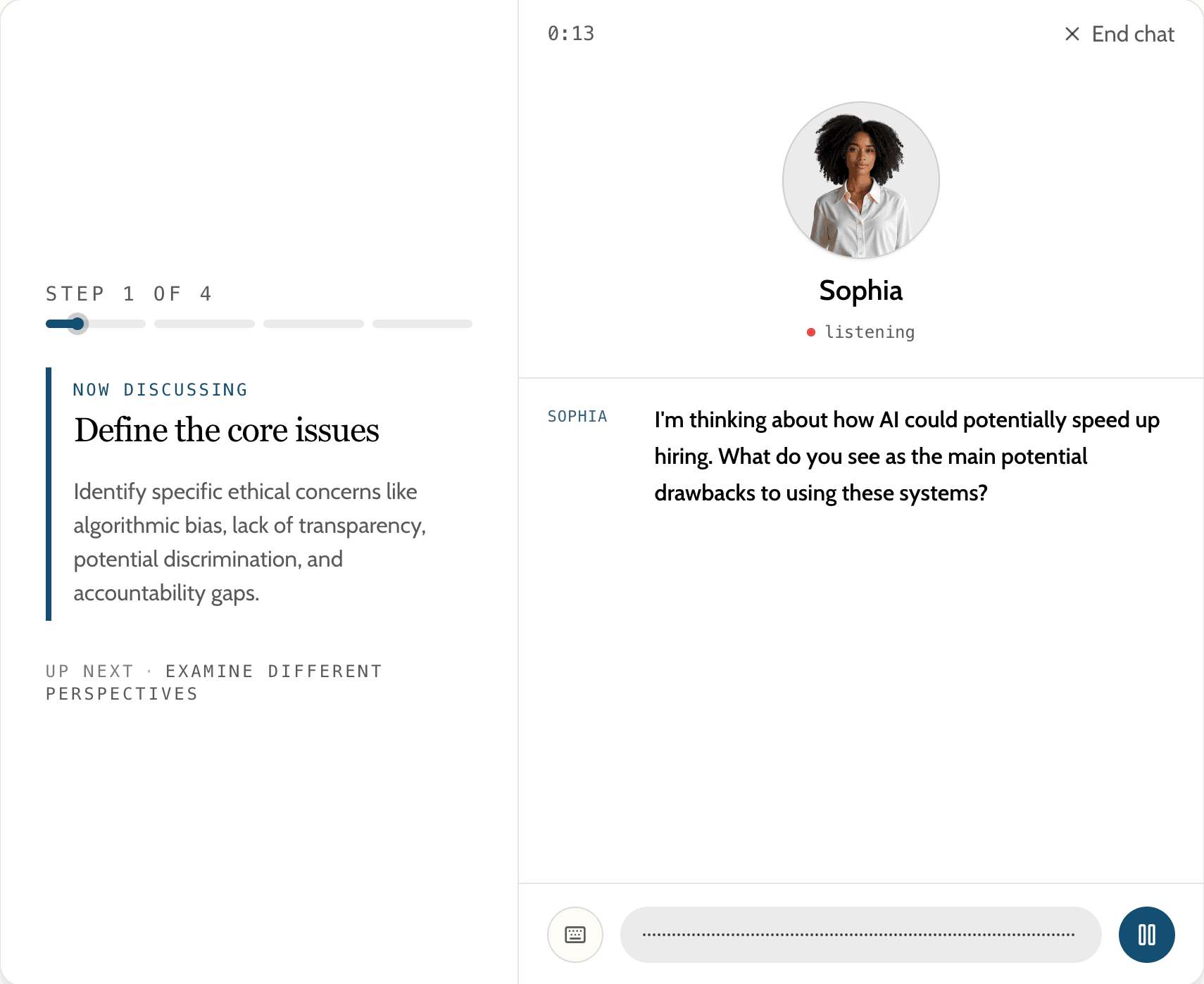
AI conversations get a redesigned learner experience plus author controls for pass/fail scoring, agenda-based grading, and attempt limits.
Read more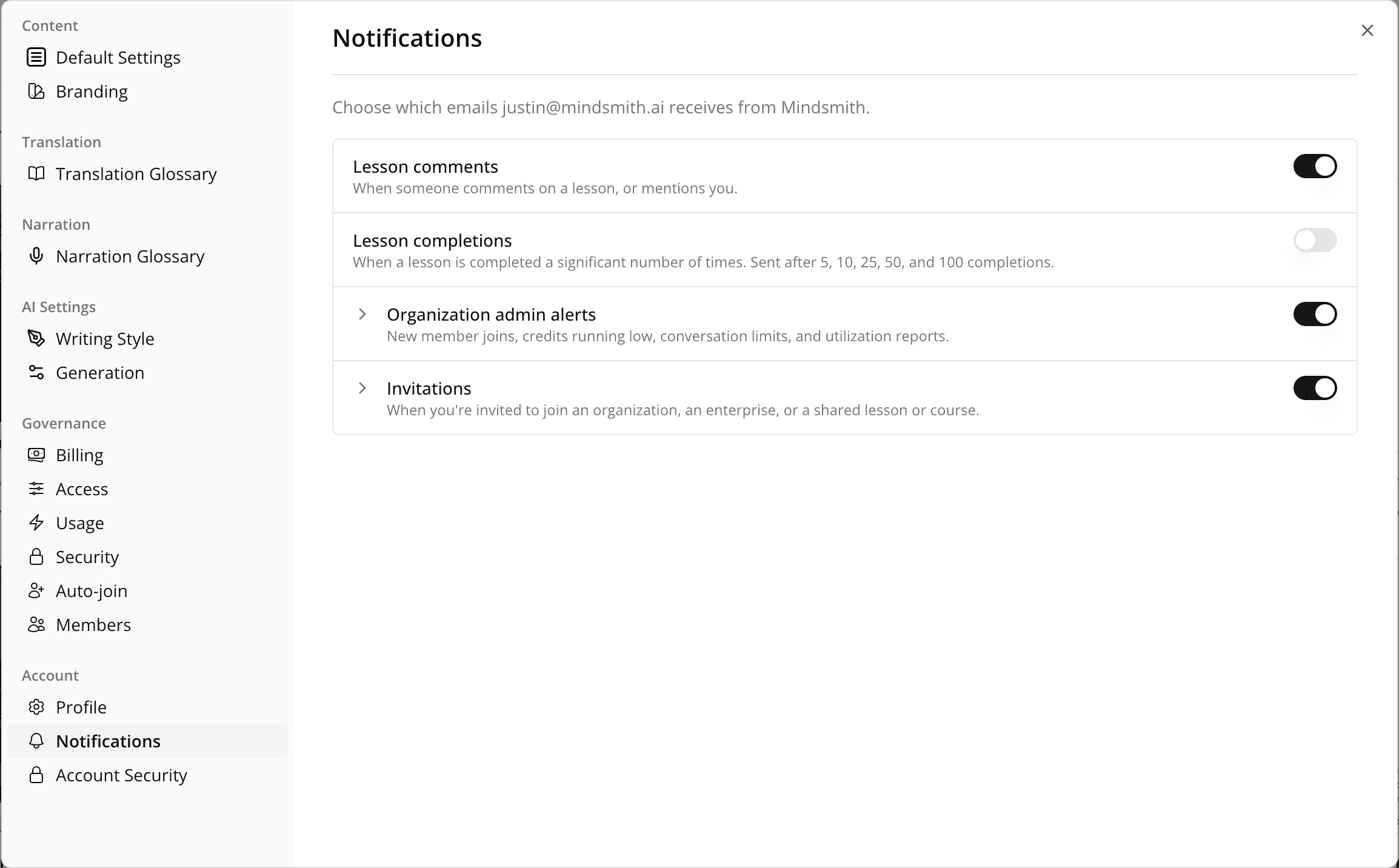
Every Mindsmith email now includes an unsubscribe link, a new Notifications settings tab controls which categories you receive, and comment emails go only to relevant people.
Read more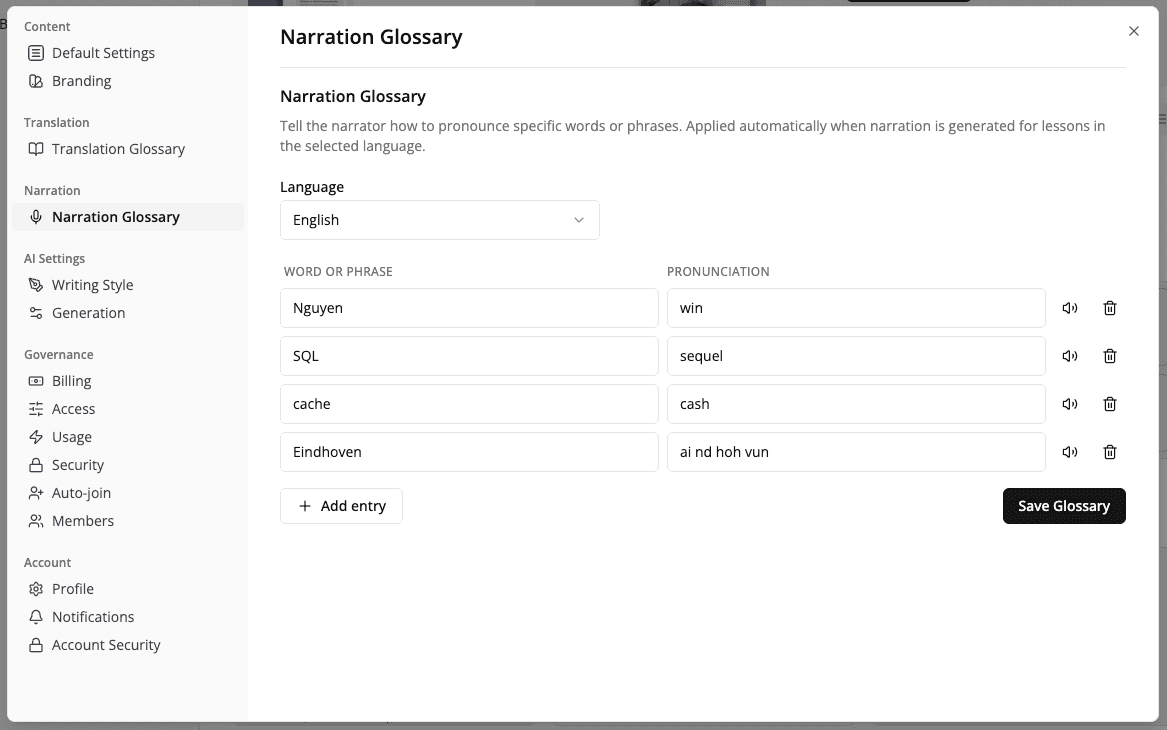
Org admins can define a narration glossary that teaches the AI narrator how to pronounce brand names, acronyms, and domain-specific terms.
Read moreRise imports now adopt the original accent color and fonts, and preserve quiz answers, image captions, text colors, background shading, matching exercises, and step-by-step blocks.
Read moreLessons built from video uploads and lessons created with Fast AI mode now use a stronger underlying AI model.
Read moreYouTube and Vimeo videos in SCORM exports now track completion correctly, so learners can advance past pages that require watching the full video.
Read moreThe Experiences canvas editor loads noticeably faster and connection arrows between nodes no longer flicker or misalign.
Read more