More you can do with Mindsmith over MCP
AI tools connected via MCP can now find lessons by course or folder name and create AI practice conversation lessons directly.
Read moreProduct Updates
The latest features, improvements, and updates to Mindsmith.
AI tools connected via MCP can now find lessons by course or folder name and create AI practice conversation lessons directly.
Read moreImages generated by AI in lessons complete roughly twice as fast at the same credit cost.
Read more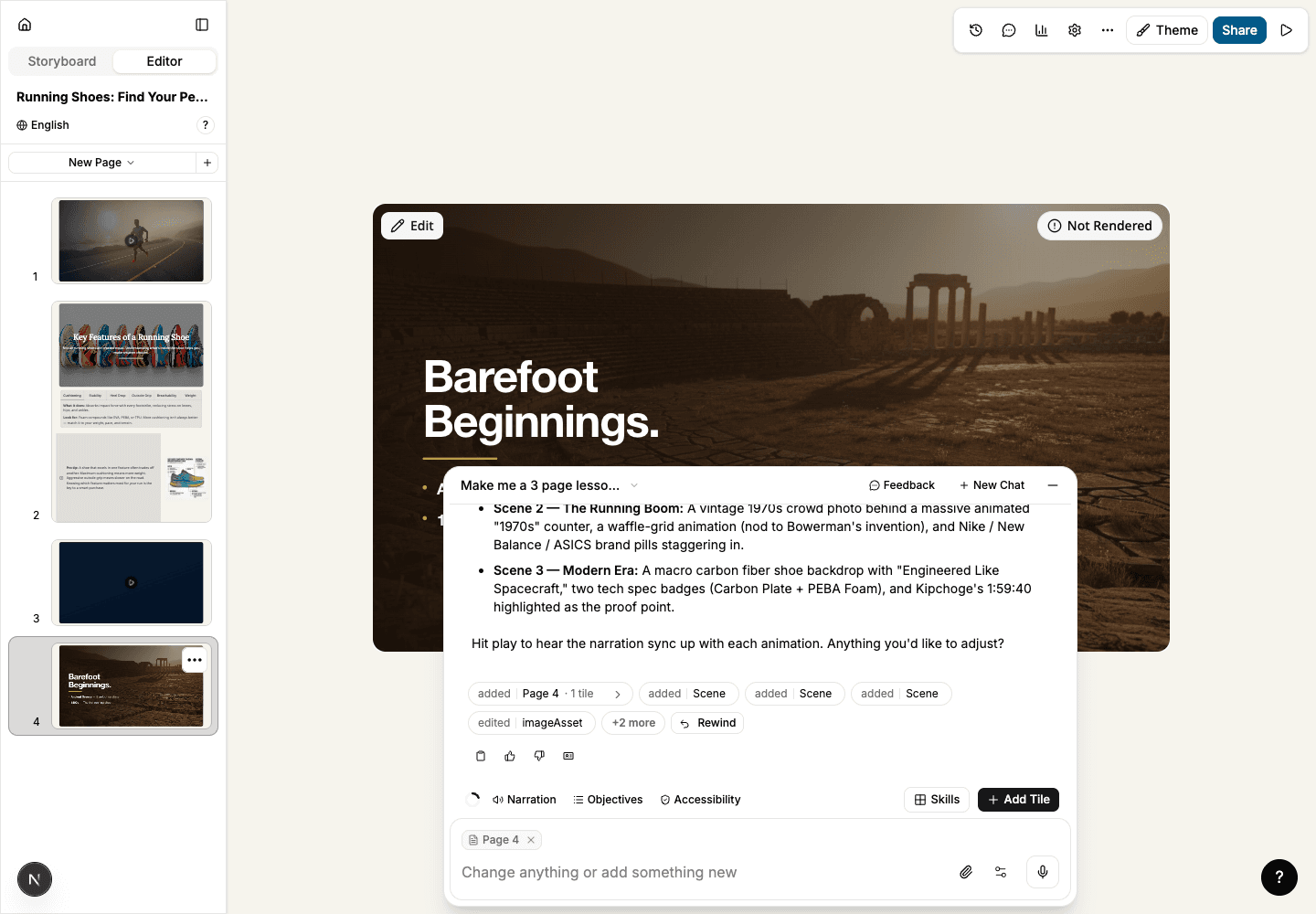
Editable video can render with a new, higher-quality AI avatar engine, and render status now shows on the tile — with failed re-renders keeping the last working version.
Read more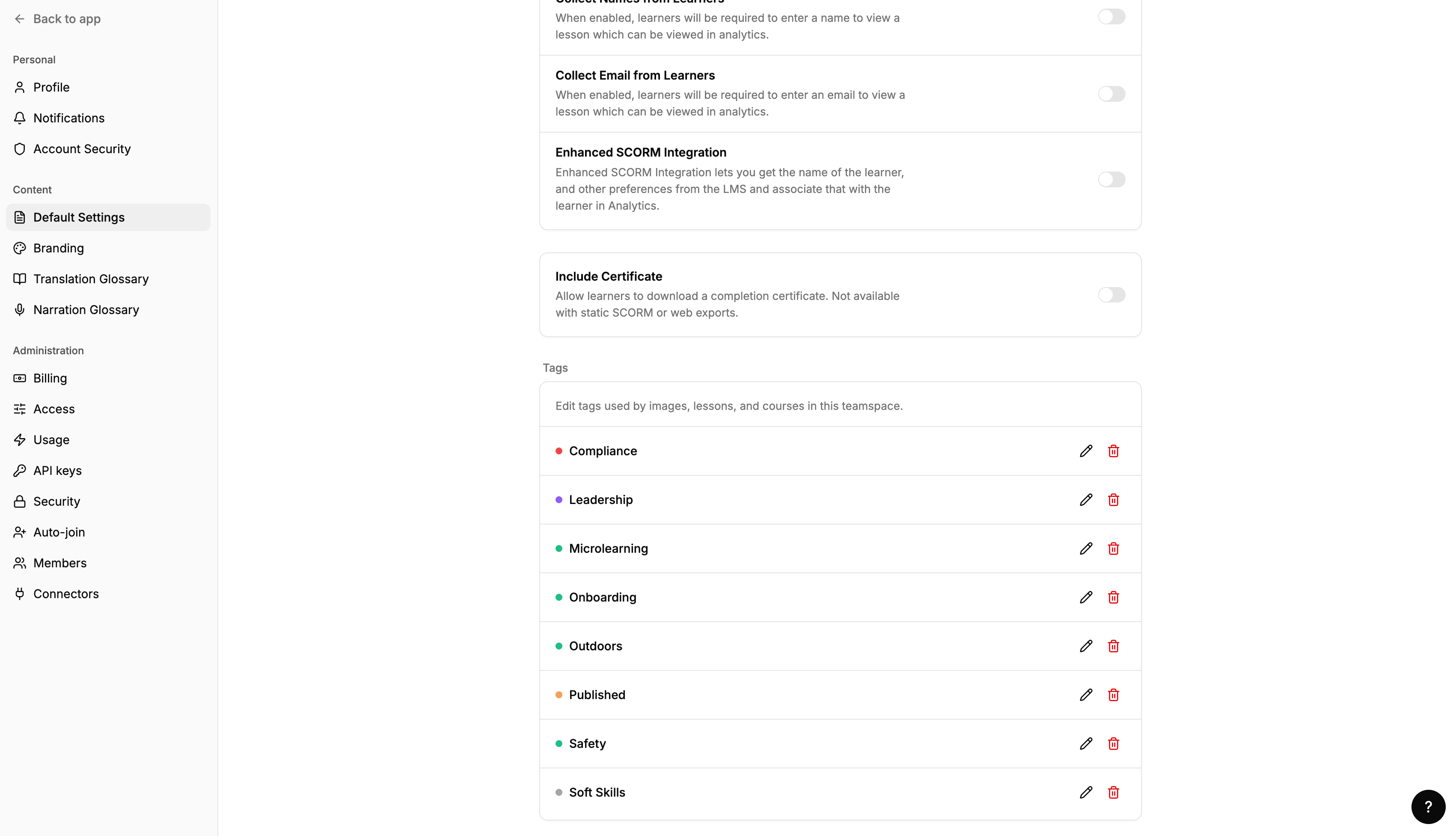
Rename, recolor, or delete content tags from Settings, with a usage count shown before you delete one.
Read moreImporting Articulate Storyline course archives is now available to all authors — no special account setting required.
Read moreThe AI agent can now edit stock images and author-uploaded images in a lesson, not just the ones it generated itself.
Read moreSCORM 2004 exports now include per-question interaction data — the question text, the learner's response, and whether it was correct — so LMSs like Cornerstone and SCORM Cloud can report on individual answers, not just the overall score.
Read more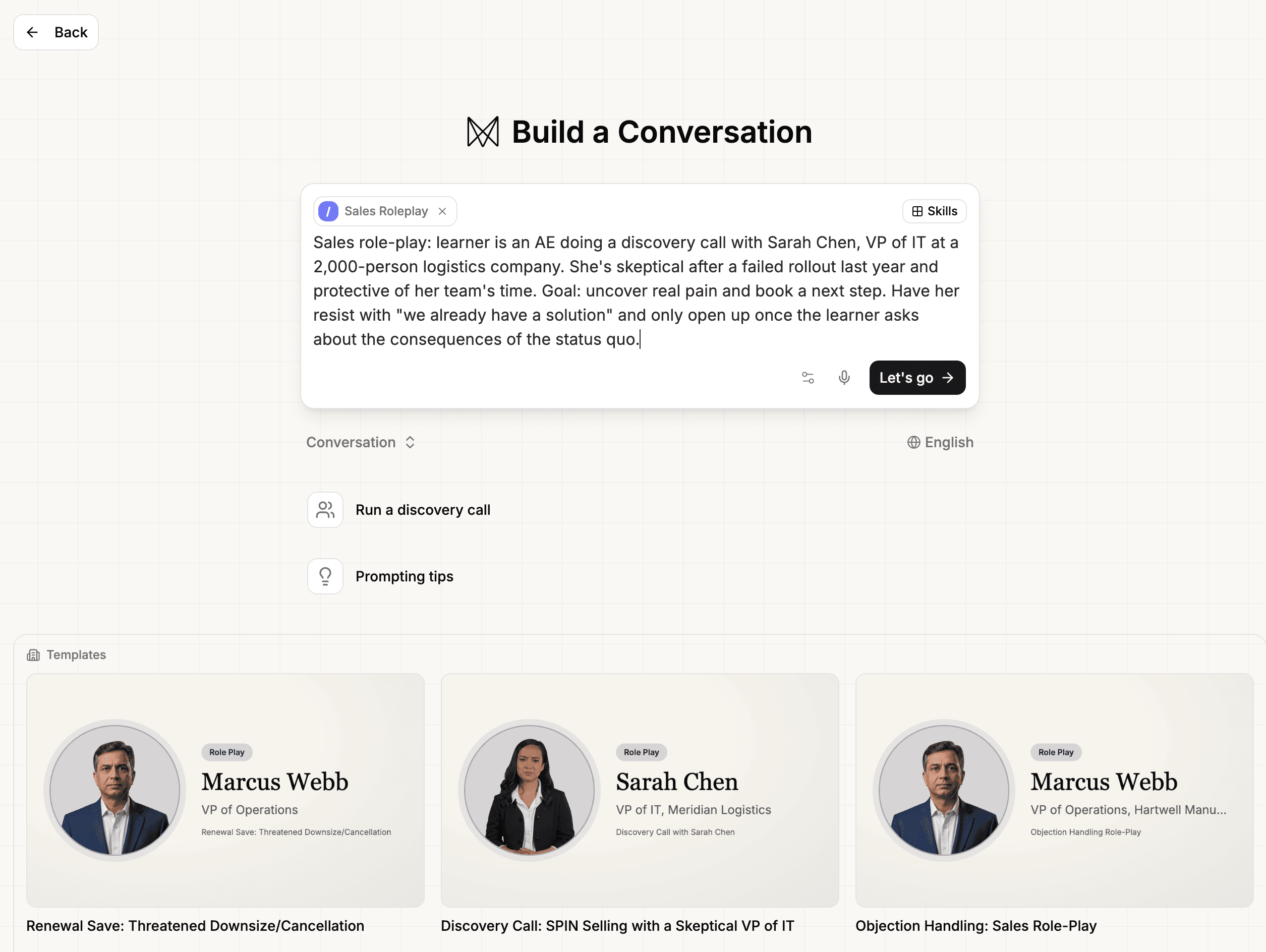
The conversation create page now offers ready-made starting templates alongside eight built-in B2B sales skills — discovery, objection handling, deal qualification, and more — for AI-powered role-plays.
Read more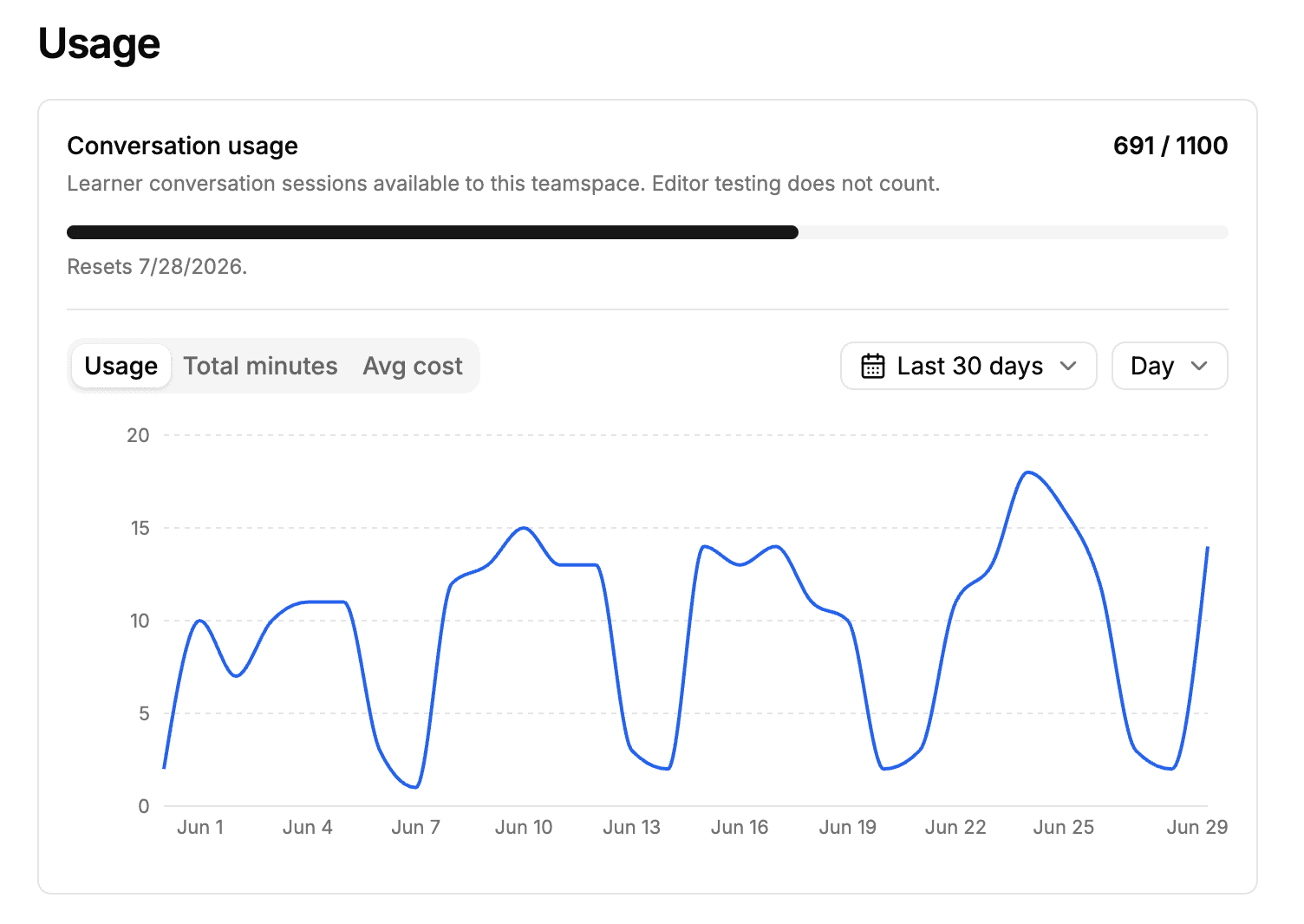
Org admins can see total AI conversation sessions, minutes used, and estimated cost in settings — and learners see a clear message when the org limit is reached.
Read more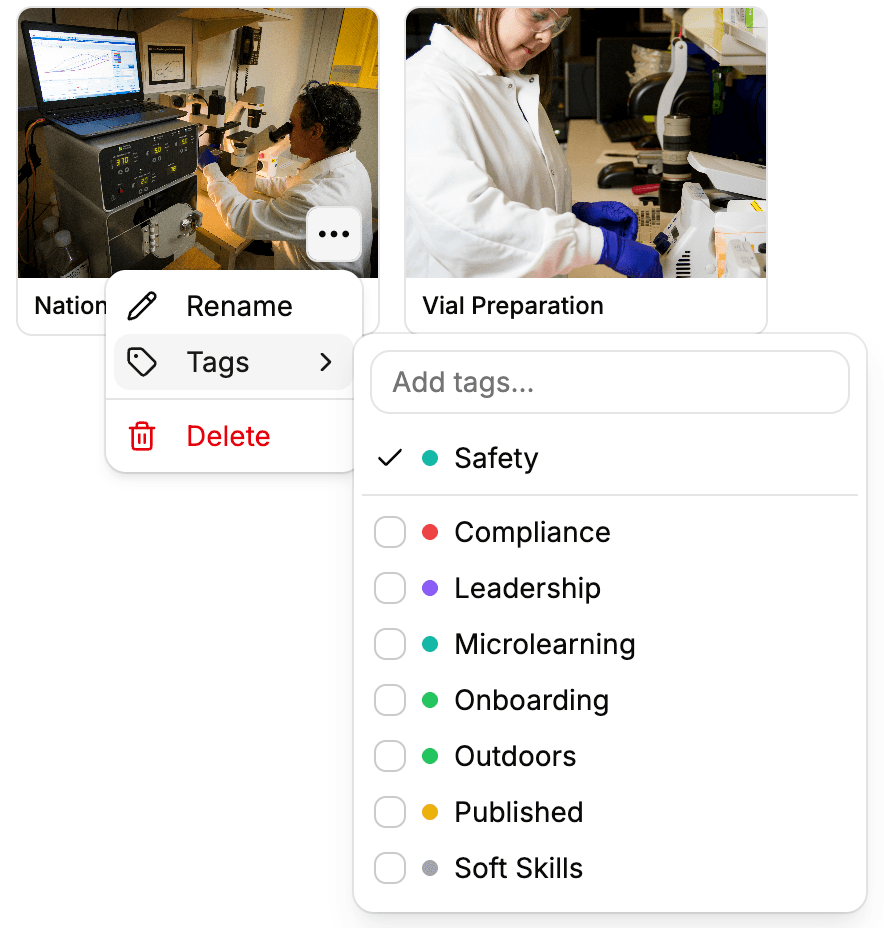
Media library assets can now be tagged and filtered by tag, matching the tag system already available on lessons and courses.
Read more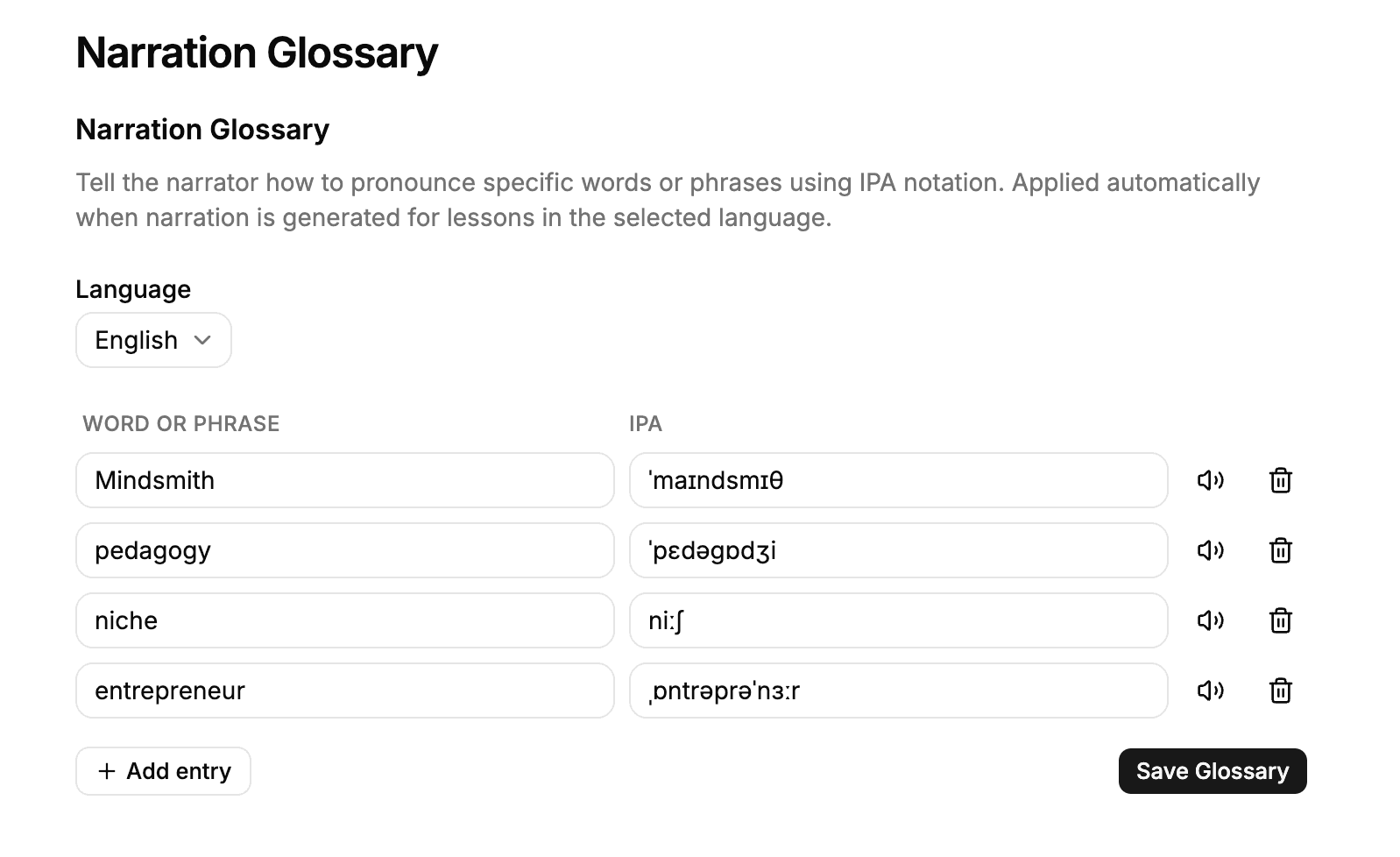
Enterprise admins can now add IPA entries to the narration glossary for exact control over how premium AI voices pronounce technical terms.
Read more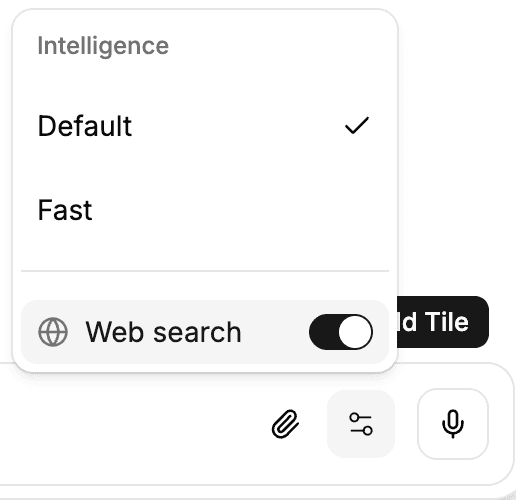
The AI agent can now look up current information on the web — recent statistics, current events — while creating lessons. Org admins enable this per organization.
Read more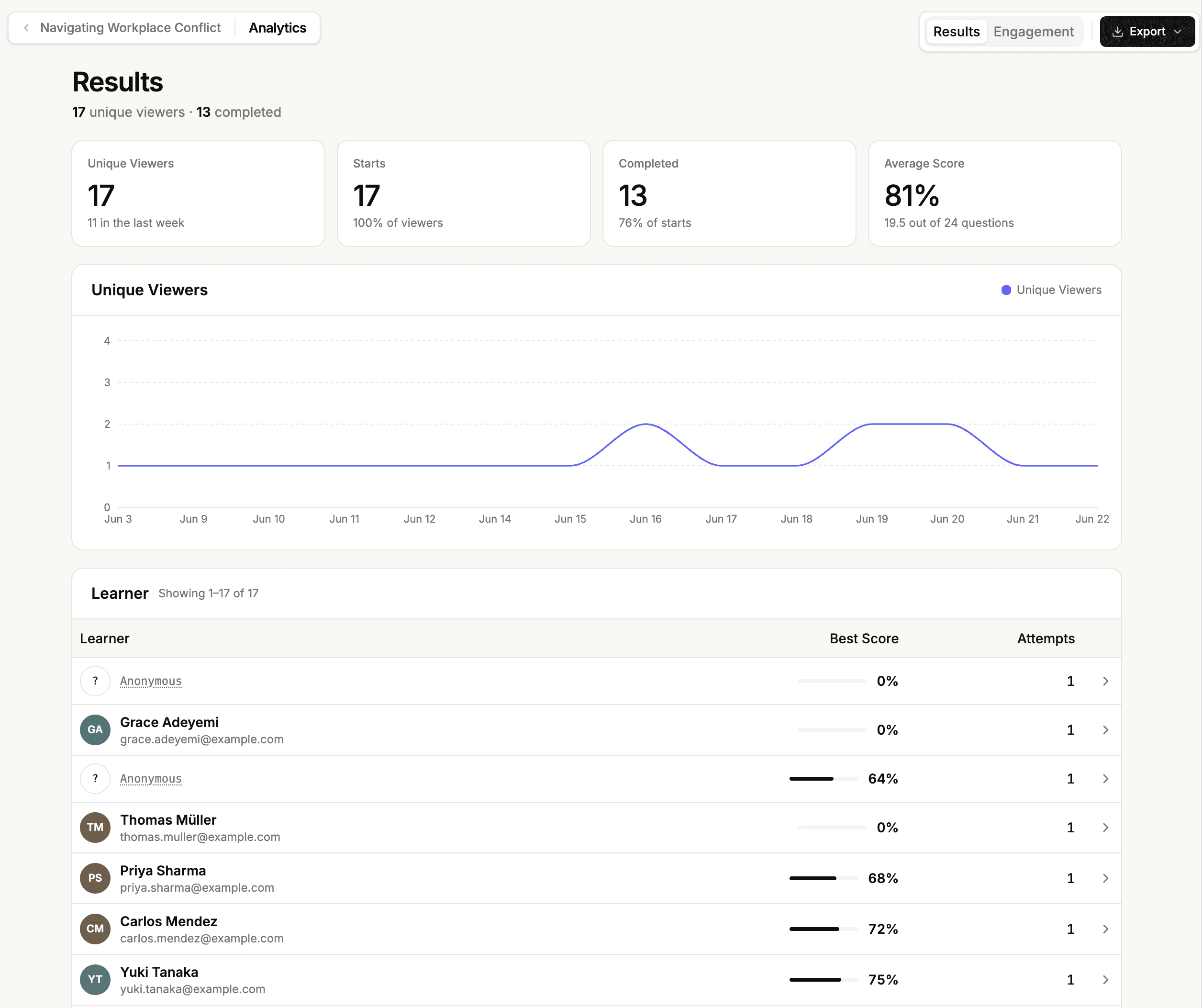
Lesson and course analytics are now a fullscreen experience — drill from course to lesson to individual learner, with richer activity charts, per-learner responses, and CSV, PDF, and certificate exports.
Read more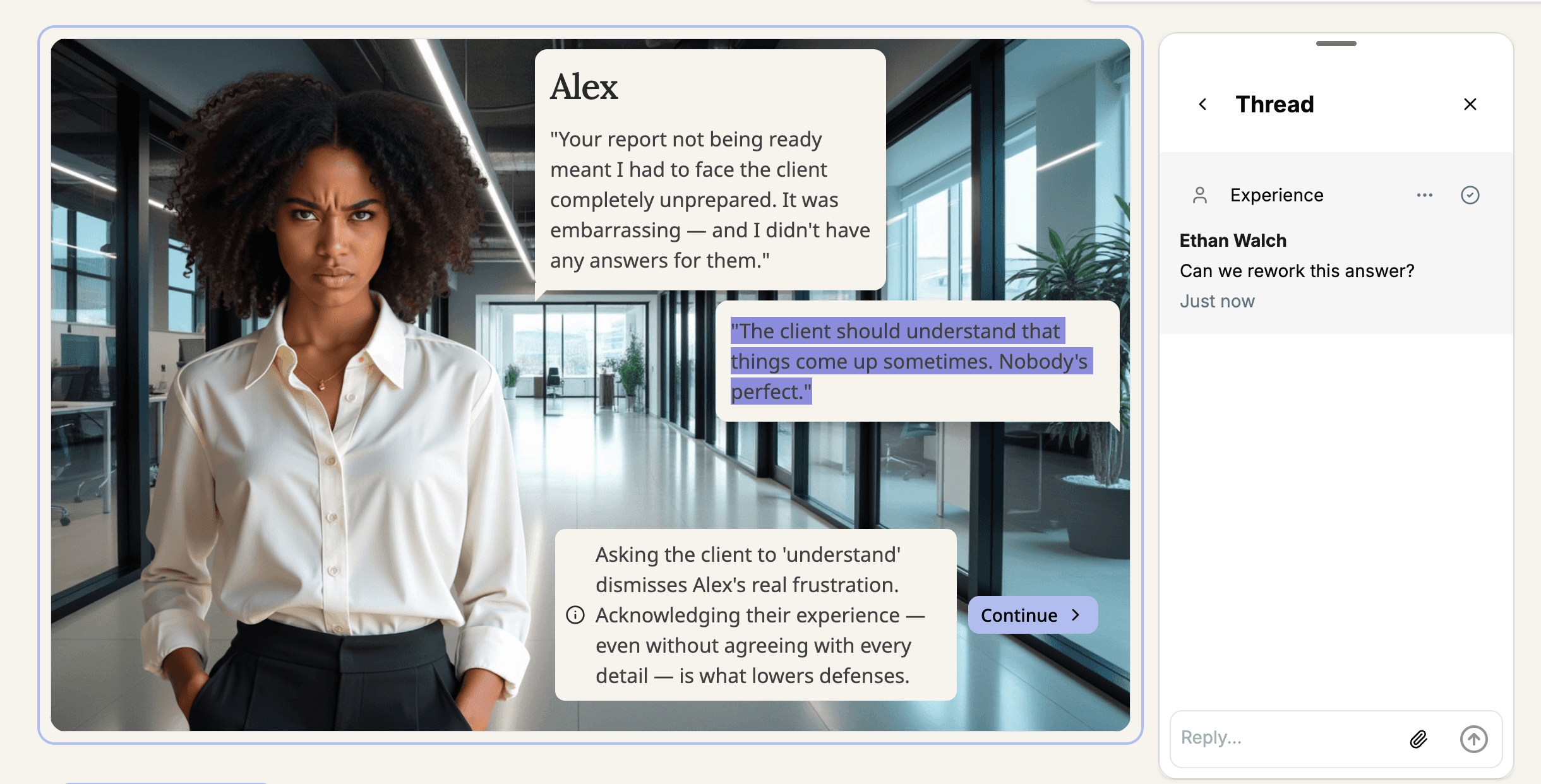
Reviewers can now leave comments on specific text inside interactive scenario tiles, including dialogue lines, answer choices, and feedback.
Read more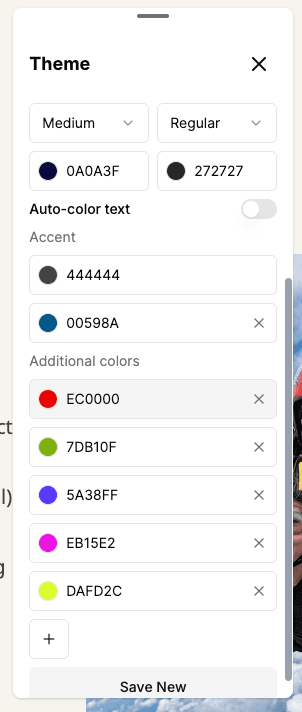
Themes now support up to 10 accent colors, each available in text formatting and highlight menus. Deleted accents can be restored from any tile that referenced them.
Read more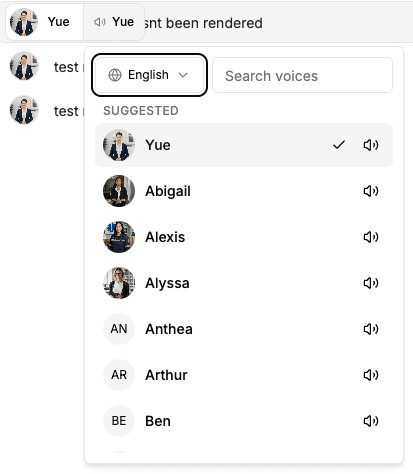
All AI avatars now ship with a matching ElevenLabs voice by default, and the voice picker has been redesigned with search, per-voice preview, and expanded language support.
Read more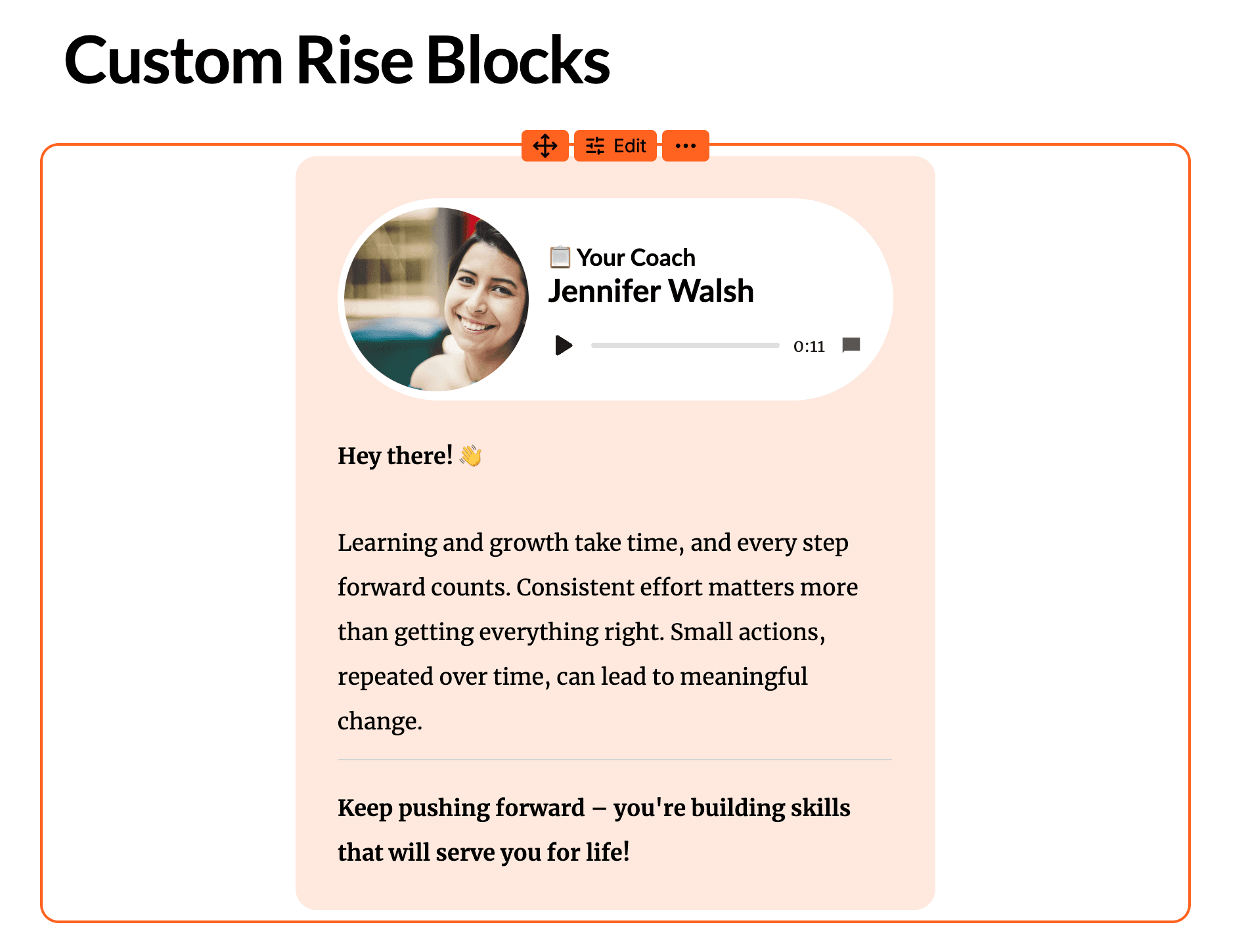
Articulate Rise 360 courses with Custom blocks now import as rendered content instead of showing an unsupported placeholder.
Read more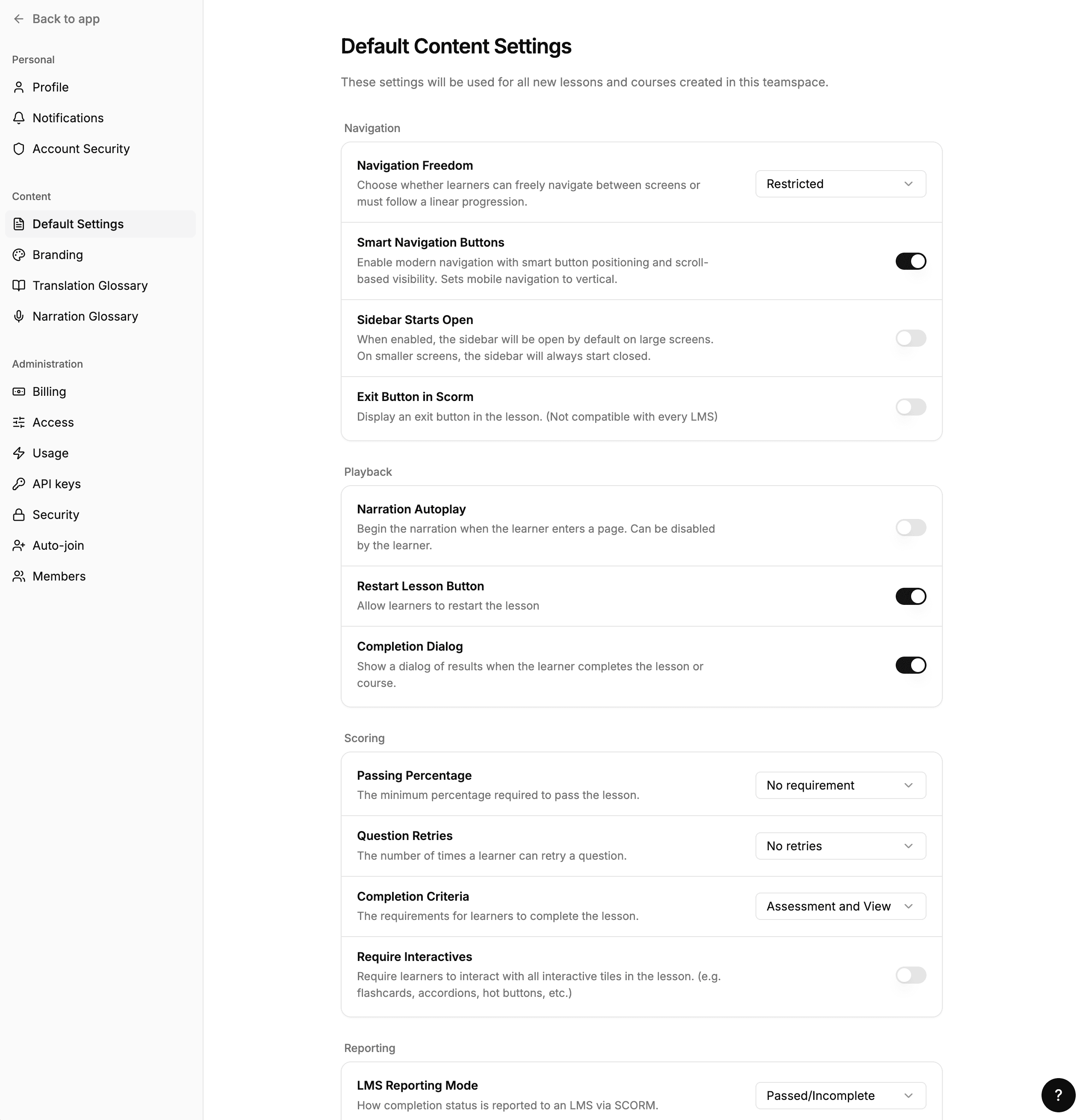
Settings has been rebuilt as a full-page view with a cleaner sidebar, the main nav renamed to Home, and inline teamspace management for enterprise admins.
Read moreThe AI agent now handles lesson builds that exceed 13 minutes, resuming automatically without interruption or error.
Read more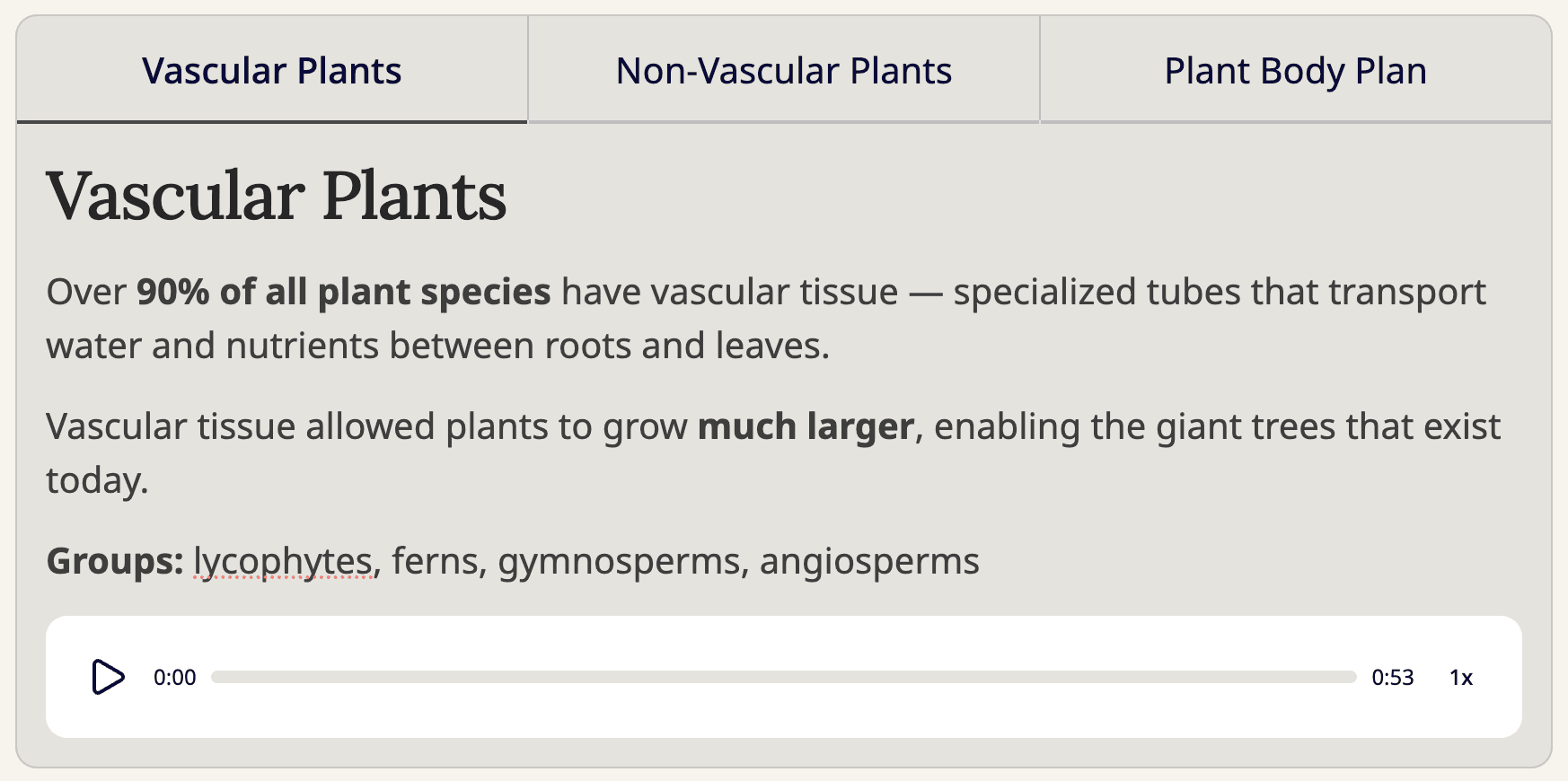
Accordion, Tabs, and Process tiles now accept audio files as their media element, anywhere a video could previously be added.
Read more