Translation glossaries for regional language variants
Creating translation glossaries no longer fails when selecting regional languages like Spanish (Latin America) or Portuguese (Brazil).
Read moreProduct Updates
The latest features, improvements, and updates to Mindsmith.
Creating translation glossaries no longer fails when selecting regional languages like Spanish (Latin America) or Portuguese (Brazil).
Read moreThe AI assistant now summarizes its changes as collapsible groups by page and section, so large edits are easier to scan.
Read moreFast Mode AI is now automatically available to every non-enterprise organization — no admin toggle required.
Read moreOrganizations using Mindsmith embedded in an LMS or content platform now get the AI agent as the default creation experience.
Read more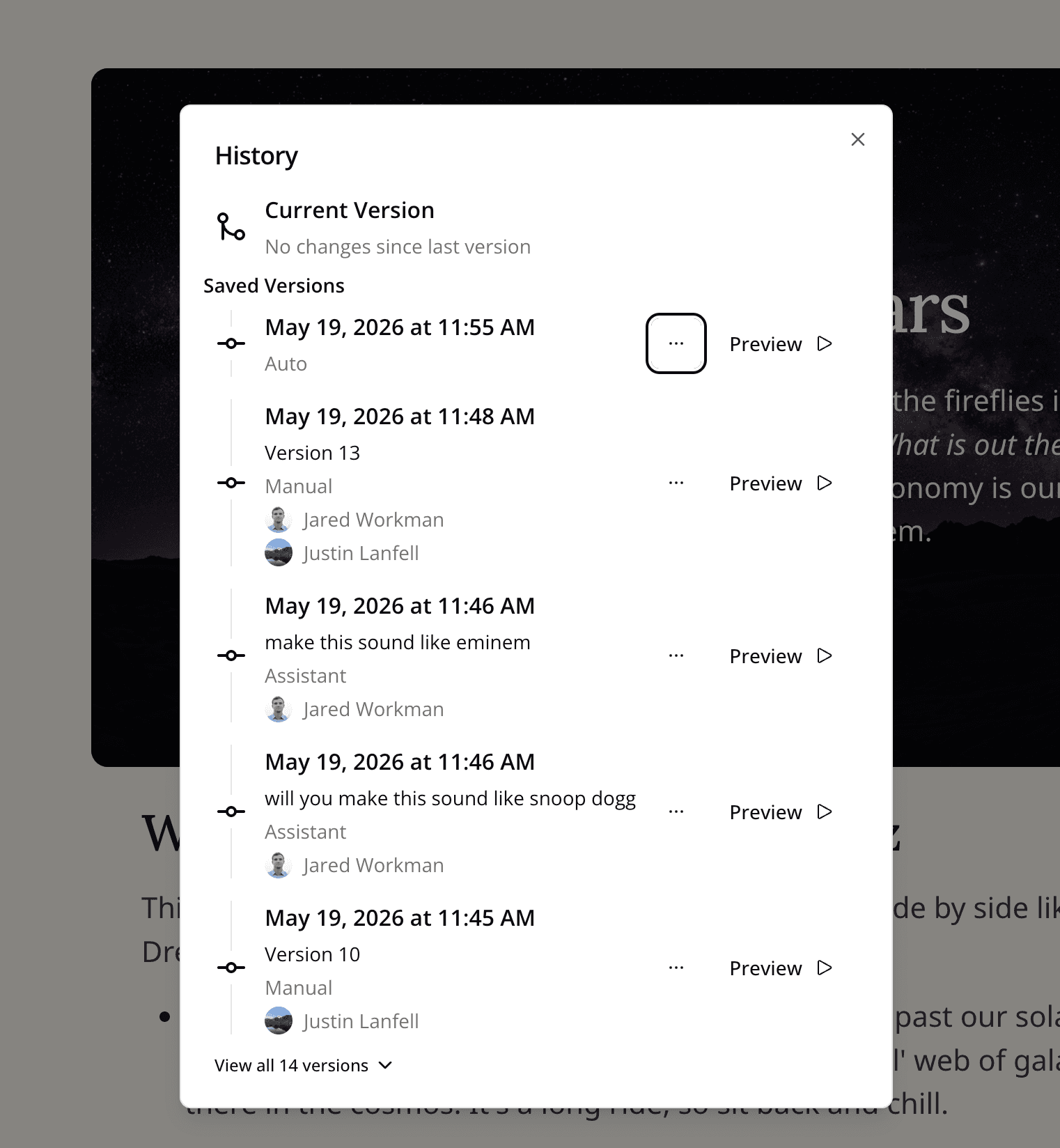
Each entry in lesson and course version history now lists the team members who saved or were actively editing when the version was created.
Read more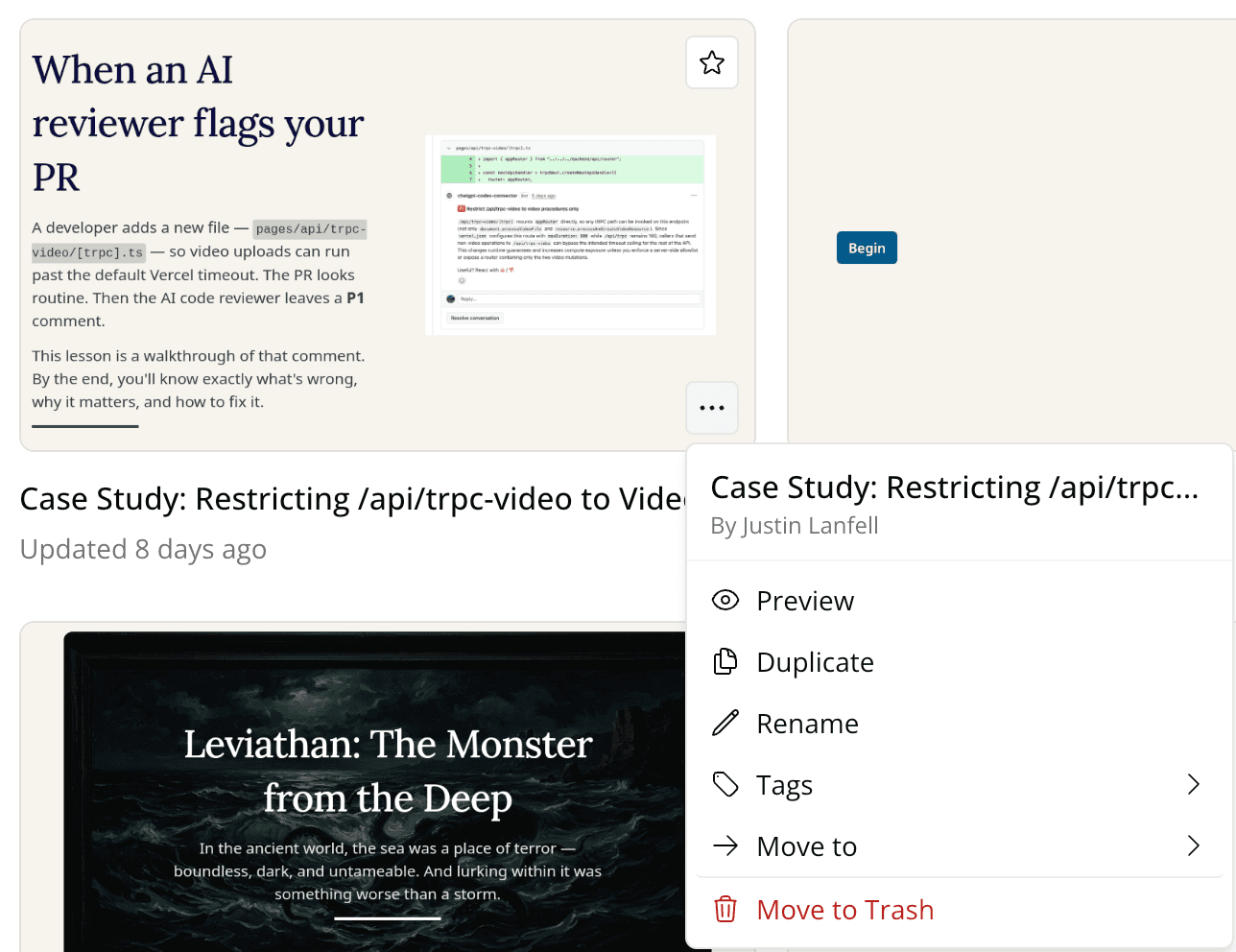
The context menu on every lesson and course card now shows which team member originally created the item.
Read more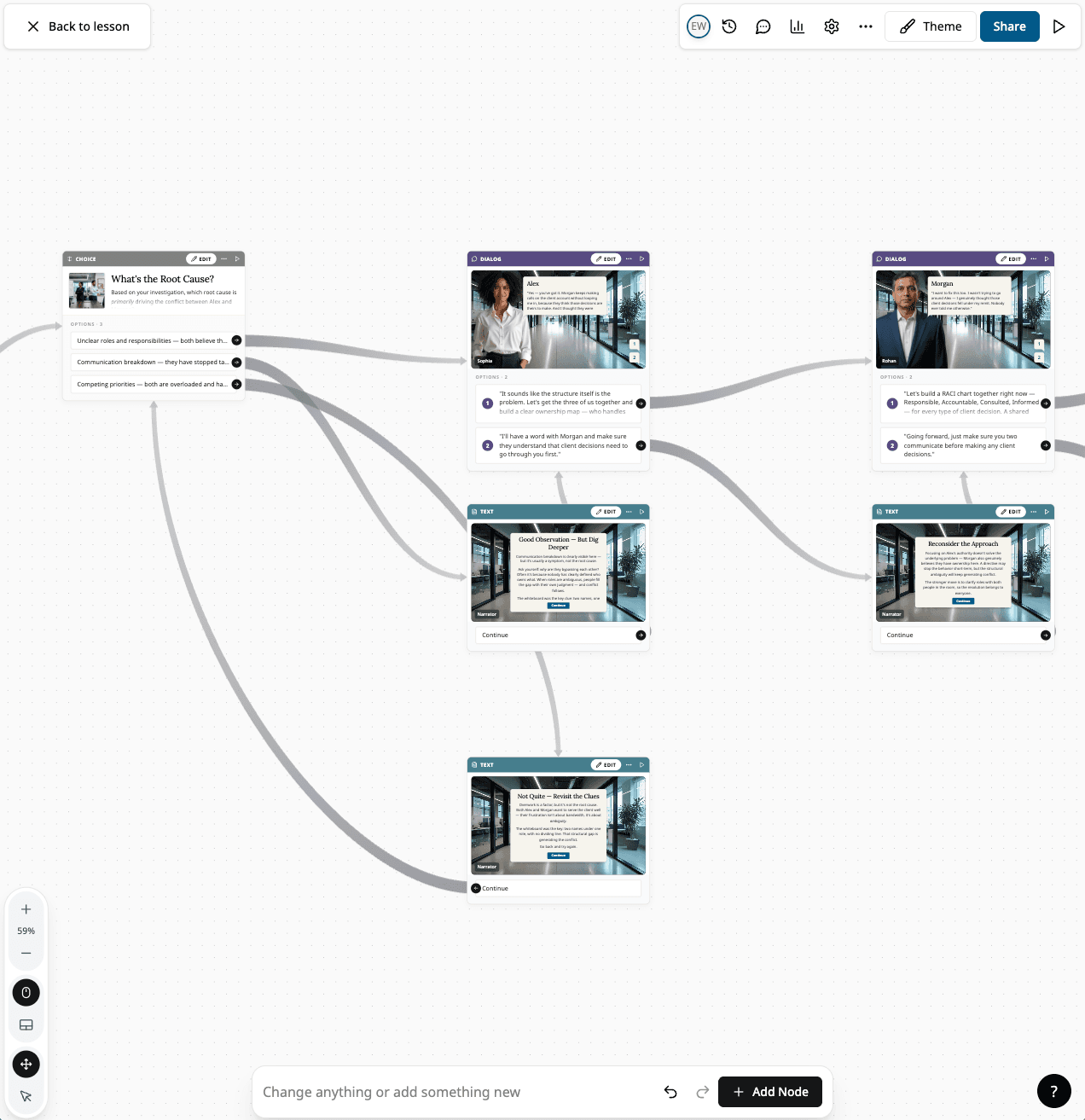
The branching scenario editor has been rebuilt with a faster canvas, full-screen per-node editors, dark mode, multi-select, and preview from any node.
Read more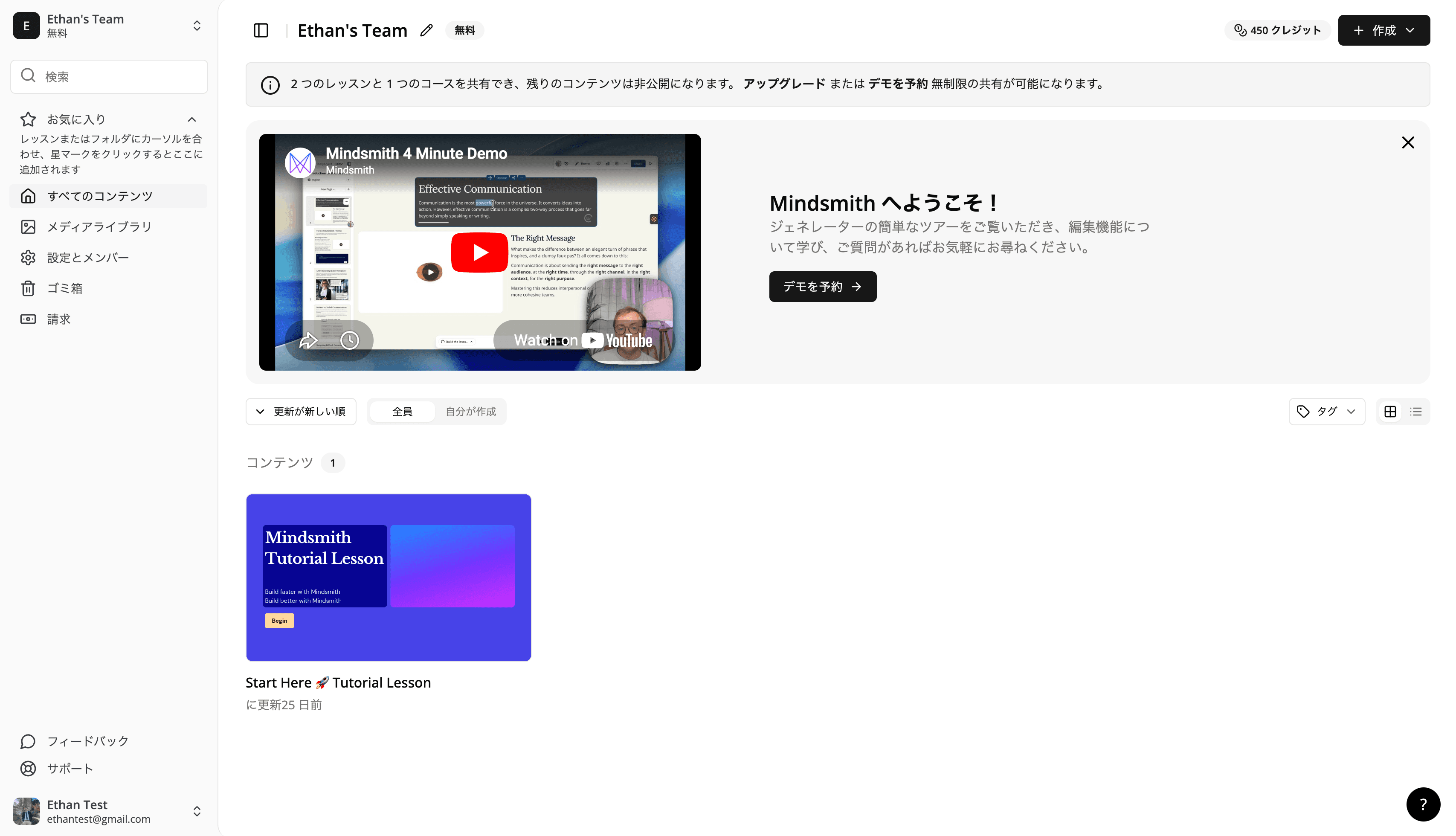
Japanese is now available as an interface language for both authors and learners.
Read more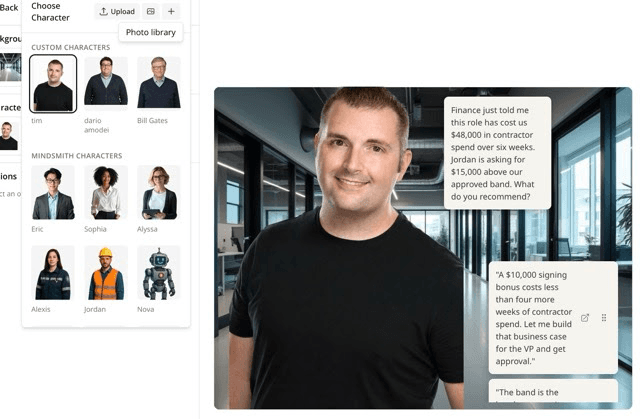
Authors can now create custom AI characters for scenario lessons, with auto-generated emotion expressions and a matching narration voice.
Read more
The dashboard now has a tile/list view toggle that remembers your preference, plus a tag filter for browsing lessons and courses by tag.
Read moreKhmer, Albanian, Macedonian, Serbian, Tigrinya, Pashto, and Dari are now supported as learner languages for translation.
Read more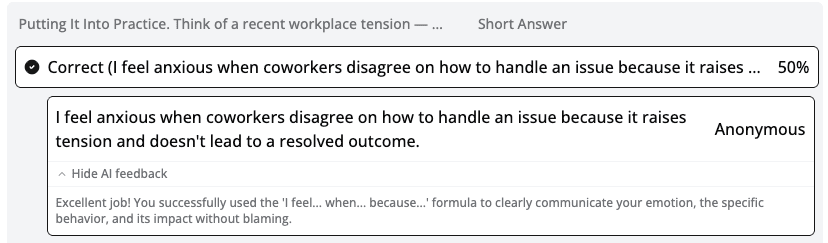
Instructors can now expand an AI feedback panel inline on each short-answer response in the lesson analytics view.
Read more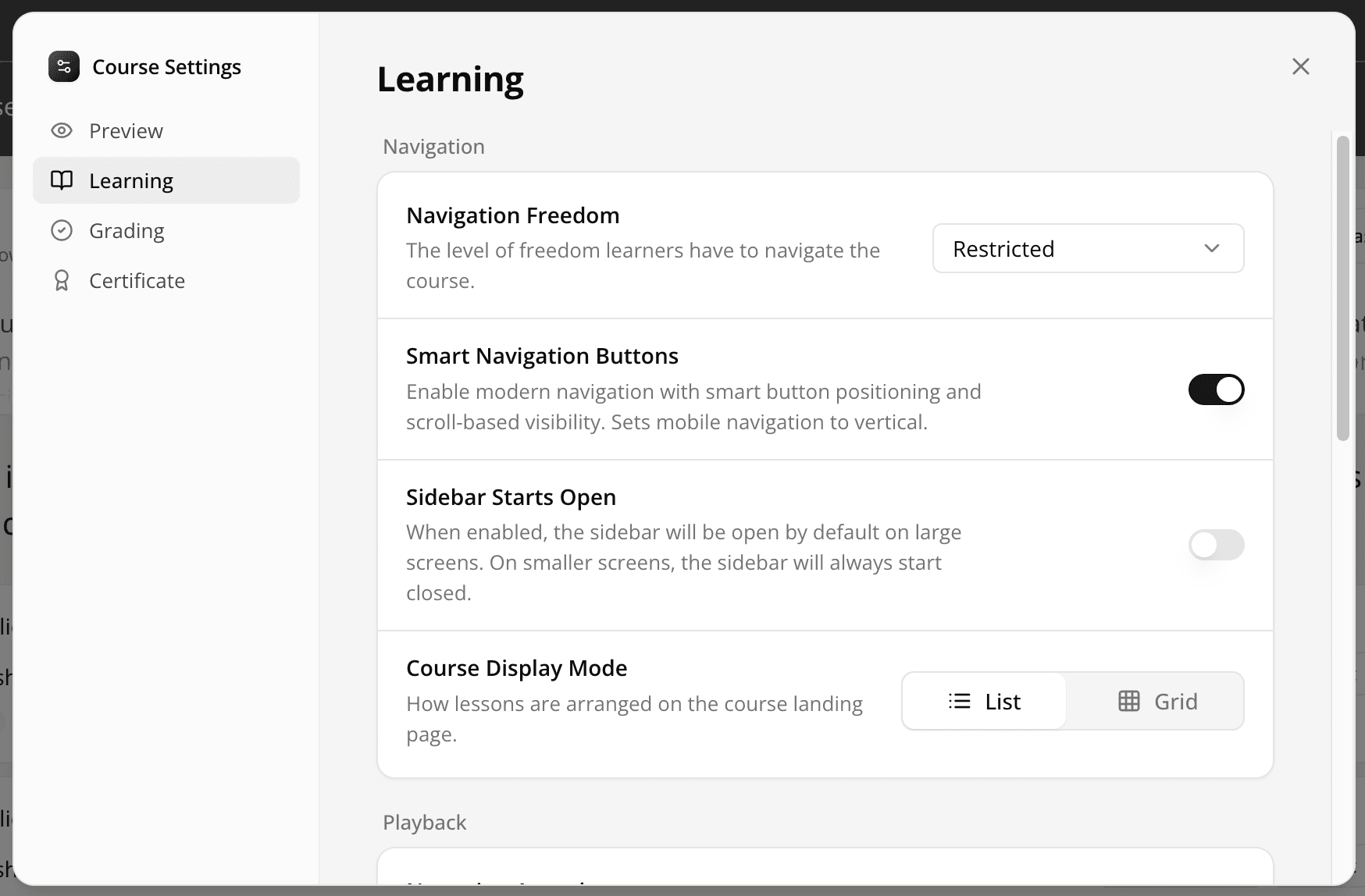
The settings dialog has been rebuilt with a tabbed layout across four sections: Preview, Learning, Grading, and Certificate.
Read moreConversation tiles in text input mode now expose a Submit button for learners and an author-level toggle for AI audio playback.
Read more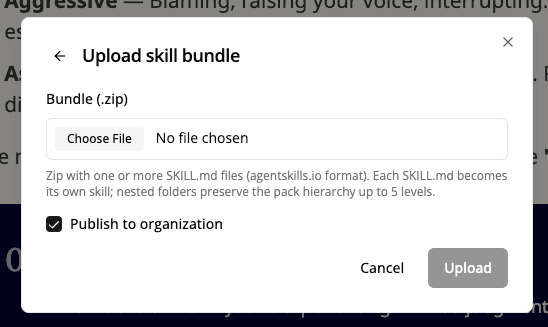
Enterprise admins can now upload .zip skill bundles directly from the AI agent panel, making those skills available to all org authors.
Read more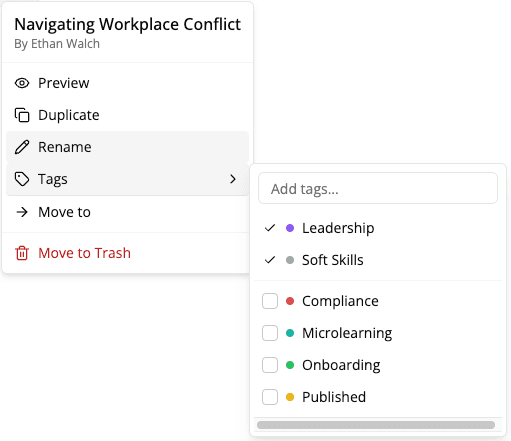
Lessons and courses now support color-coded tags, assignable from the right-click menu with the ability to create new tags on the fly.
Read moreExpert mode now uses Claude Opus 4.7, Anthropic's latest and most capable model.
Read moreThe AI mode picker is now an icon-based popover with Fast and Expert modes, and Fast mode no longer requires an extra-usage add-on.
Read more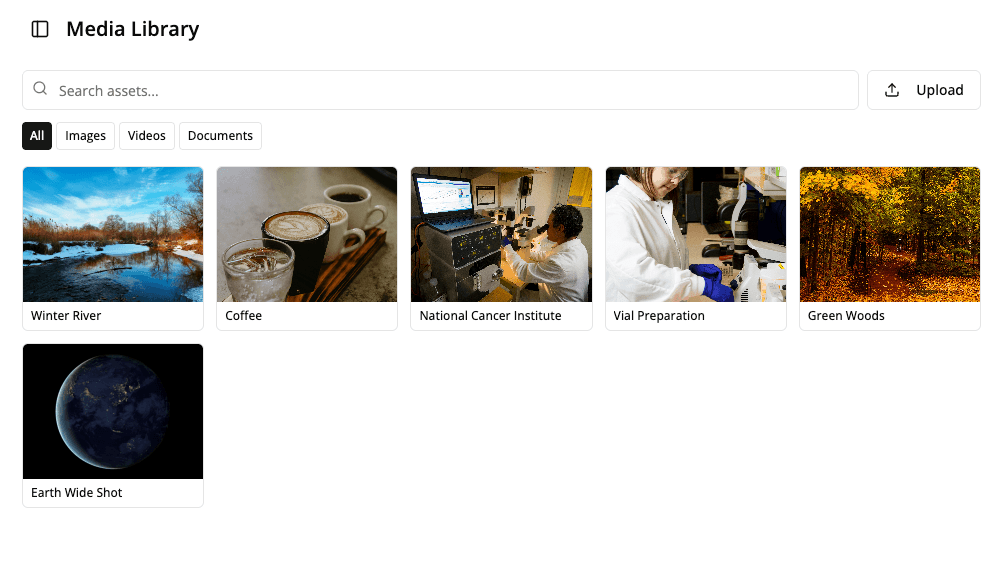
An organization-wide asset library so authors can pull from a shared set of reusable assets when building lessons.
Read moreAn early Storyline import path that uses the Mindsmith Agent to read Articulate Storyline content and rebuild it as a Mindsmith lesson.
Read more