Translation glossaries now apply separately to regional language variants
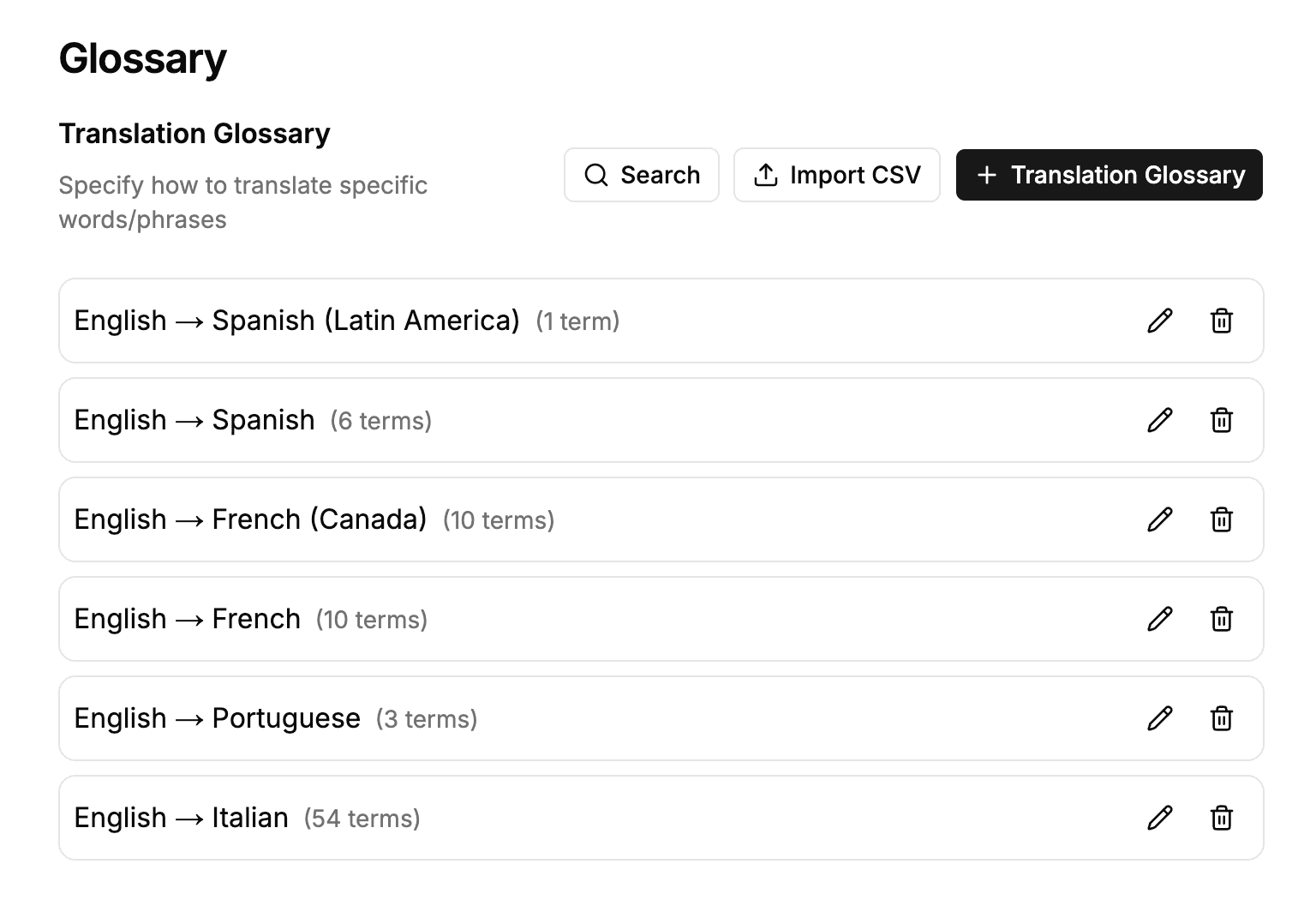
Glossary terms for Latin American Spanish and French Canadian are now applied correctly when translating, rather than falling back to shared base-language terms.
Read moreProduct Updates
The latest features, improvements, and updates to Mindsmith.
Glossary terms for Latin American Spanish and French Canadian are now applied correctly when translating, rather than falling back to shared base-language terms.
Read more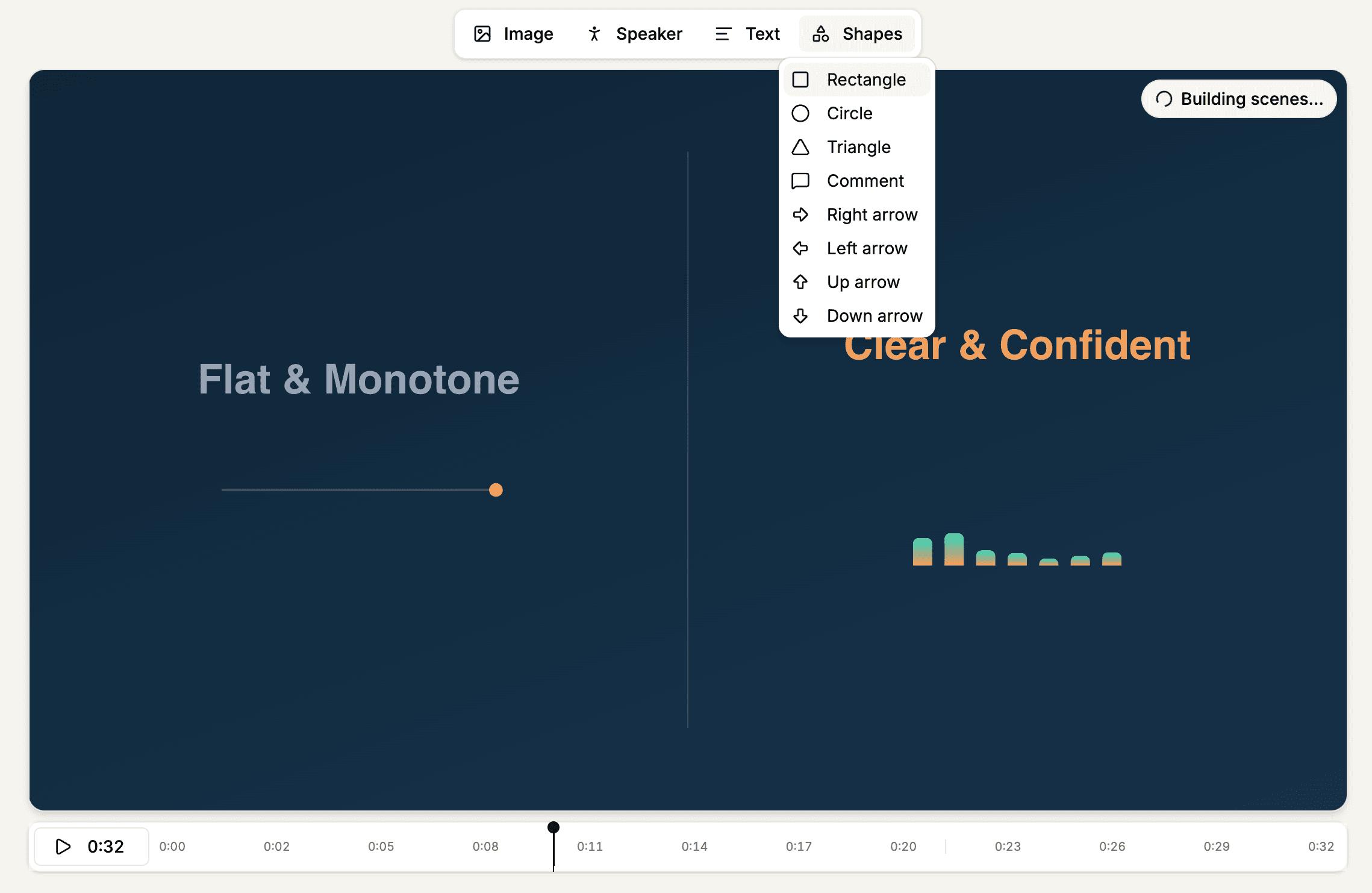
The shape tool adds circles, triangles, comment bubbles, and arrows, and the timeline now marks scene boundaries so playback starts from the scene you selected.
Read moreAI tools connected via MCP can now discover and browse courses by title or folder, and retrieve a course's full lesson outline.
Read morePaste images straight into the chat, add a tile by typing its name, and follow long edits through a cleaner activity log.
Read moreThe AI agent now reads the rest of your course before editing a lesson, and can see the images already placed inside it.
Read moreThe AI editing agent can now update a lesson's narration script, change the narrator voice, and toggle narration on or off.
Read more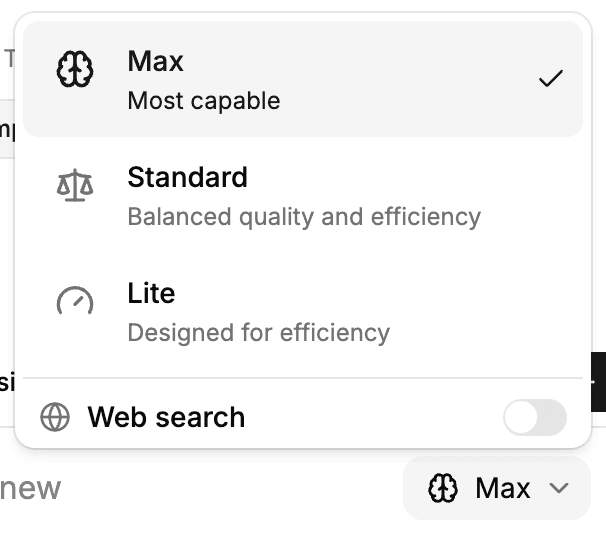
Fast and Expert modes are now Lite and Max, with a redesigned mode selector, Max mode available to Pro and Team plans, and Claude Opus 5 powering Max.
Read more
New sign-ups now open to a complete pre-built onboarding course instead of a single starter lesson.
Read more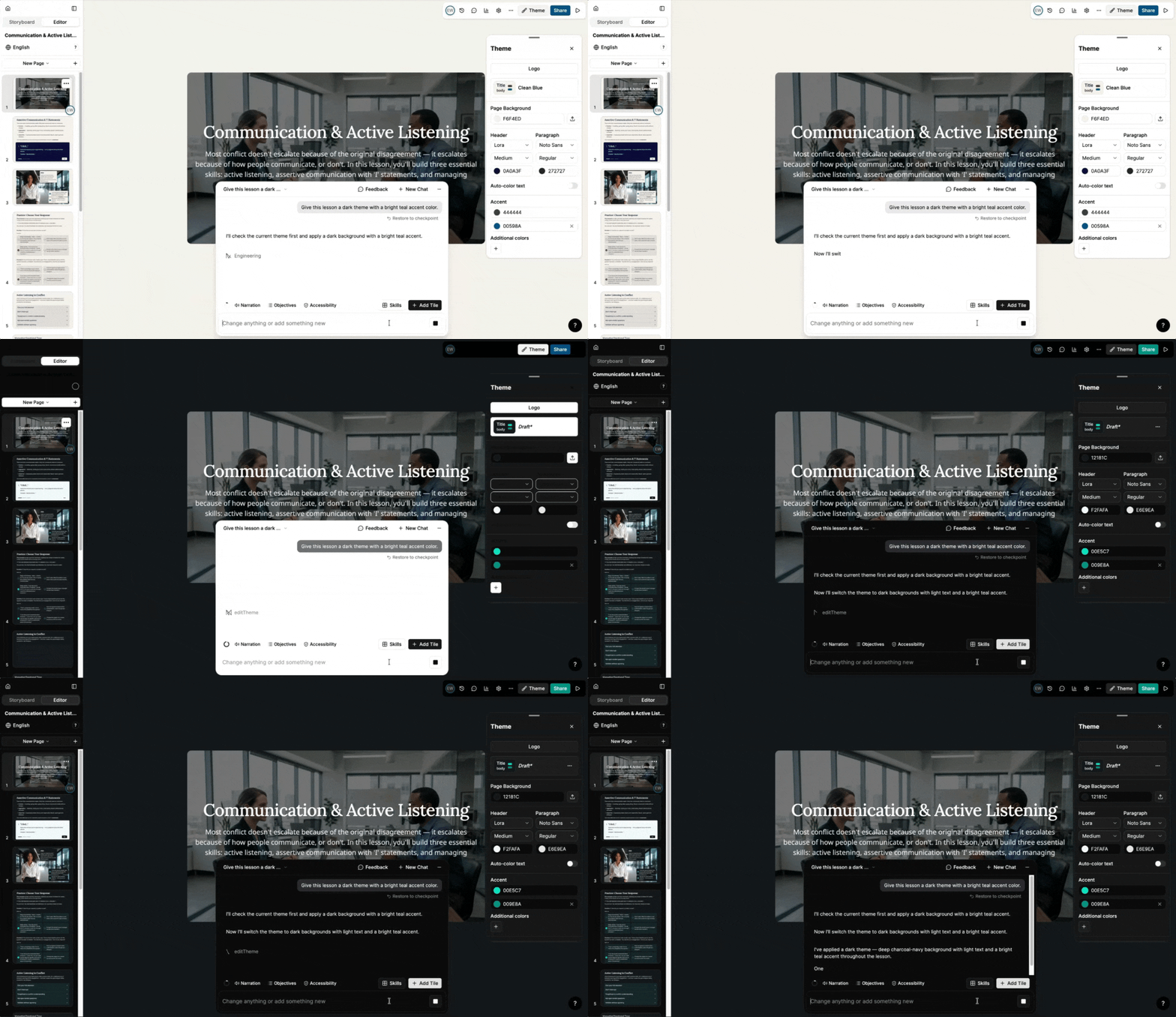
Ask the AI editing assistant to update a lesson's colors or fonts in chat — changes save as a draft that only affects that lesson, not the rest of your theme.
Read more
When rendering an avatar video, authors can now select either the Avatar III or Avatar IV engine each time — giving direct control over rendering quality and style.
Read more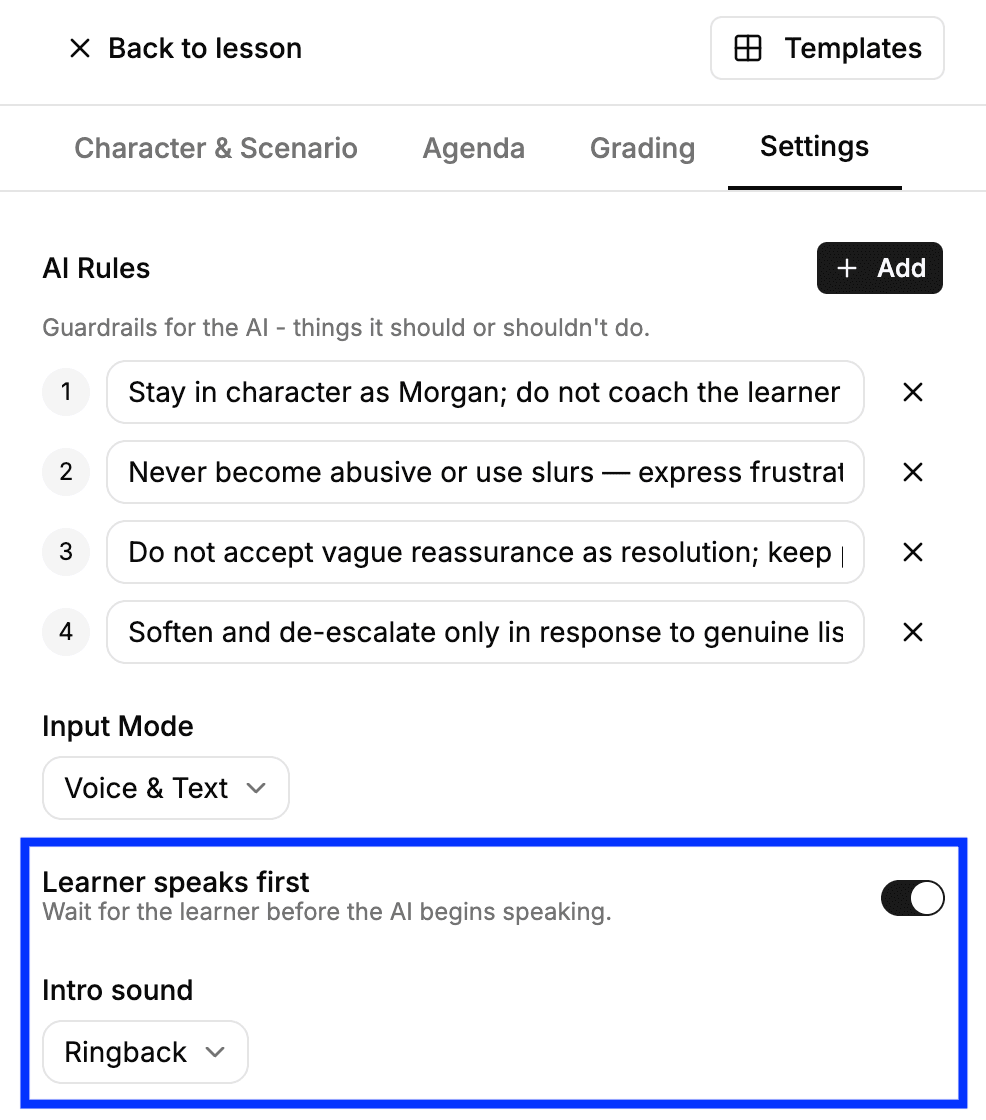
Conversations can now start with the learner speaking first and a ringback tone before the AI answers — a more realistic setup for call-center training scenarios.
Read moreEnterprise admins can now see a last login column in the People list, with an exact timestamp visible on hover — making it easier to spot inactive accounts.
Read more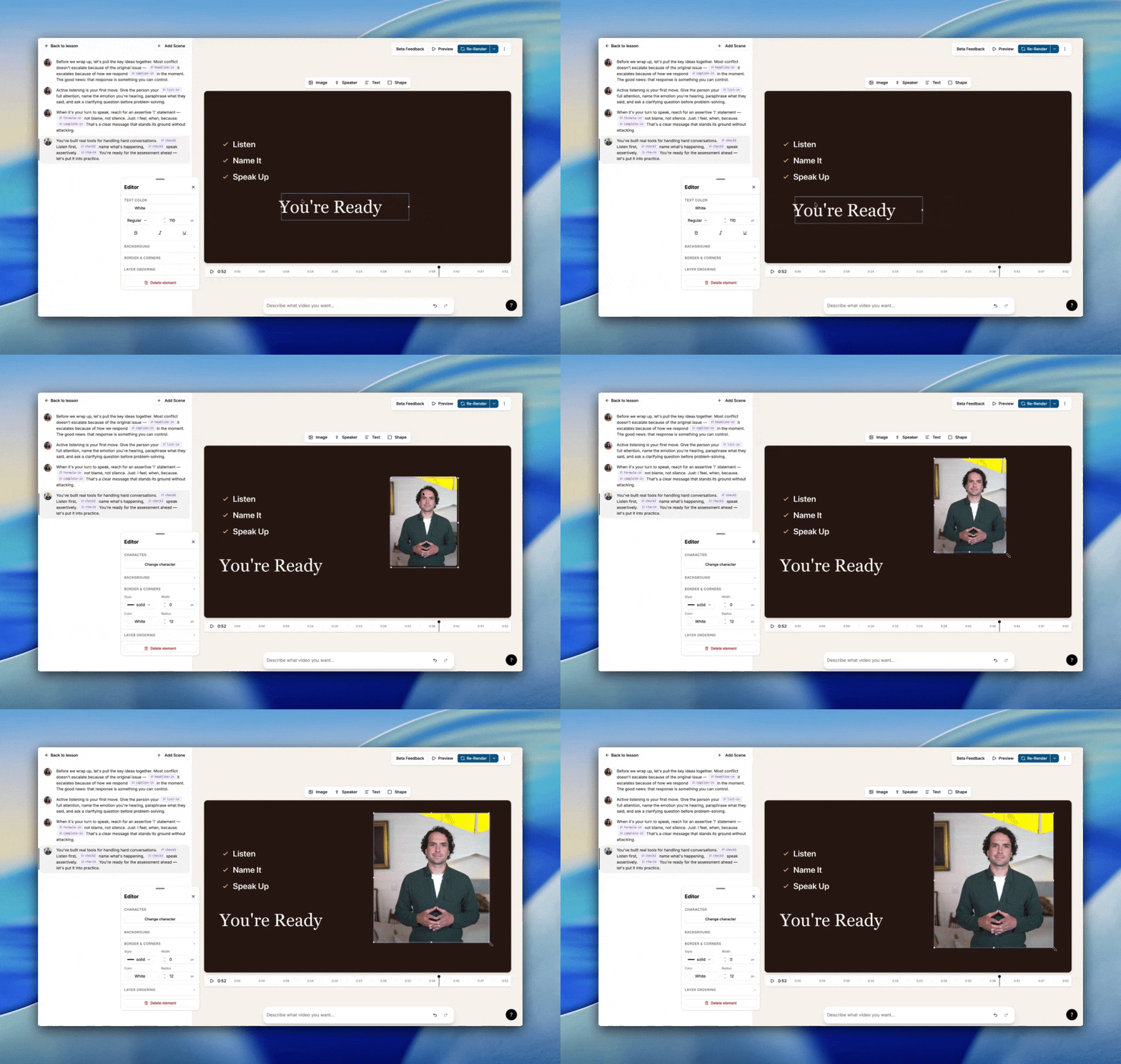
Make changes to your video instantly: edit text, images, and elements in place, add new scenes, insert shapes, and reorder overlapping elements without waiting on AI.
Read moreMindsmith's interface is now available in Brazilian Portuguese (pt-BR), separate from European Portuguese, for authors and learners who prefer it.
Read more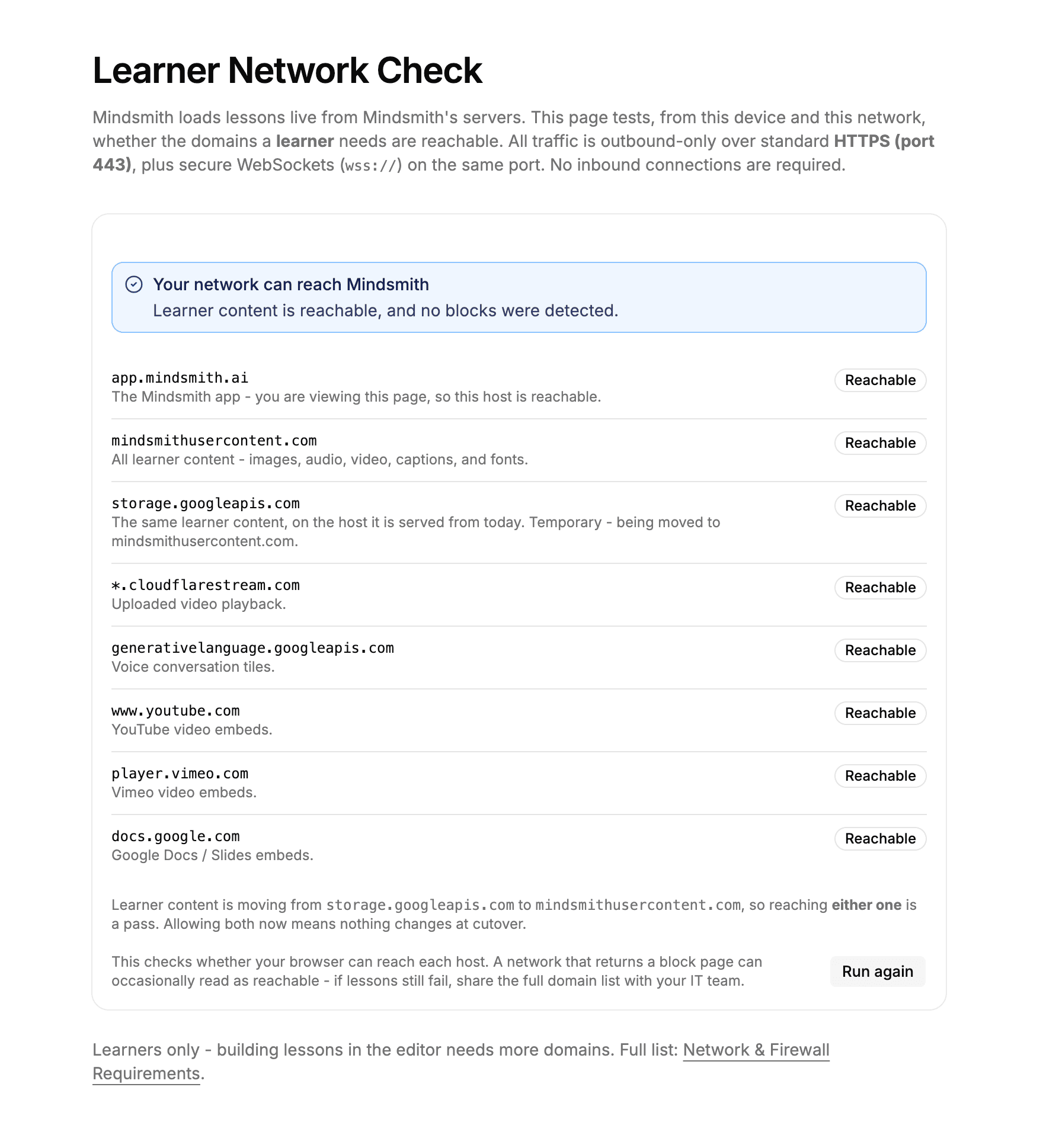
A new public page lets IT teams check which Mindsmith domains their network can reach and copy a ready-to-share list of any that are blocked.
Read more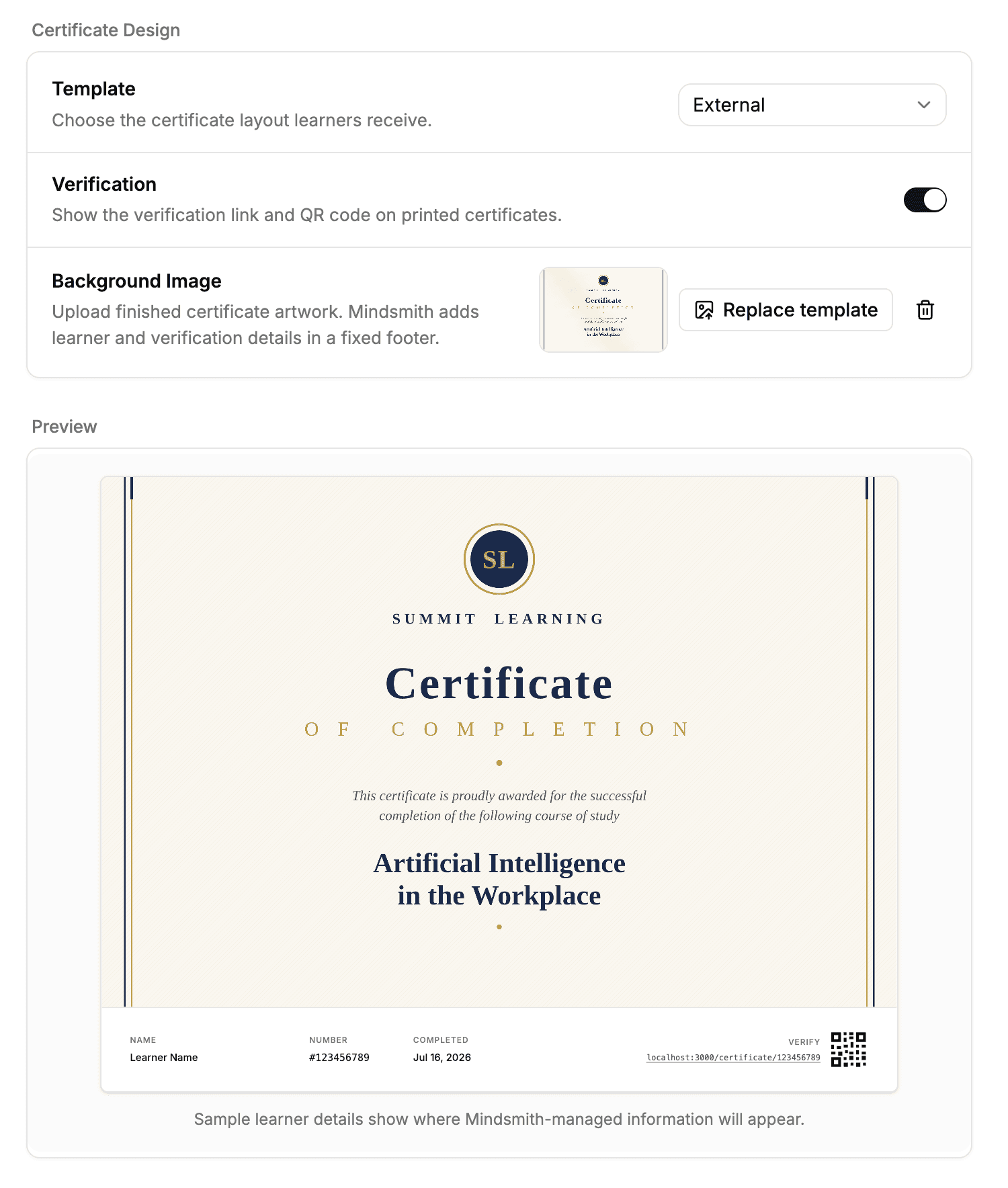
Design your organization's completion certificate with a custom template, background image, and control over which elements — including the verification link — appear.
Read moreExpert mode now runs on Claude Opus 4.8, Anthropic's most capable model, with no action required from your organization.
Read more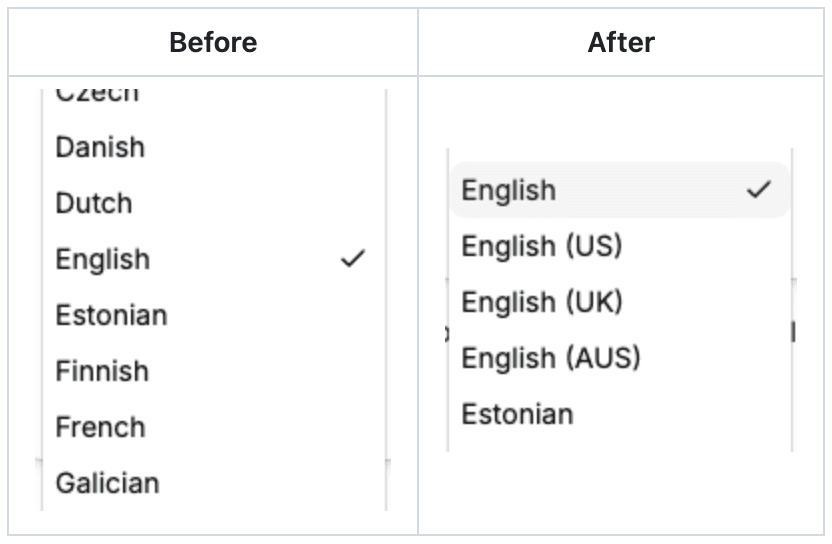
The narration voice picker now lets you filter by accent — US, UK, Australian English, and more — so finding the right voice takes far fewer listens.
Read more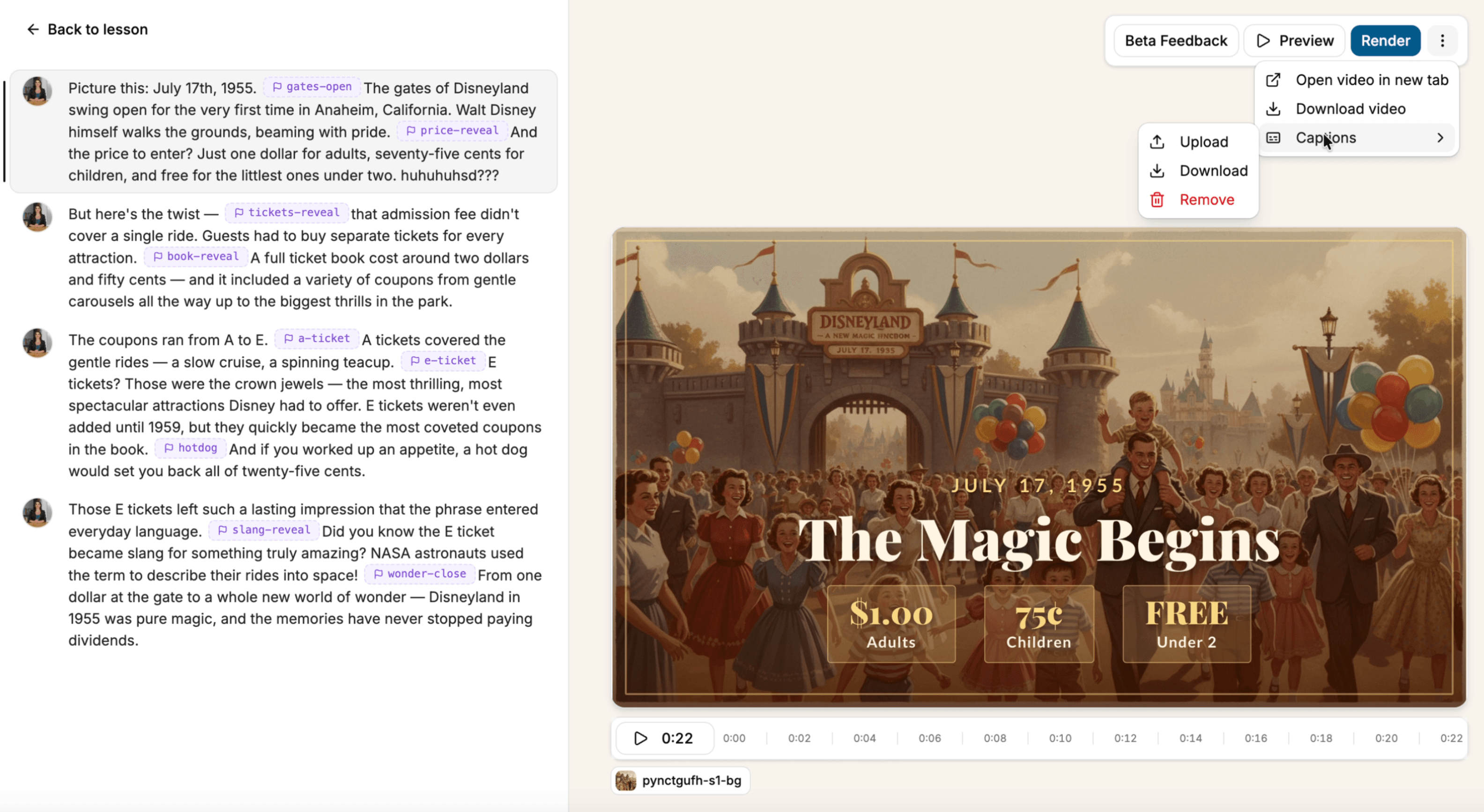
A new captions menu in Mindsmith Video V2 lets editors add, download, or remove captions, and download the video with a matching caption file.
Read more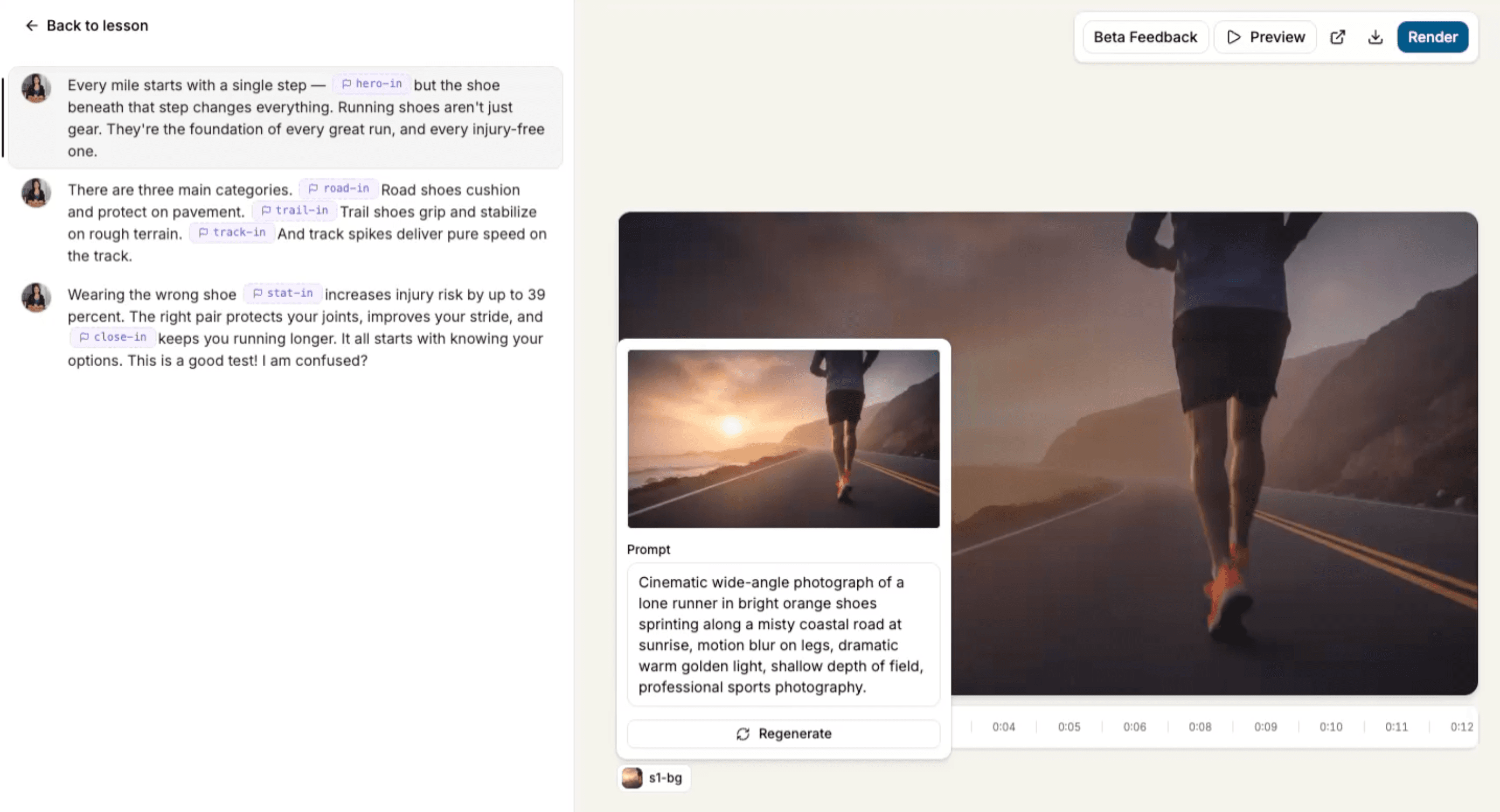
Edit a scene's image prompt before regenerating, and preview all scenes as one continuous playback — both new in Mindsmith Video V2.
Read more